Chapter 5: Console Operation
Fader Strips: User Pot Assignment
122/ 526 2.0 Eclipse User Guide
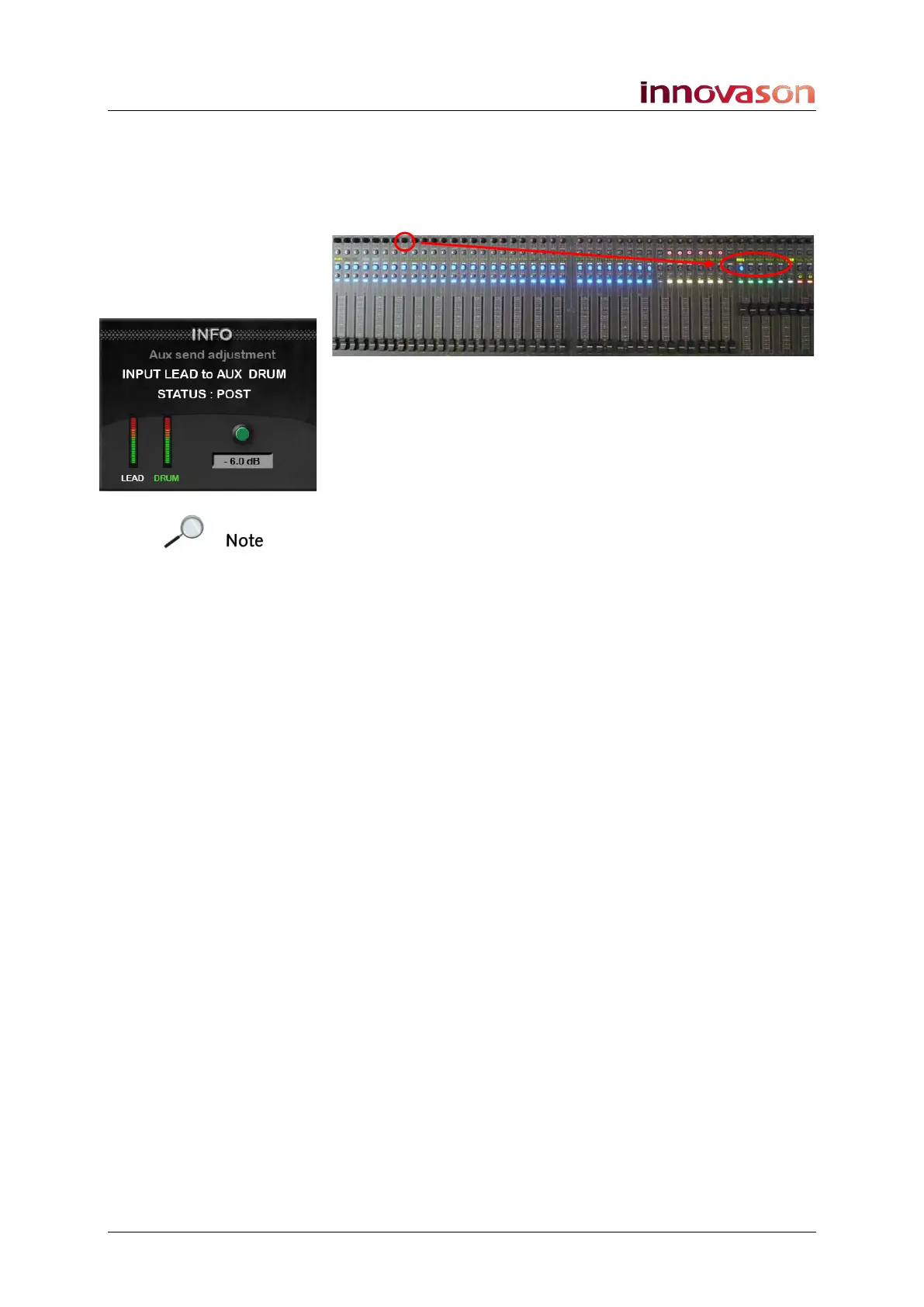
Note that you can assign an Aux send if you have Aux channels
assigned to the console surface. The available sends are
indicated by flashing SEND Labels on the Aux Fader strips.
5. While holding down the pot, press one of the Aux
channel SEL buttons to assign the send:
The pot is assigned to the Aux send.
6. Turn the pot on the Fader strip to confirm the
assignment in the INFO window.
7. Repeat the process to choose a different control or to
assign a pot on a different Fader strip.
Note that the same parameter may be assigned globally to all
pots across the console. This option is defined in the User Pot
Configuration (see Page 130). If the option is active, then you
cannot assign different parameters to different channels.
Saving User Pot Assignments
User pot assignments are saved in the current Page when you
save the Page or File. This allows you to configure different
User pot assignments for different Pages of your show if you
wish.
Over Ram for User Pot Assignments
Having assigned User pots across the console, you can copy
these assignments into other Pages of the File using the
OVERRAM display. Select the Faders pots option when
choosing the Over Ram parameters, see Page 399 for details.



 To Next Page