Chapter 5: Console Operation
Fader Strips: Pot Configurations
Eclipse User Guide 2.0 125/ 526
The remaining options are:
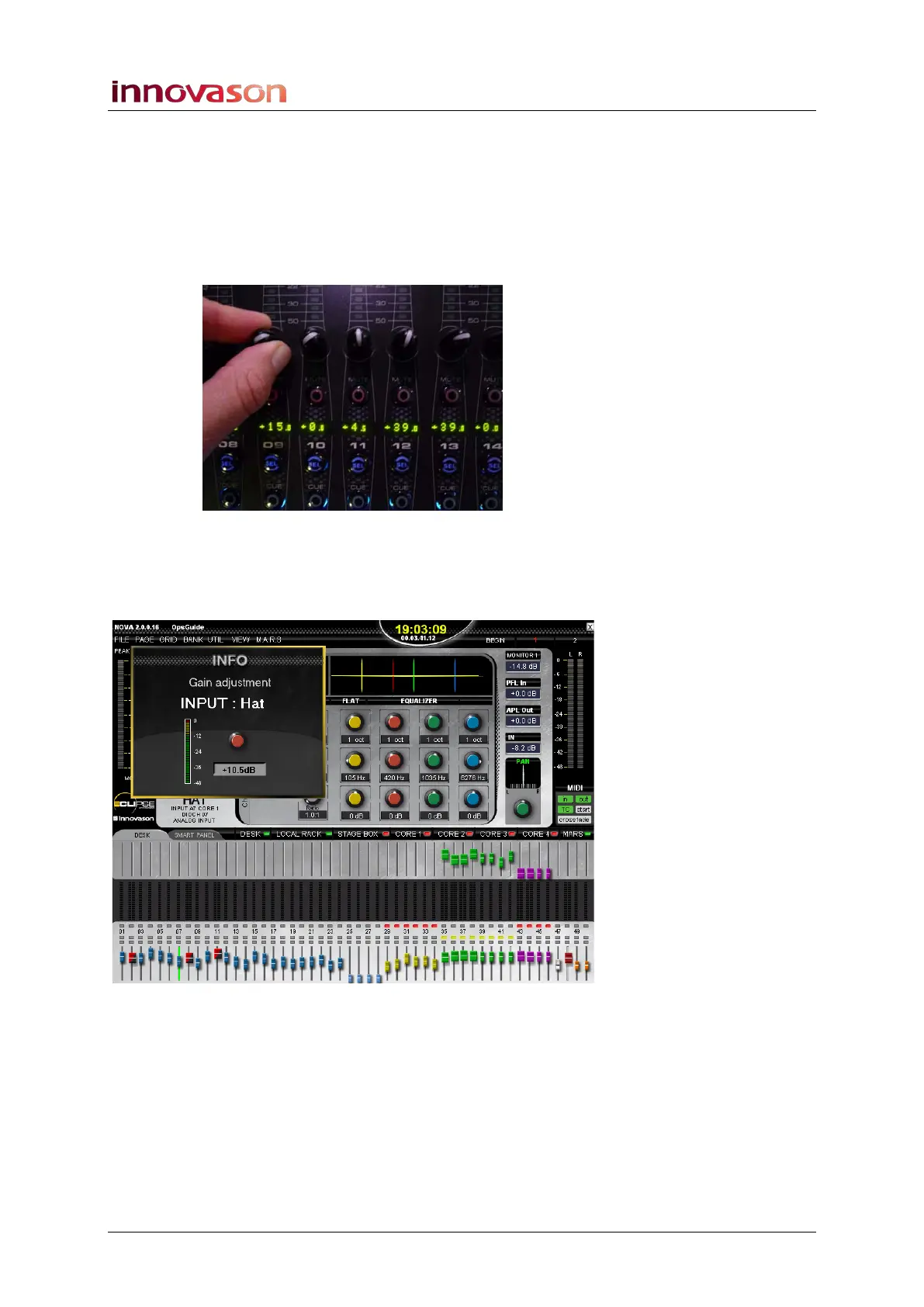
• Label displaying is global – this will display your
chosen parameter value globally across all Fader strip
Labels when you adjust a control.
For example, if you have selected Analog gain, and turn a pot
to adjust mic gain on an input channel, then the analog gain for
all other channels is displayed globally across the console:
• TIME HOLDING – enter a time (e.g. 2 seconds). This is
the length of time for which the INFO pop-up window
appears on the Nova display when you adjust a pot in
Gain mode:



 To Next Page