Chapter 5: Console Operation
Input Channels: PAN
144/ 526 2.0 Eclipse User Guide
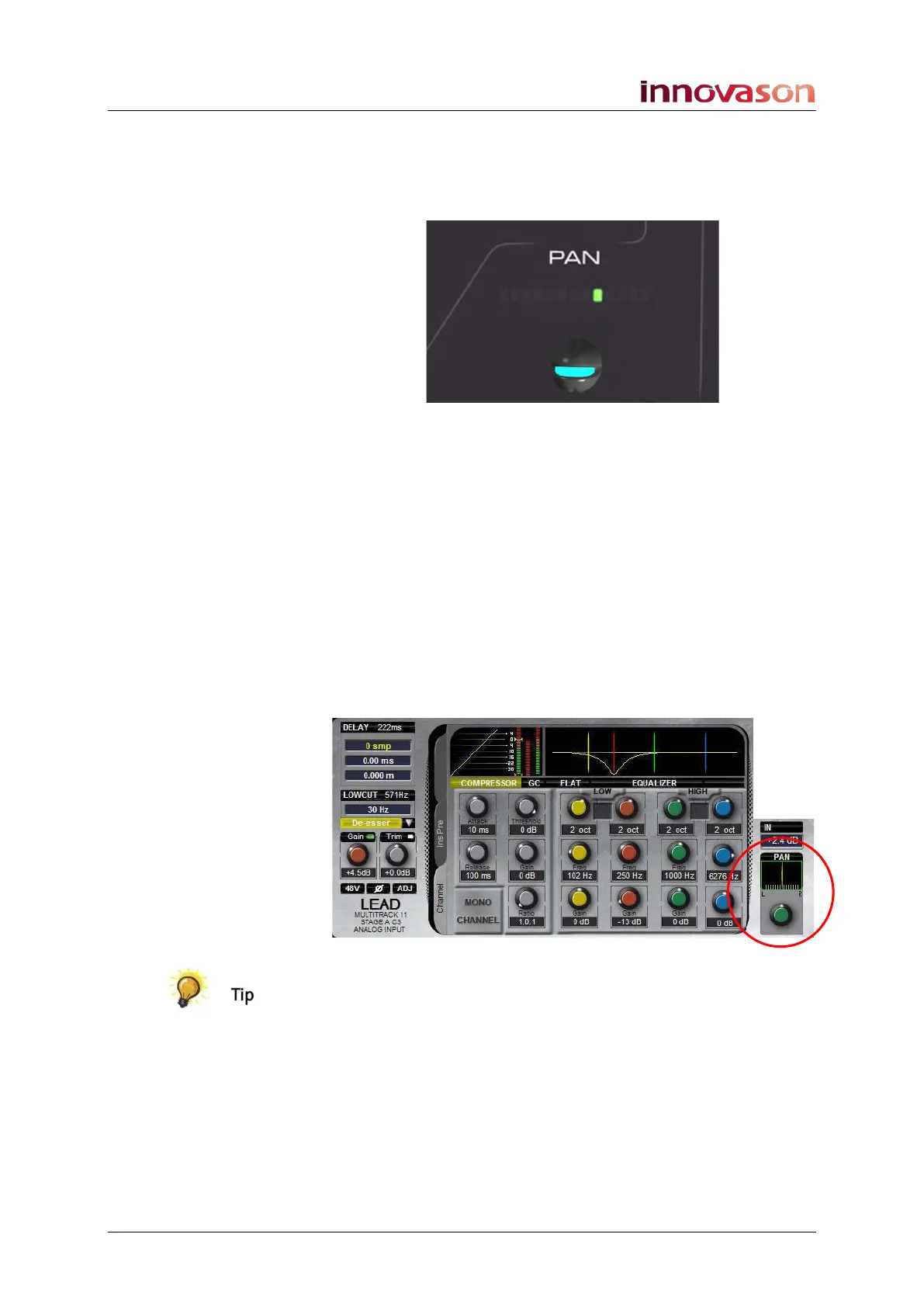
PAN
The PAN control adjusts Left/Right panning onto a stereo or
LRC mix bus.
Normally it will adjust the main channel pan onto all stereo/LRC
mix bus destinations – Auxes, Groups, Matrices and Masters.
However, if an Aux or Group bus has been configured for
Independent panning, then the control may be switched
between:
• Main channel pan.
• Independent pan (see Page 164).
For now, let’s assume that you are adjusting the main channel
pan position:
1. Turn the control to adjust the Left/Right position.
The Pan position is indicated on the front panel and on the Main
Mix display:
Panning may also be adjusted from the console’s Fader strip
pot, see Page 58.



 To Next Page