Chapter 5: Console Operation
Input Channels: Main Level, Mute and Cue
Eclipse User Guide 2.0 145/ 526
Main Level, Mute and Cue
The remaining parameters for each input channel are controlled
from its Fader Strip or Smart Panel controller. The principle
parameters you can control are:
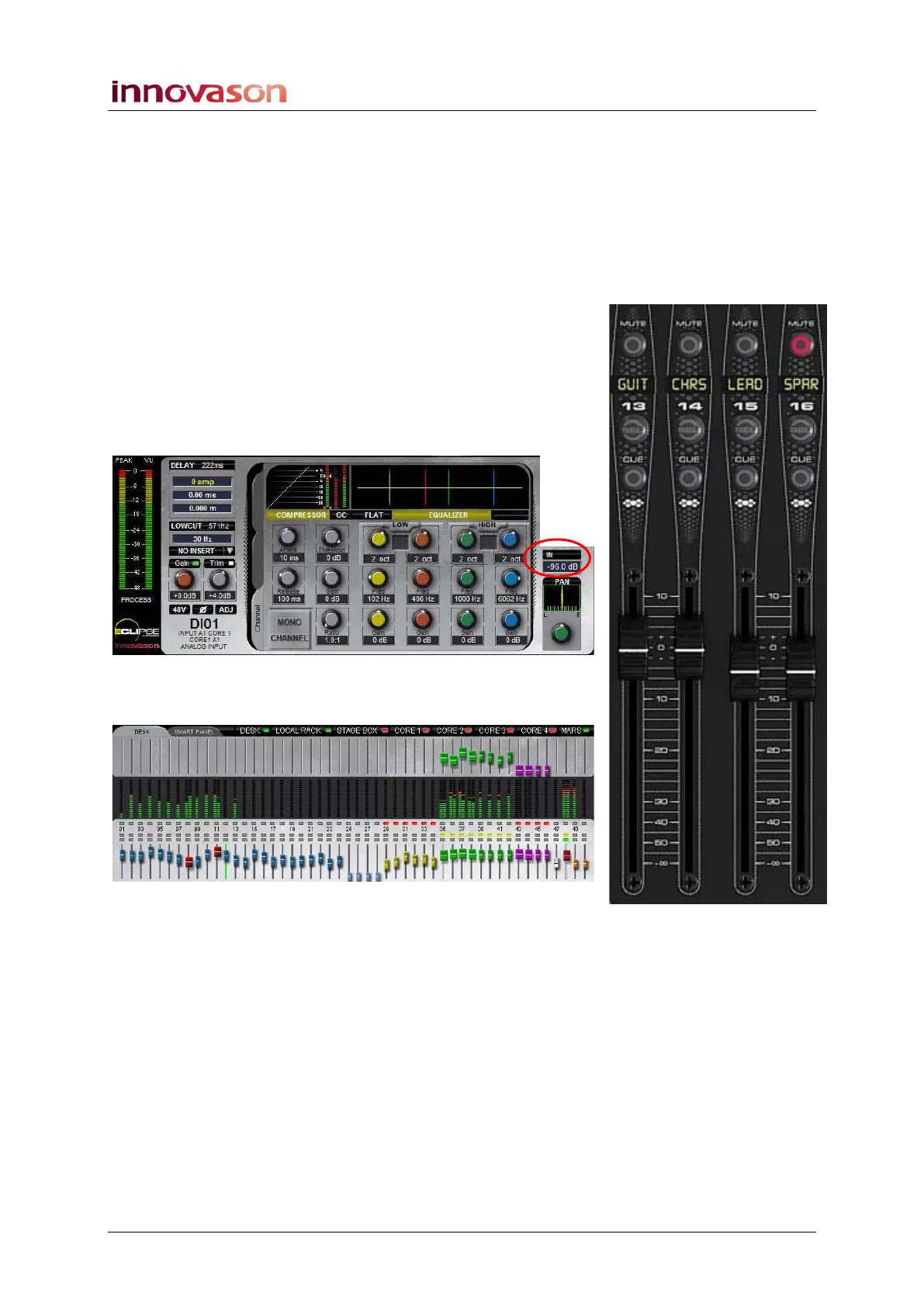
Main Level
The main channel level is adjusted by the Fader, or Smart
Panel rotary controller, when an input channel is selected (SEL
active).
Note that if an Aux is selected, then all input faders switch to
control the send level to the selected Aux.
The main level for the selected input channel is shown on the
Main Mix display as follows:
You can also get an overview of all main levels across the
DESK or SMART PANEL from the lower row of faders:



 To Next Page