Chapter 5: Console Operation
Smart Faders (SFADs): Working with Smart Faders
152/ 526 2.0 Eclipse User Guide
Working with Smart Faders
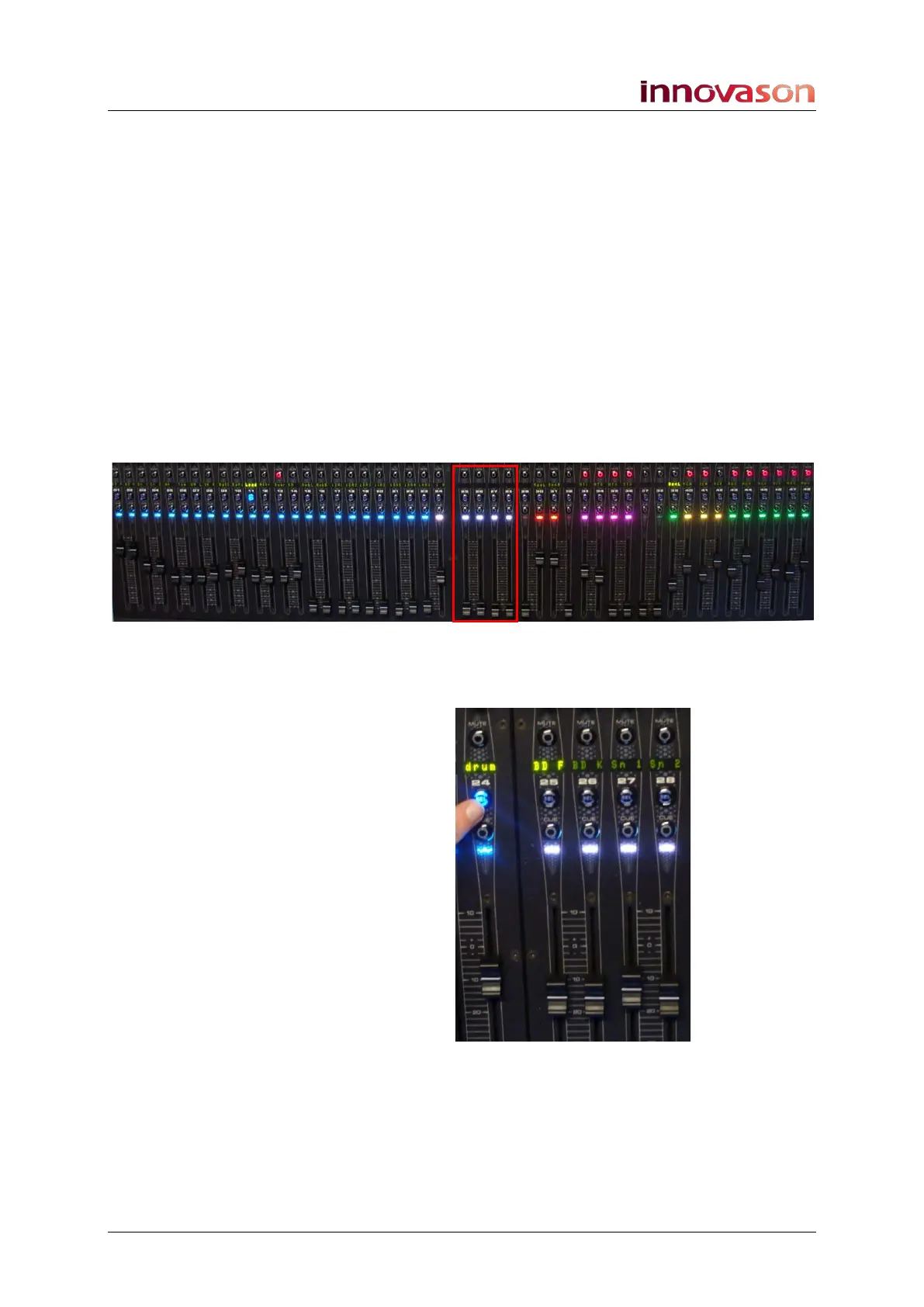
Let’s take an example with a 4-fader SZONE. In our
configuration, a number of inputs have been patched to the
surface, some as standard input channels and others as Smart
VCAs.
1. Move any of the Smart VCA or standard input faders to
control the mix.
Smart VCAs behave very much like a normal VCA; as you
move the fader you are adjusting the overall level of any slaves.
2. Select a standard input (press SEL) to assign it to the
Selected Channel or view its routing.
When a standard input is selected, the SZONE is unused; you
will see blank Labels on the Fader strips and the faders close:
3. Now press SEL on a Smart VCA channel – e.g. drum.
This SVCA has four slaves which are deployed into the Smart
Fader Zone:



 To Next Page