Chapter 5: Console Operation
Smart Faders (SFADs): Slave Channel Parameters
Eclipse User Guide 2.0 153/ 526
Slave Channel Parameters
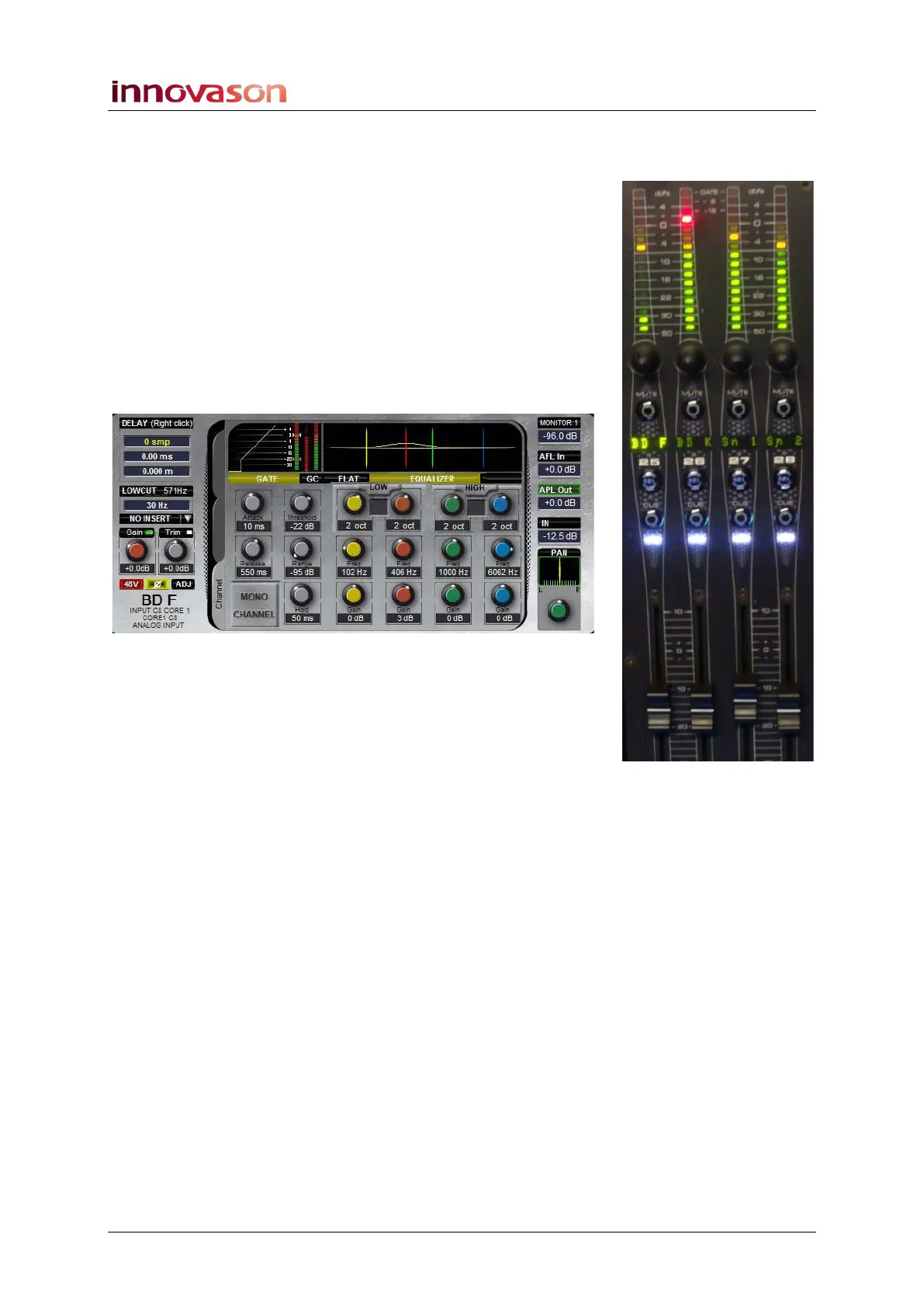
You can now control the input channels from the SZONE just as
if they were normal input channels:
1. The VU meter shows signal level for the input channel.
2. Turn the rotary control to adjust Gain, Pan or Trim.
3. Press MUTE to mute the channel.
4. Move the fader to adjust the level.
5. Press CUE to cue the channel.
6. Press the SEL button to assign the input channel to the
Selected Channel and adjust EQ, Dynamics, etc:
If the slave channel is stereo, then it will behave as a normal
stereo input channel. See Page 184 for details.



 To Next Page