Chapter 5: Console Operation
Mix Bus Sends: The PAN Display
Eclipse User Guide 2.0 165/ 526
The PAN display also shows the pan position for each send.
This is represented by the LRC position of the channel Label
(e.g. Lead). In the previous example, all sends were panned
centre, but opposite our channel has been panned to the Right.
As our sends are dependent on the main channel pan, they
follow the channel pan to the Right.
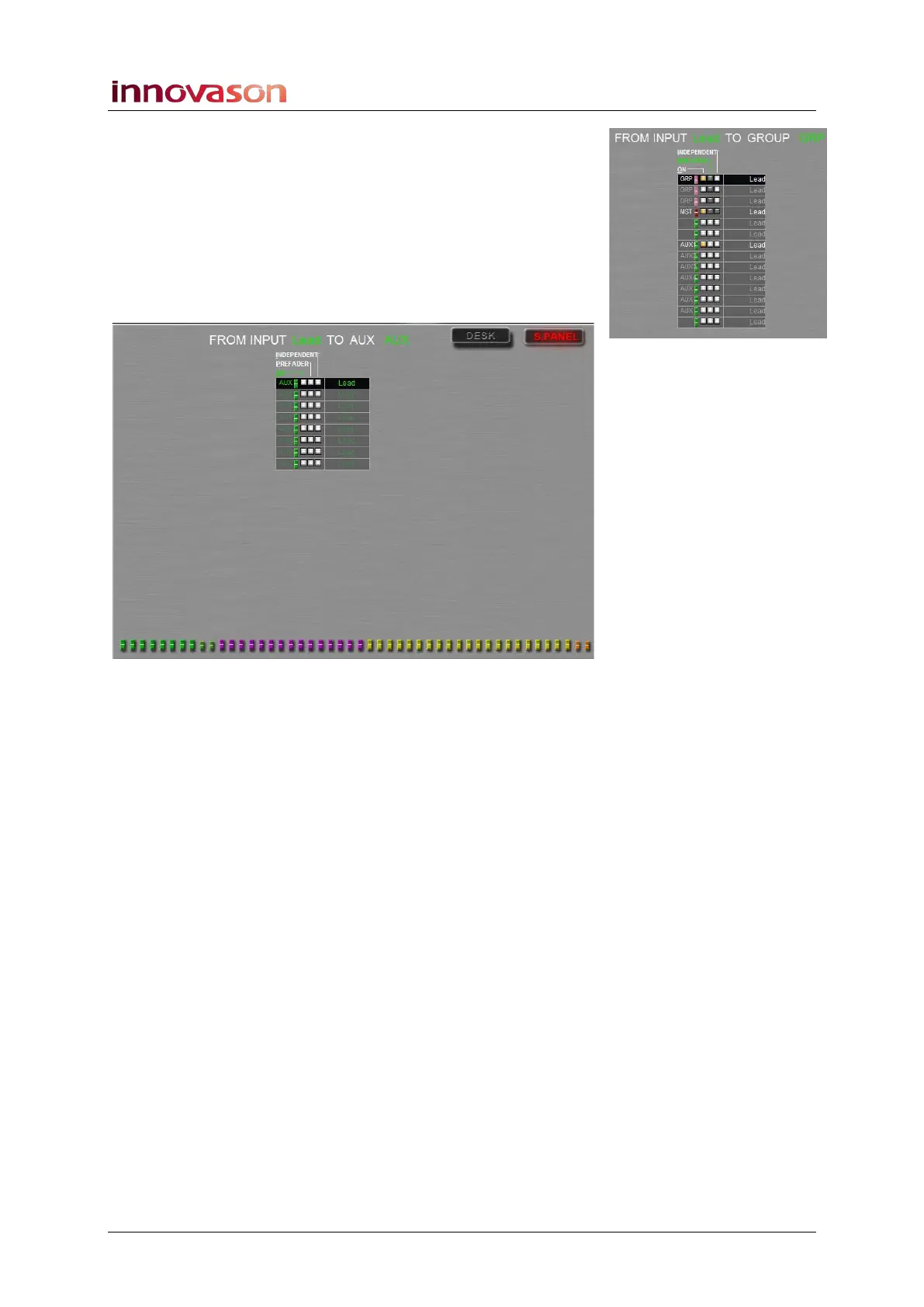
3. Now select the S. PANEL tab on the Main Mix display.
The display updates to show assignments from the selected
input channel to busses controlled from the Smart Panel:
In our example, there are 8 available Auxes and our input is not
assigned to any of them (ON is off).
4. Return to the DESK faders, and press SEL on a
different input channel.
The display updates to show assignments from the input.
5. Now exit the PAN display by deselecting the Pre/Pan
button or pressing CANCEL or [ESC].



 To Next Page