Chapter 5: Console Operation
Labels
204/ 526 2.0 Eclipse User Guide
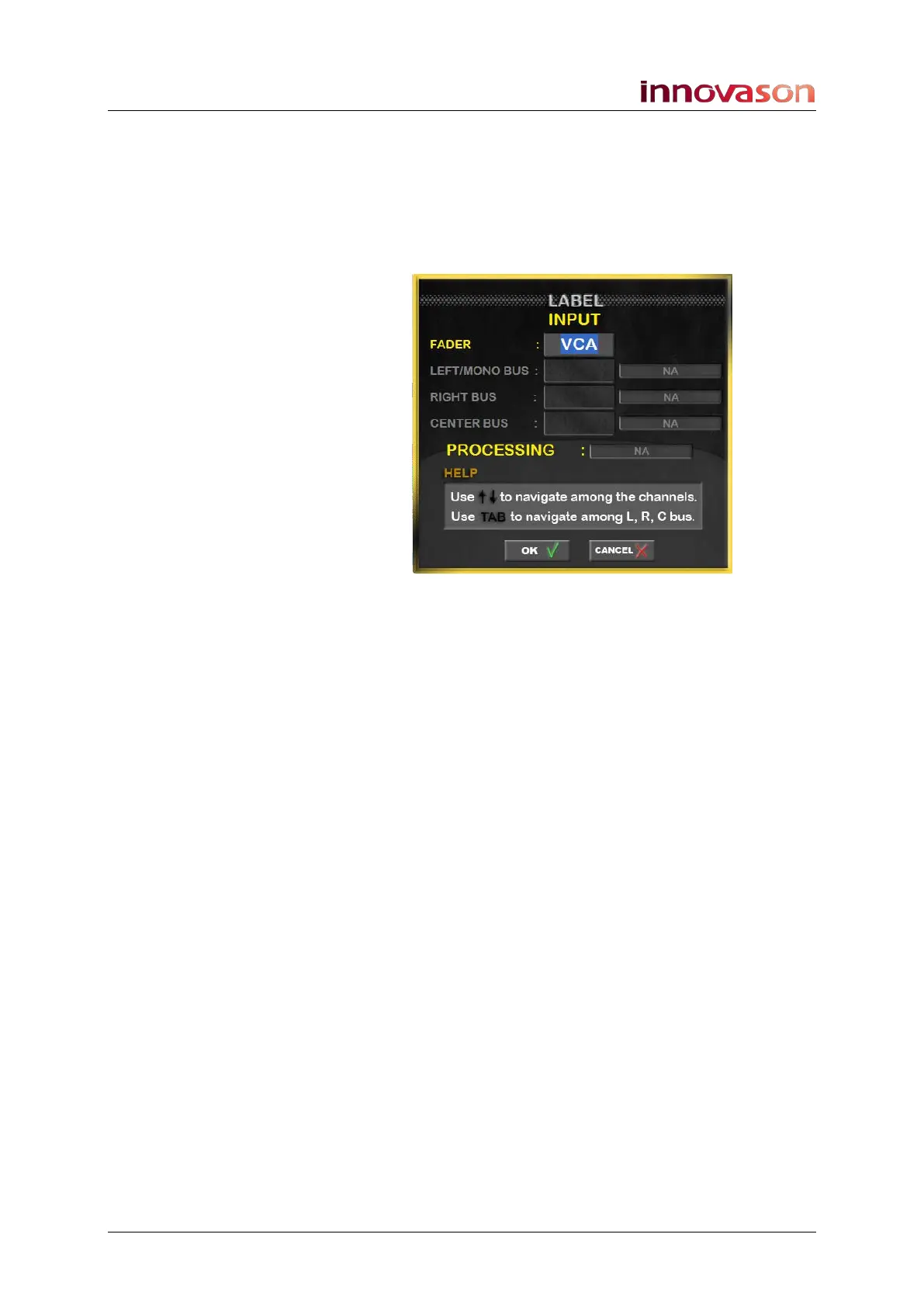
Labelling a VCA or Smart VCA
This operation can only be performed from the Main Mix display
and Labels the VCA fader.
1. Select the Fader or Smart Panel strip and press [F3] on
the console keyboard.
2. Enter a 4-character Label into the FADER field.
3. Confirm by pressing OK.
The new Label appears on the Fader strip, or Smart Panel
controller, and on the Main Mix display.



 To Next Page