Chapter 5: Console Operation
Monitoring
Eclipse User Guide 2.0 211/ 526
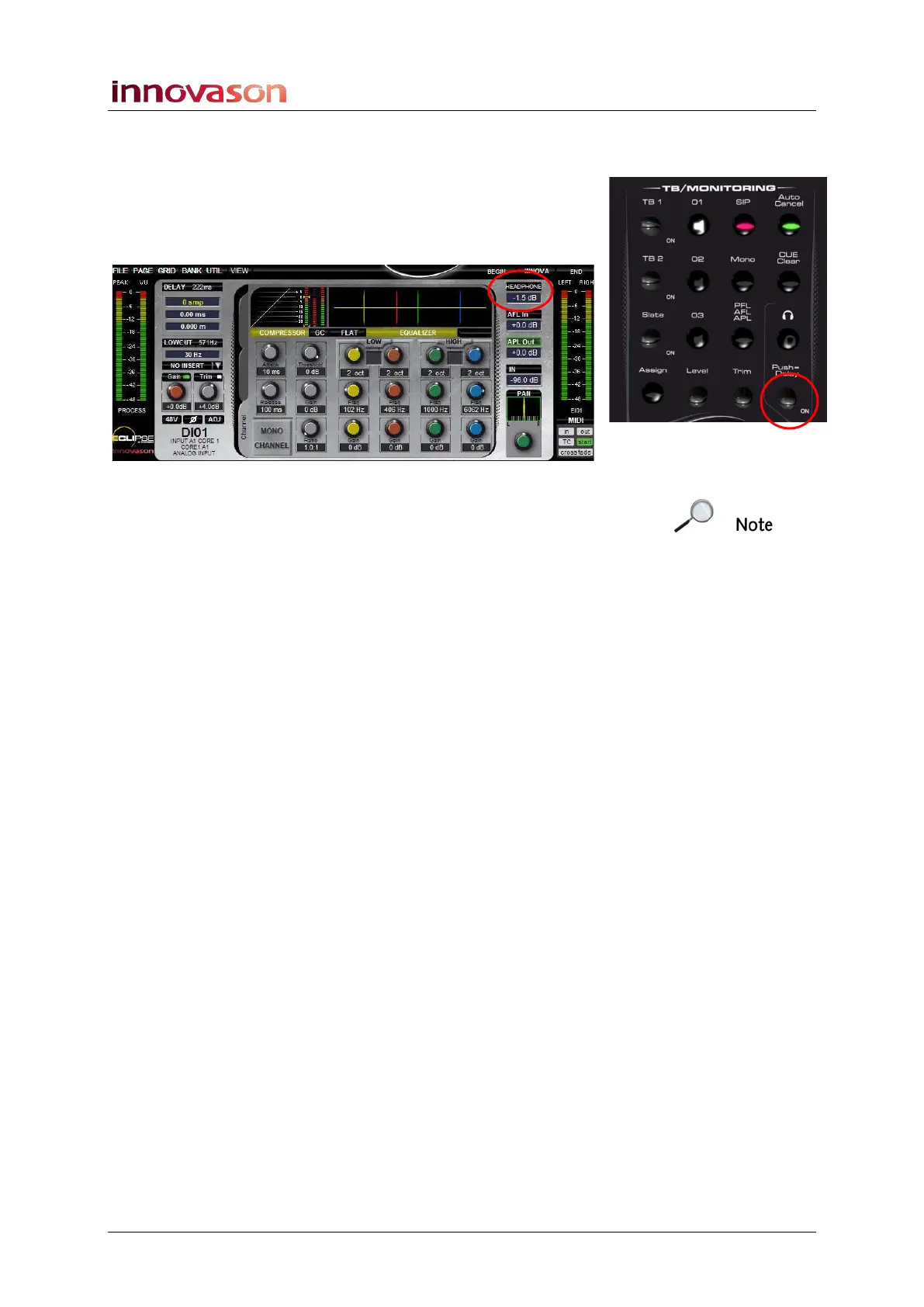
Headphone Level Control
Turn the Headphone rotary control on the TB/MONITORING
panel marked opposite.
As you move the control you will see the HEADPHONE circuit
level appear at the top right of the Main Mix display:
Note that the Headphone mute button and Push Delay function
on the TB/MONITORING panel are reserved for future
implementation.



 To Next Page