Chapter 6: Console Configuration
The Personal Console Builder: Mix Bus Configuration
226/ 526 2.0 Eclipse User Guide
Bus Assignments
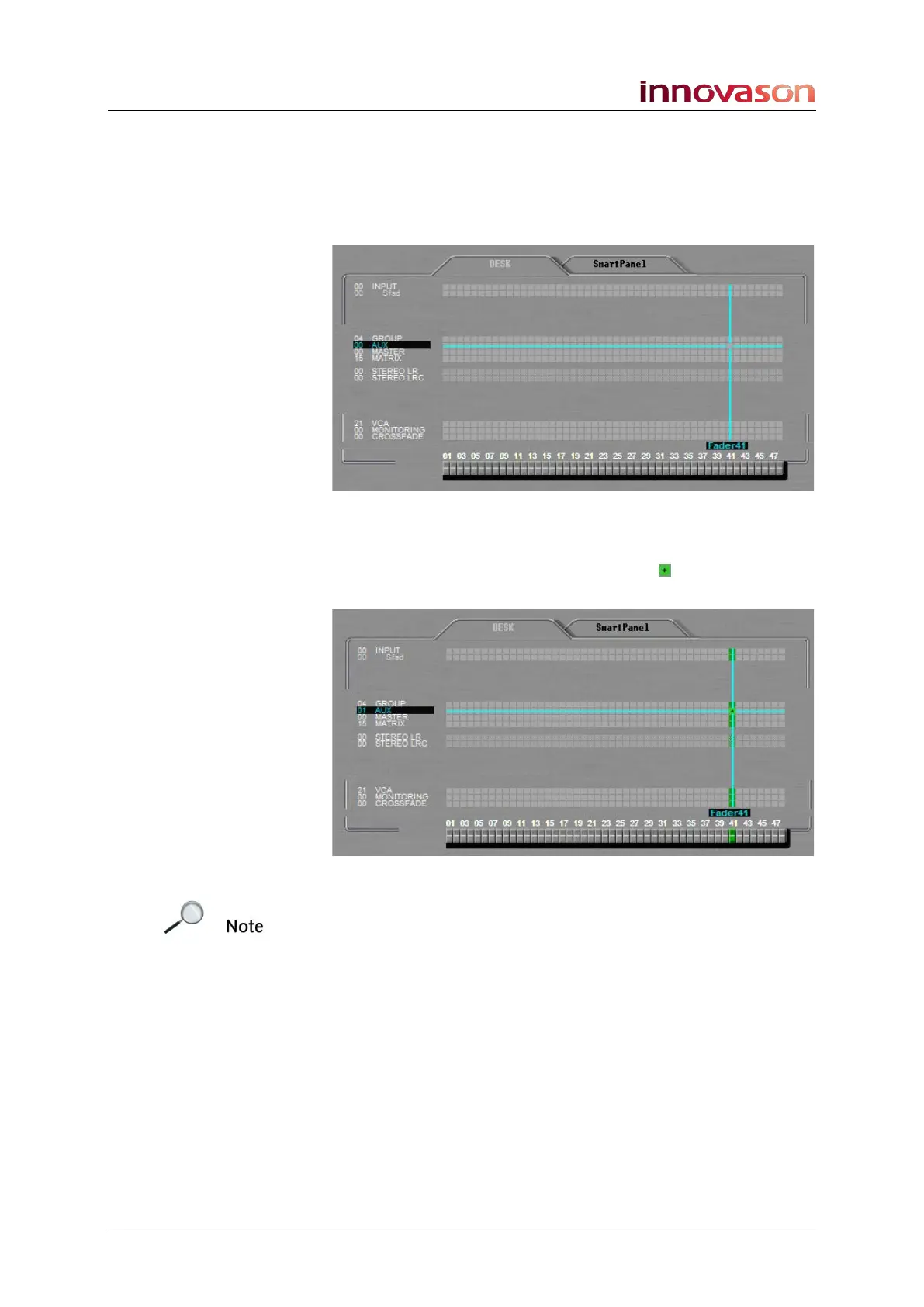
To assign a mix bus to a Fader strip or Smart Panel controller:
1. Select the GROUP, AUX, MASTER or MATRIX channel
type:
2. Press the [SPACE bar] to make the assignment.
The system assigns a mono mix bus resource to the fader. The
assignment is represented by a green box as it uses a single
mix bus DSP resource:
Note that when you assign a Master, the system automatically
assigns a stereo LR Master (using 2 mix bus resources). You
can change the format to mono or LRC as described on the
next page.



 To Next Page