Chapter 6: Console Configuration
The Patch Input Display
234/ 526 2.0 Eclipse User Guide
Top Tabs
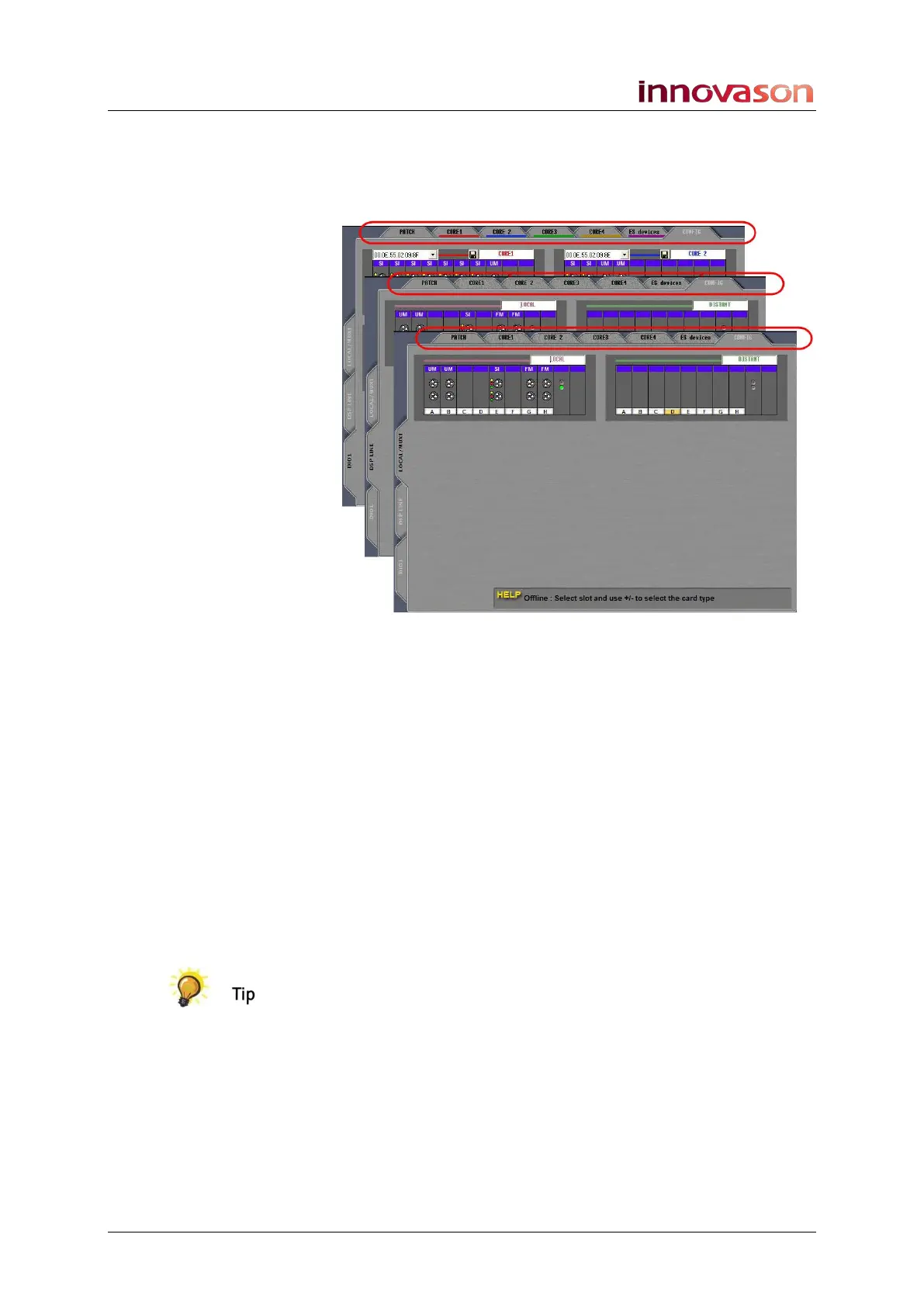
The tabs at the top of the display vary depending on the I/O
category selected:
1. Select DIO1 and the top row of tabs show devices on
the Ethersound network:
The Core 1, Core 2, Core 3, Core 4 and ES Devices tabs
access additional grids where you can patch inputs from any
DioCore, or Ethersound device, to the Ethersound channels 1
to 64.
The Config tab allows you to configure the Ethersound
network. See Page 263 for more details.
2. Select LOCAL / MUXI or DSP LINE and these tabs
become unavailable as they are no longer relevant.
The Config tab now allows you to configure the I/O cards in the
Muxipaire interface. These could be Local cards at the rear of
the console, or Distant cards in a remote StageBox. See Page
285 for more details.
Switches on the User Defined panel can be assigned to cycle
through the side and top tabs, see Page 322.



 To Next Page