Chapter 6: Console Configuration
The Patch Input Display
Eclipse User Guide 2.0 237/ 526
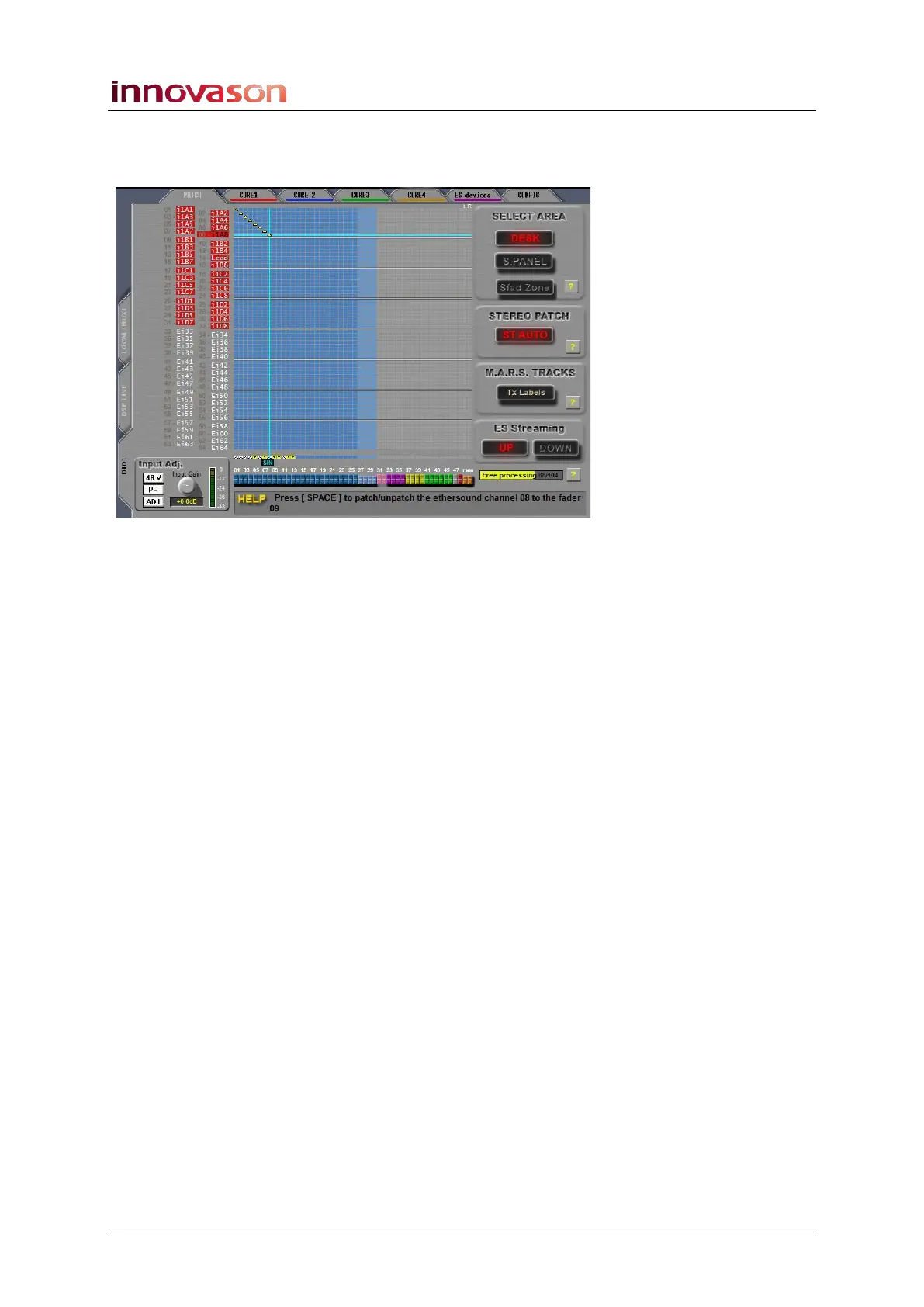
7. Repeat these steps to patch more mono sources – in
our example, we have patched the first 8 sources to
Faders 1 to 8:
The Free processing counter reduces after each patch is
made, and the row of yellow boxes, above the faders, shows
that a mono input DSP resource is assigned.
8. To remove an existing patch, position the cursor and
press the [SPACE bar] or right-click again.



 To Next Page