Chapter 6: Console Configuration
The Patch Input Display
Eclipse User Guide 2.0 241/ 526
Removing an Input DSP Resource
When you remove an input patch, the input DSP resource is not
removed from the fader. This is because the fader may be
patched in another Page, and so removing the DSP resource
would be unwanted.
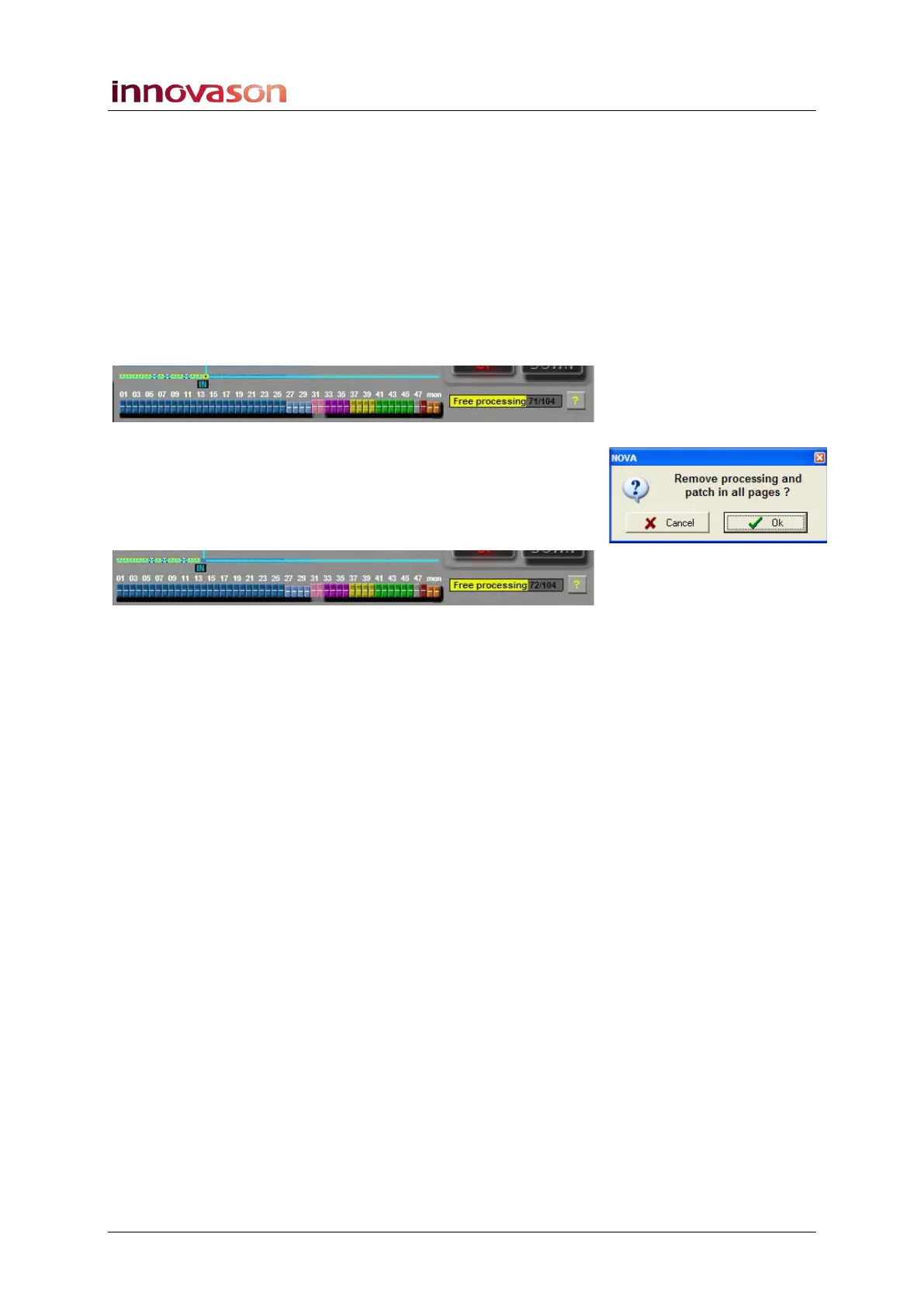
To force the system to remove the input DSP resource:
1. Position the cursor over the yellow DSP assignment box
above the fader – e.g. Fader 14:
2. Press the [SPACE bar] or right-click.
3. You will be asked to confirm so press OK.
The DSP resource is removed and the Free processing counter
increases by one (or two if a stereo channel):



 To Next Page