Chapter 6: Console Configuration
The Patch Input Display
Eclipse User Guide 2.0 243/ 526
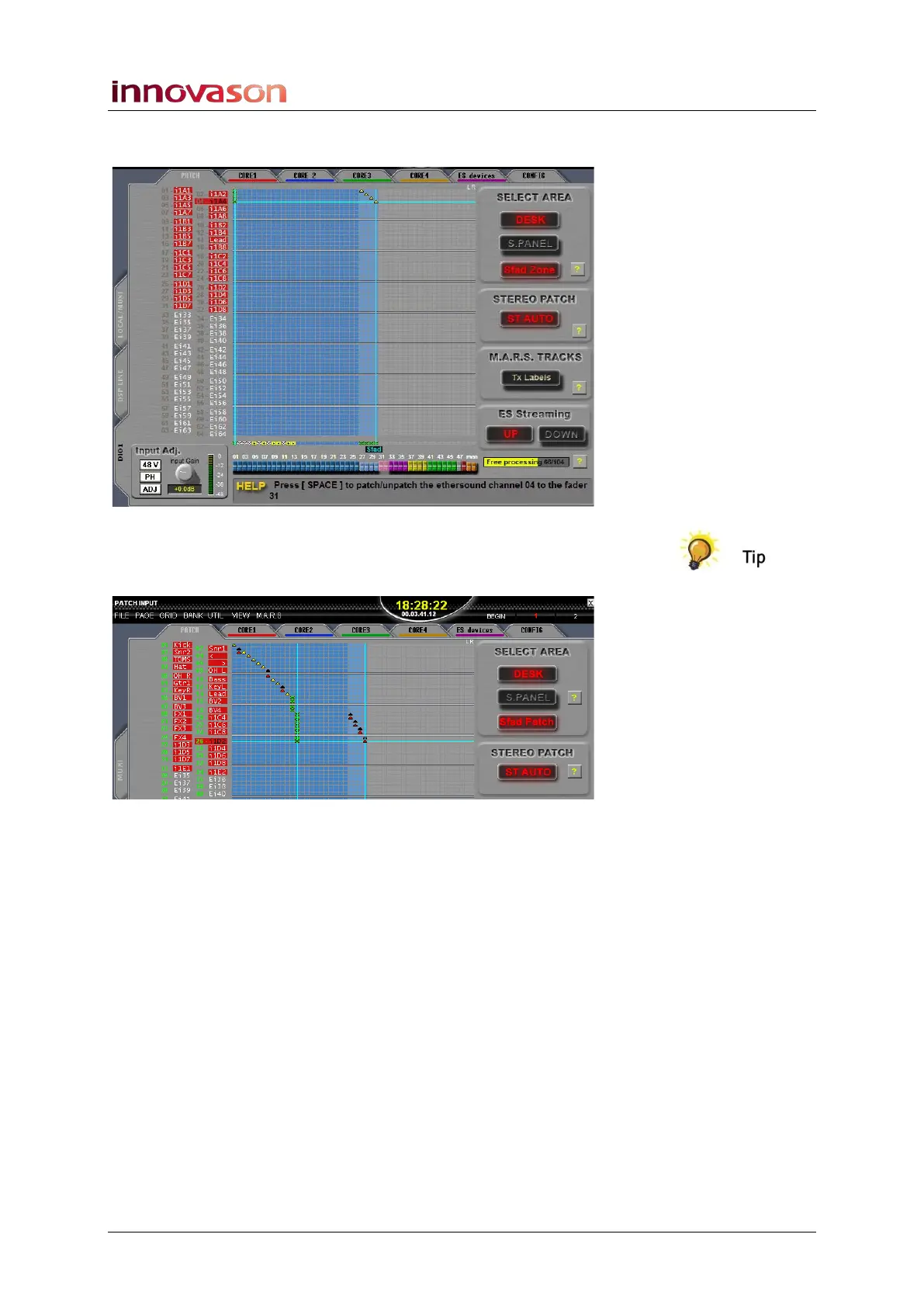
5. Repeat steps 3 and 4 to patch the other sources – in our
example, inputs 1 to 4 to Smart Fader slaves 27 to 30:
You can create stereo channels within the Sfad Zone by
enabling the ST AUTO STEREO PATCH option, and patching a
second source to the same fader:
6. Press CANCEL or [ESC] to exit the PATCH INPUT
display and look across the console.
When you select your Smart Fader VCA (SVCA, SEL flashing),
the slave channels are deployed to the Smart Fader zone
(faders 27 to 30).



 To Next Page