Chapter 6: Console Configuration
The Patch Input Display
Eclipse User Guide 2.0 245/ 526
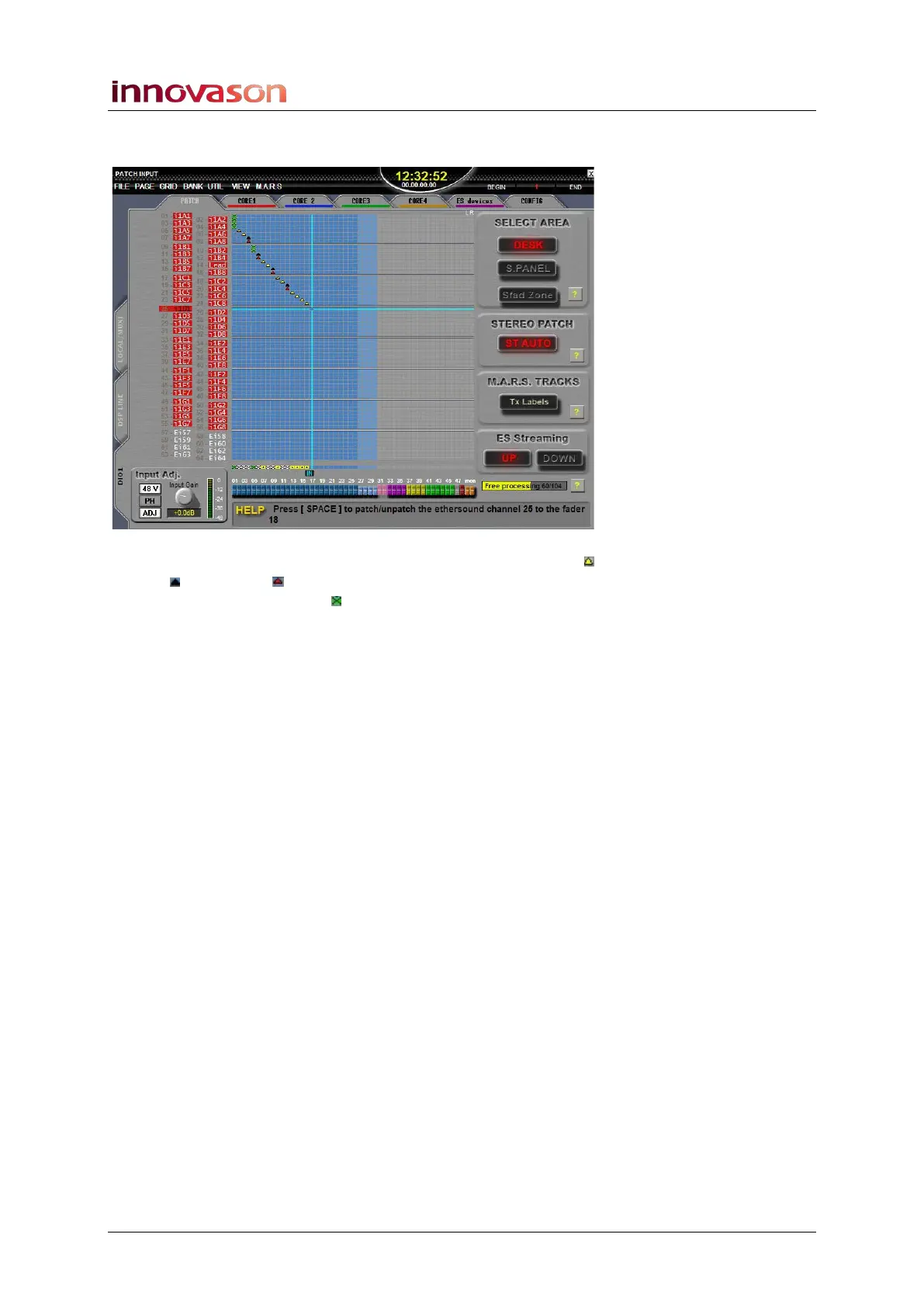
The example below shows a typical PATCH INPUT grid for a
console using Smart Faders:
Some input faders are patched directly from a source (mono
or left and right ) while others are Smart Fader VCAs
controlling multiple channels .
Switch to the Sfad Zone and the display updates. You can now
see the individual source patching for each source controlled by
the selected SVCA.



 To Next Page