Chapter 6: Console Configuration
The Patch Output Display
250/ 526 2.0 Eclipse User Guide
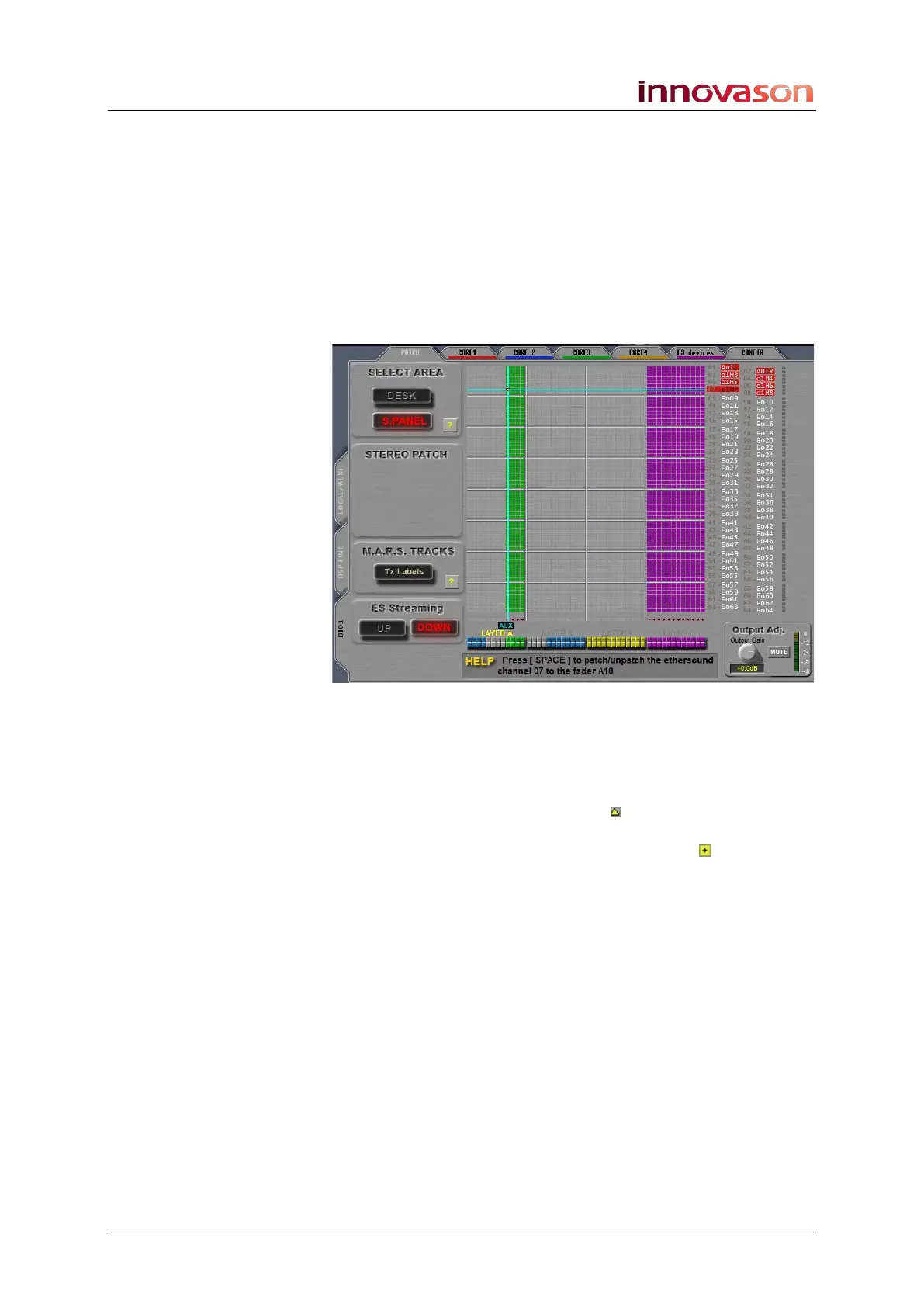
5. Now position the cursor over the desired crosspoint:
• You can select the output channel by pressing its SEL
button.
• Then use the up and down arrows on the console
keyboard to select the source.
6. And press the [SPACE bar] on the console keyboard, or
right-click, to make the patch.
A yellow triangle confirms that the patch is made and shows the
Ethersound streaming direction (up or down):
7. Repeat these steps to patch more mono faders to their
destinations.
Remember that you can patch a fader to multiple destinations if
you wish.
Within the DIO1 grid, the triangles indicate the Ethersound
streaming direction. However, if you make a patch within the
DSP LINE or LOCAL / MUXI grids, then a box indicates the
patch point. You can find more details on Ethersound networks
on Page 263.



 To Next Page