Chapter 6: Console Configuration
The Patch Output Display
Eclipse User Guide 2.0 253/ 526
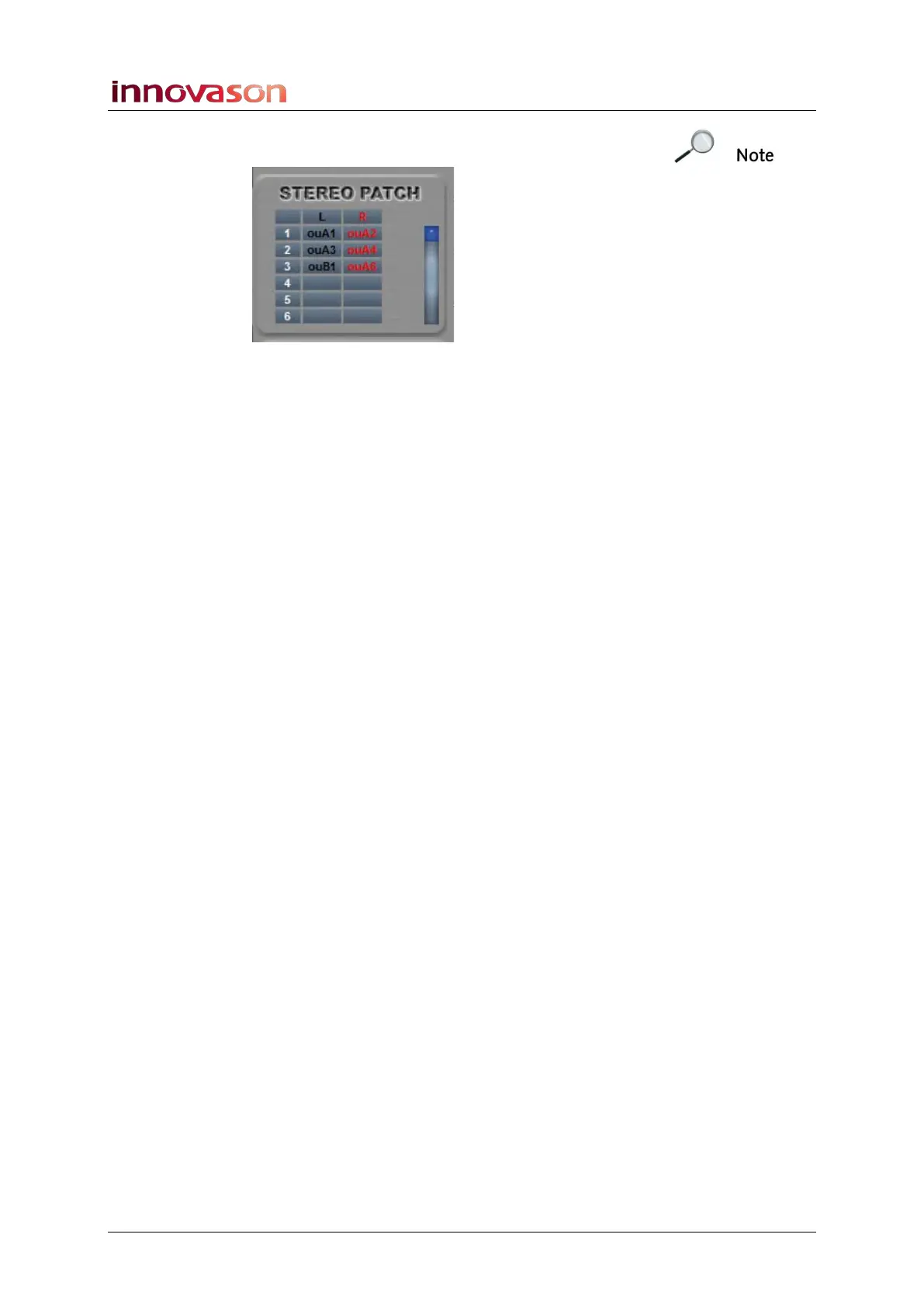
Note that the only indication that the stereo pair is non-
consecutive comes from the STEREO PATCH list:
You can also use the STEREO PATCH area to remove existing
patch points.
Patching Tips
The following tips make patching on Eclipse quick and easy:
• To make consecutive mono patch points, press [SHIFT]
on the console keyboard and click and drag diagonally
across the grid.
• You can assign rotary controls on the User Defined
panel to select the x-axis and y-axis within the patch
grid. Switches may be assigned to action crosspoints or
edit labels. See Page 322 for details.
• You can patch an output channel to multiple
destinations. Therefore, it can often be useful to check
your patching by returning to the Main Mix display. See
Page 200.



 To Next Page