Chapter 6: Console Configuration
The Patch Direct Display
Eclipse User Guide 2.0 259/ 526
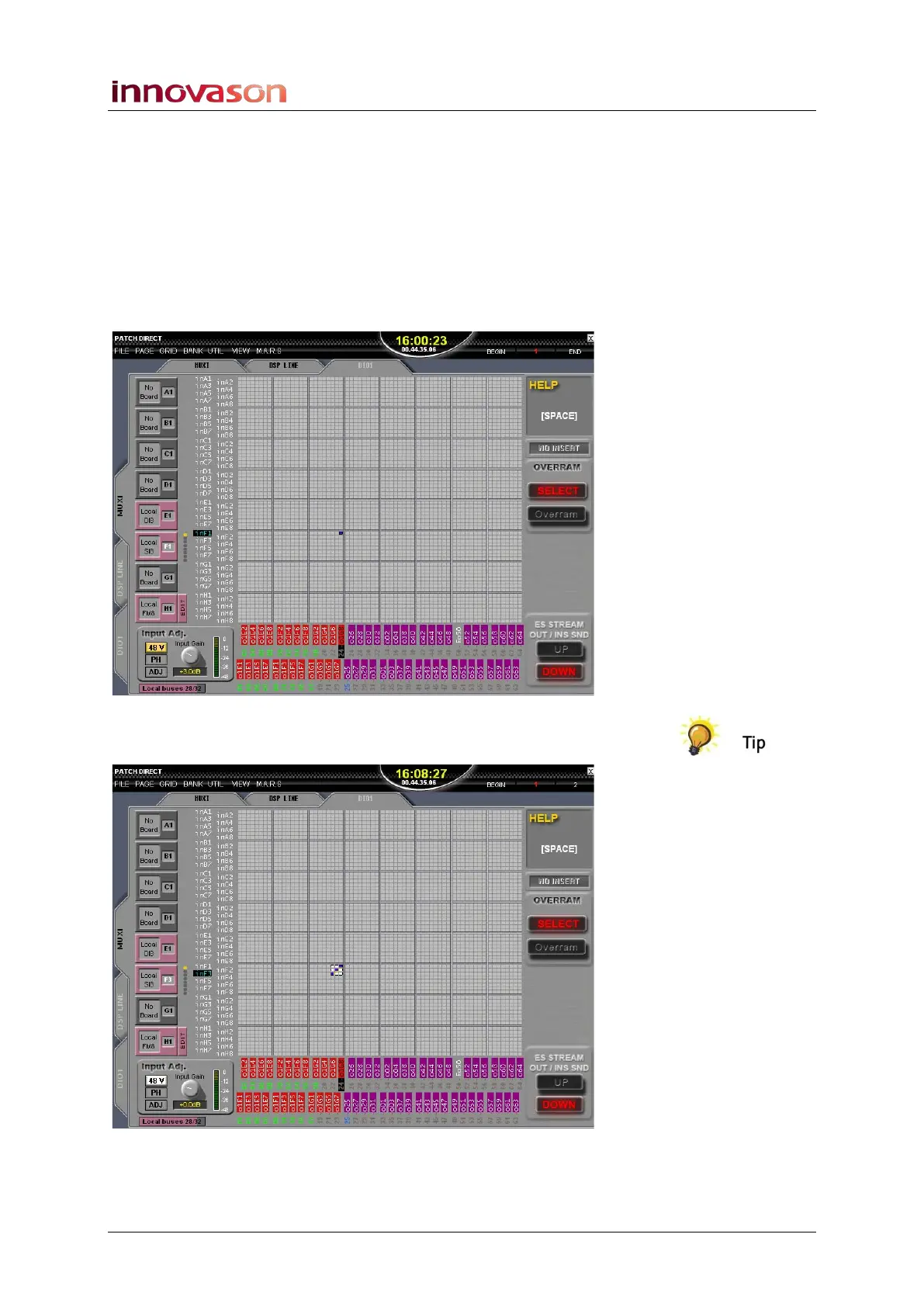
To Over Ram a patch point or its IO settings:
1. Make your patch and adjust any input or output settings
– for example, set the mic gain, 48V and phase reverse
using the Input Adjust controls.
2. Click on the OVERRAM SELECT button.
The button turns red when active.
3. Then click on the crosspoint you wish to Over Ram.
A white box shows your selection:
You can select an area of crosspoints, by clicking and dragging
across an area of the patch grid:



 To Next Page