Chapter 6: Console Configuration
The Patch Direct Display
260/ 526 2.0 Eclipse User Guide
4. When you have made your selection, click on the Over
Ram button.
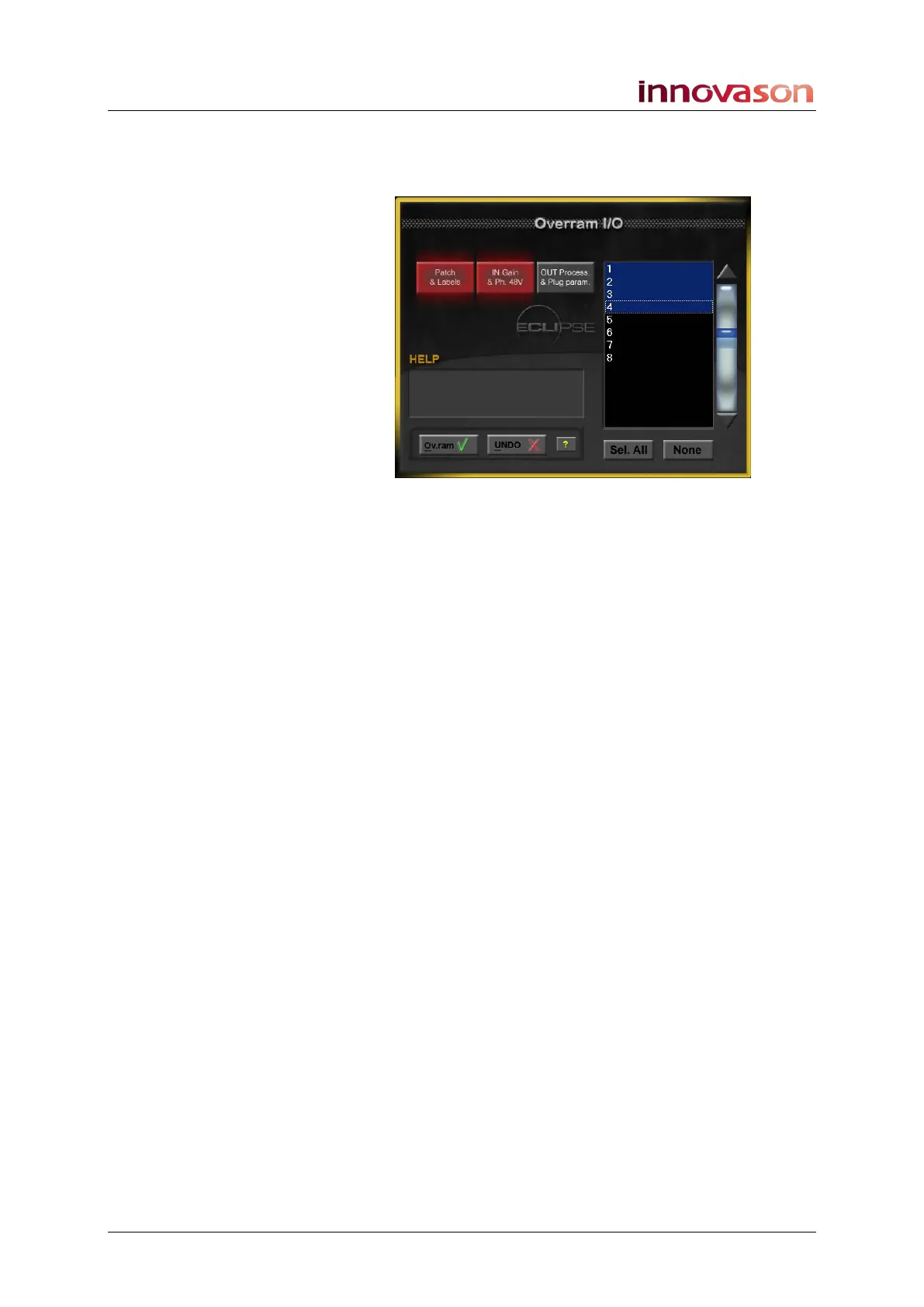
The Over Ram I/O pop-up window appears:
5. Use the three large buttons to select what you want to
Over Ram:
• Patch & Labels – the patch points and Labels
• IN Gain & Ph. 48V – input parameters for the selected
source.
• OUT Processing & Plug param. – output parameters
for the selected destination.
The buttons turn red when selected.
6. Now select the Pages you wish to copy to on the right of
the display.
Pages are highlighted in blue when selected.
7. When you are ready, press OK or click on Ov.ram to
perform the operation.
The chosen parameters for the selected crosspoints are written
into the selected Pages in RAM.
Parameters are only written to Pages in RAM, and will not affect
Pages saved to a File on hard disk. If you wish to keep your
Over Ram changes for another day, save the File to write the
RAM Pages to hard disk, see Page 347.



 To Next Page