Chapter 6: Console Configuration
Internal Effects (the FM-8VB Card)
292/ 526 2.0 Eclipse User Guide
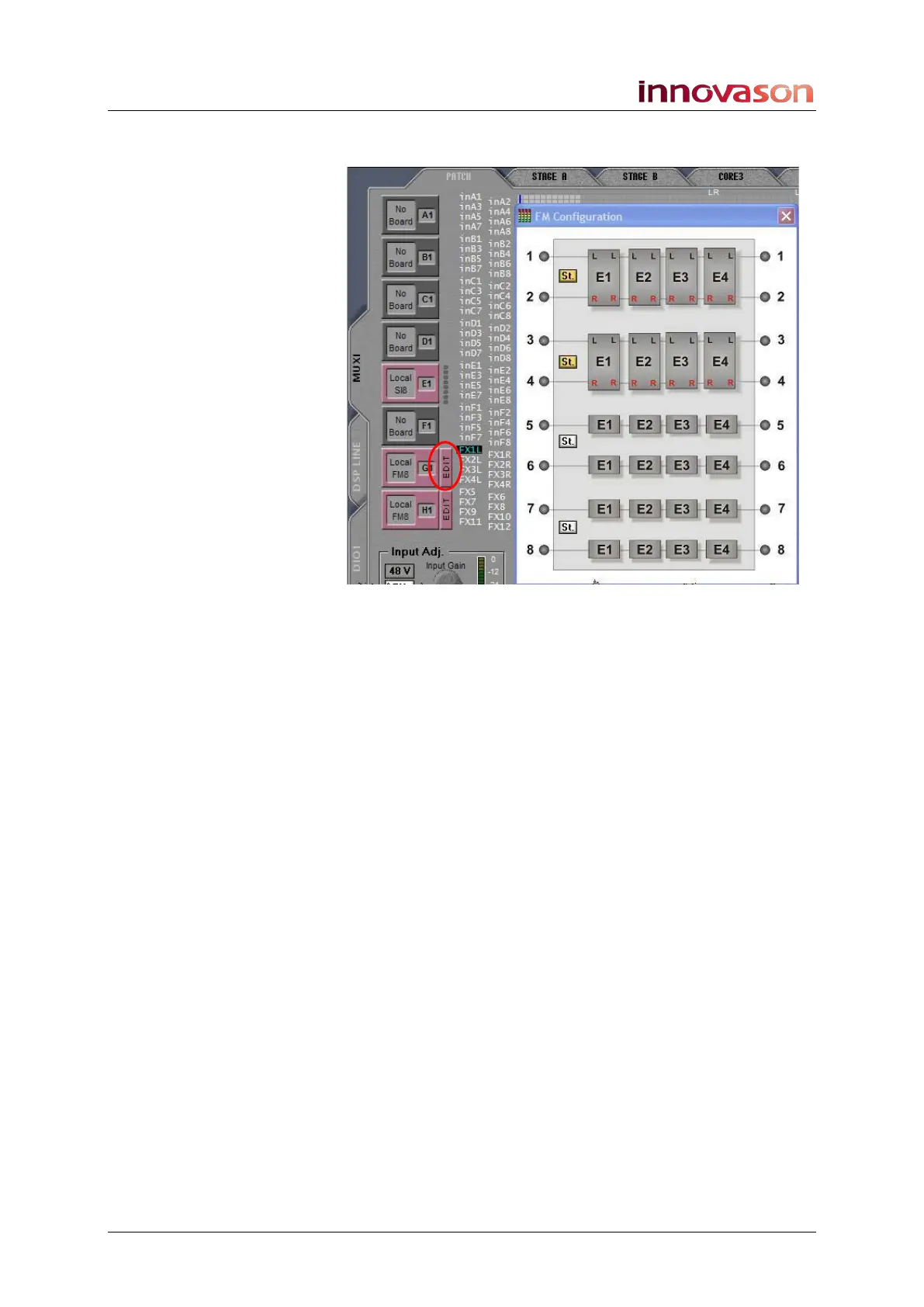
3. Click on the EDIT button to open the FM Configuration
window for the first card:
4. Now click on St. to change the configuration of each
input/output pair from mono (white) to stereo (yellow).
In our example, inputs and outputs 1&2 and 3&4 on the
selected card are configured as stereo bays while 5 to 8 are
mono bays.
E1 to E4 represent the four effects engines provided by each
bay. These are a graphical representation only; you cannot
assign your effects modules from here.



 To Next Page