Chapter 6: Console Configuration
Internal Effects (the FM-8VB Card)
298/ 526 2.0 Eclipse User Guide
Assigning Effects Plug-ins
Having patched the internal effects bay you can now assign the
VB Audio plug-ins as follows:
From the Main Mix display, select your channel and access the
effects.
Remember that if you are using an Aux send and Effects
Return you can either:
• Select the Aux fader and the Output tab.
• Or select an effects return input and the Effect tab.
Note that if you have inserted effects processing, then select
the Ins Pre or Ins Post tab to view the pre or post fader
inserted processing.
1. In our example, press SEL on the Aux fader and click
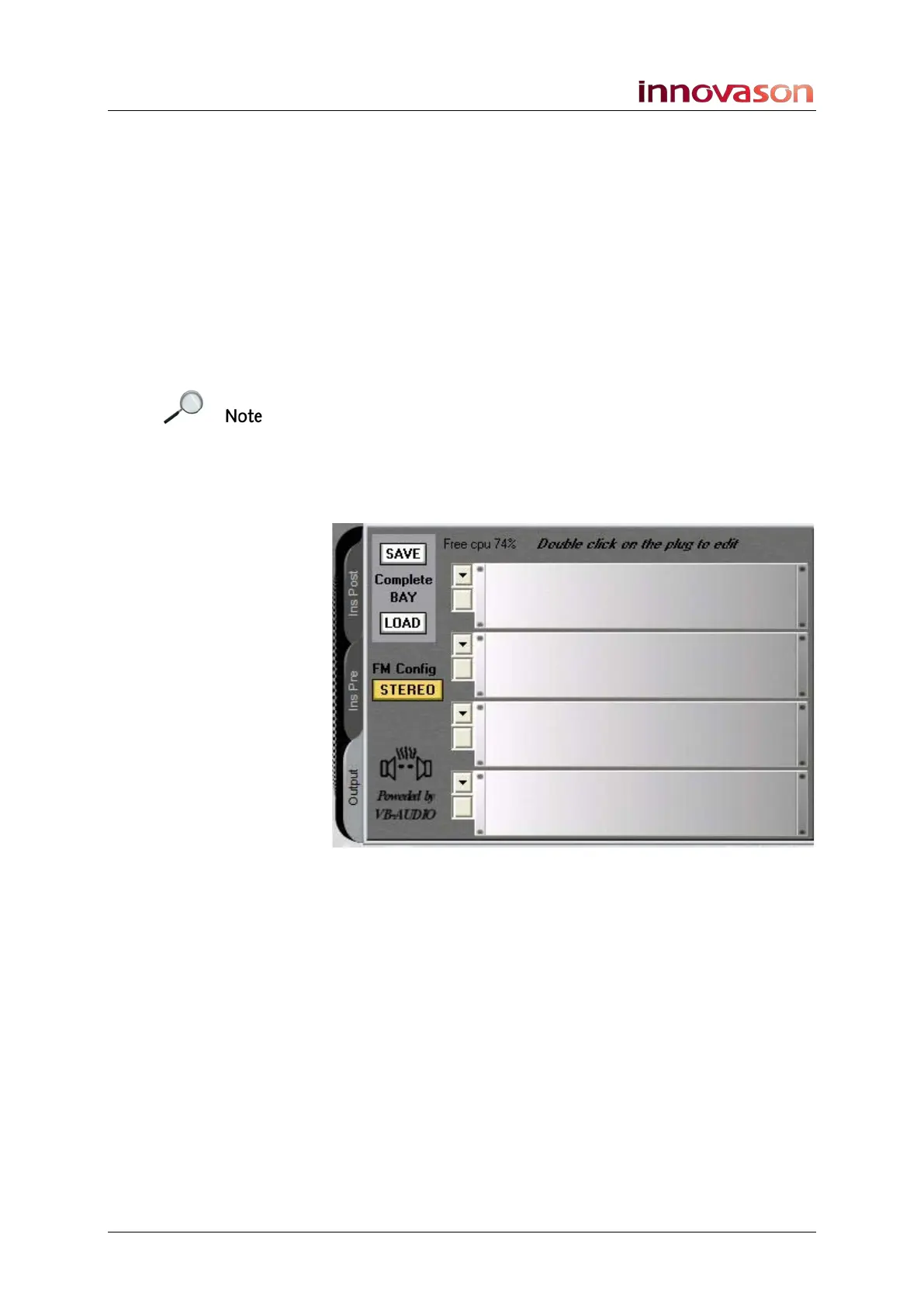
the Output tab.
As nothing has been assigned, the four racks are empty:



 To Next Page