Chapter 6: Console Configuration
Internal Effects (the FM-8VB Card)
Eclipse User Guide 2.0 297/ 526
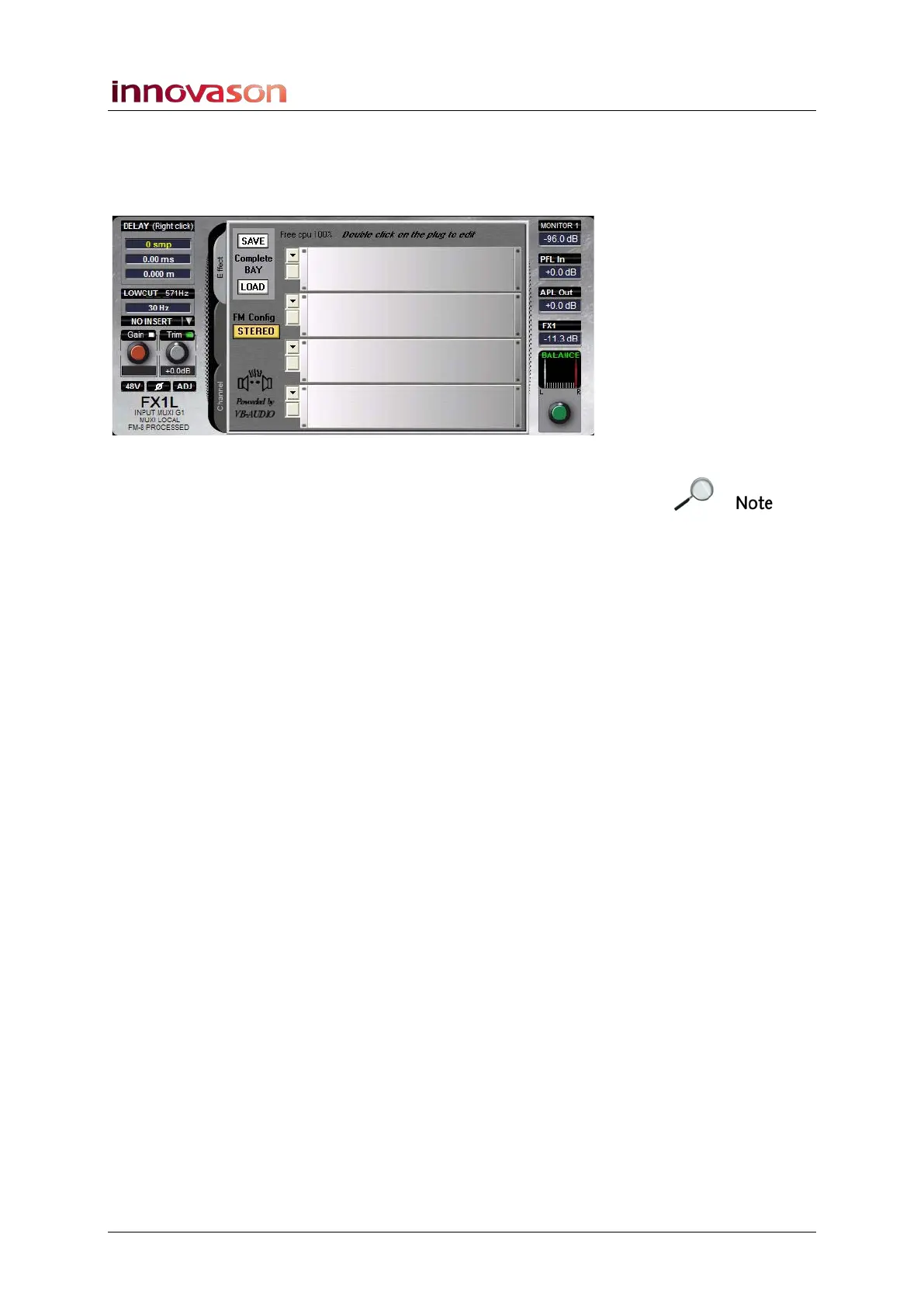
6. Select the Effect tab to view and control the effects
processing provided on the FM8-VB card.
If the input has been patched from the FM8-VB card correctly,
then you will see the racks of the effects bay:
Note that this is the same effects bay as accessed from the Aux
on the previous page. This is because the aux is sending to,
and the input returning from, the same internal effects bay.
If you do not see any effects racks, then there is a problem with
the effect return patching. Check the PATCH IN grid to correct
any mistakes.
Rules for Mono and Stereo Sends/Returns
Our example patched a stereo effects bay from a mono
auxiliary. However, you can deal with other combinations of
mono and stereo sends/returns as follows:
• You may patch a mono aux to a mono effects bay and
return the effect on a mono input channel.
• To use a mono aux with a stereo effects bay, patch the
aux to both the left and right inputs of the stereo bay.
Return the effect to a stereo input channel.
• To use a stereo aux with a stereo effects bay, patch the
Aux left output to the left input of the effects bay and Aux
right to the right. Return the effect to a stereo input
channel. Pan your source channels to the effects
modules using the aux send pan. Remember that aux
panning may either follow the main channel pan or be
independent. See Page 164 for details.



 To Next Page