Chapter 6: Console Configuration
Internal Effects (the FM-8VB Card)
Eclipse User Guide 2.0 303/ 526
Presets
The SAVE and LOAD buttons are used to save and load
presets to and from the console’s hard disk. Saved presets are
available to load to any channel using the same plug-in effect.
Note that presets are stored independently of Files. This means
that you can load presets to another show, or export presets to
another Innovason console. See Page 352.
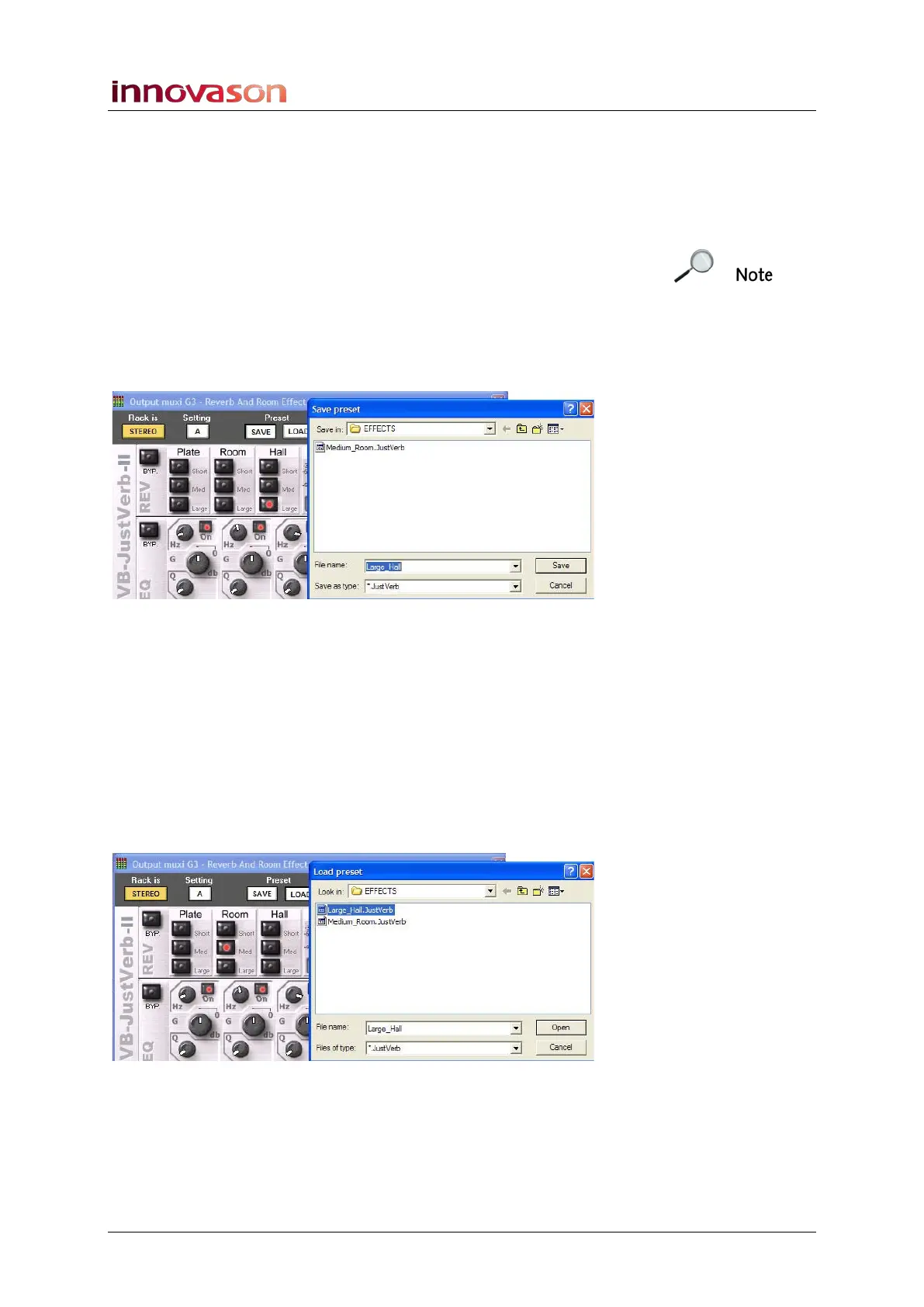
To save the current effects parameters to a preset:
1. Click on the SAVE button.
A file dialogue window opens asking for a File name:
2. Enter a name and select Save.
The preset is stored onto the console’s hard disk in the
EFFECTS folder.
To load a preset:
1. Open the Effects Editor on the channel where you wish
to load the preset.
Note that the plug-in must match the saved preset; you cannot
load De-esser settings to a Just Verb!
2. Click on the LOAD button.
3. Select a preset and Open.
The preset is loaded to the effects module.



 To Next Page