Chapter 7: Reset and Automation
The Play List (Automation)
Eclipse User Guide 2.0 371/ 526
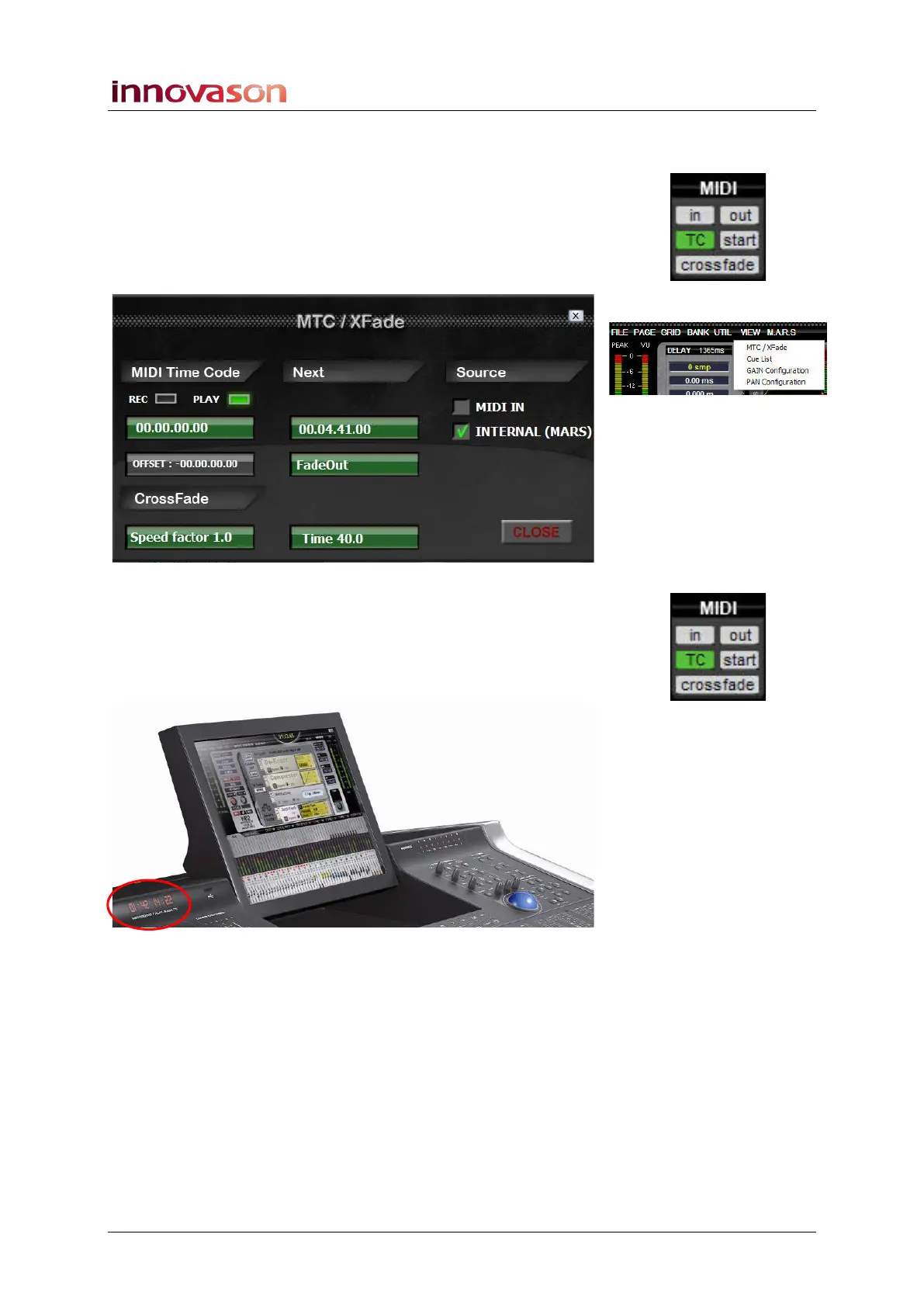
Displaying the MIDI Timecode
1. Click on the MIDI TC button, or select “VIEW ->
MTC/Xfade” from the Main Menus.
A switch on the User Defined panel can also be assigned to this
function, see Page 322.
The MTC/Xfade window appears:
Under Source, select MIDI IN to select MIDI as the timecode
source.
MTC is displayed on the built-in timecode display as soon as
timecode appears at the console’s MIDI IN connector and the
MIDI TC button on the Main Mix display is enabled (green):



 To Next Page