Chapter 7: Reset and Automation
The Play List (Automation)
370/ 526 2.0 Eclipse User Guide
Receiving MIDI Program Changes
In the same way that the console can control external devices,
external devices can control console Page changes. The
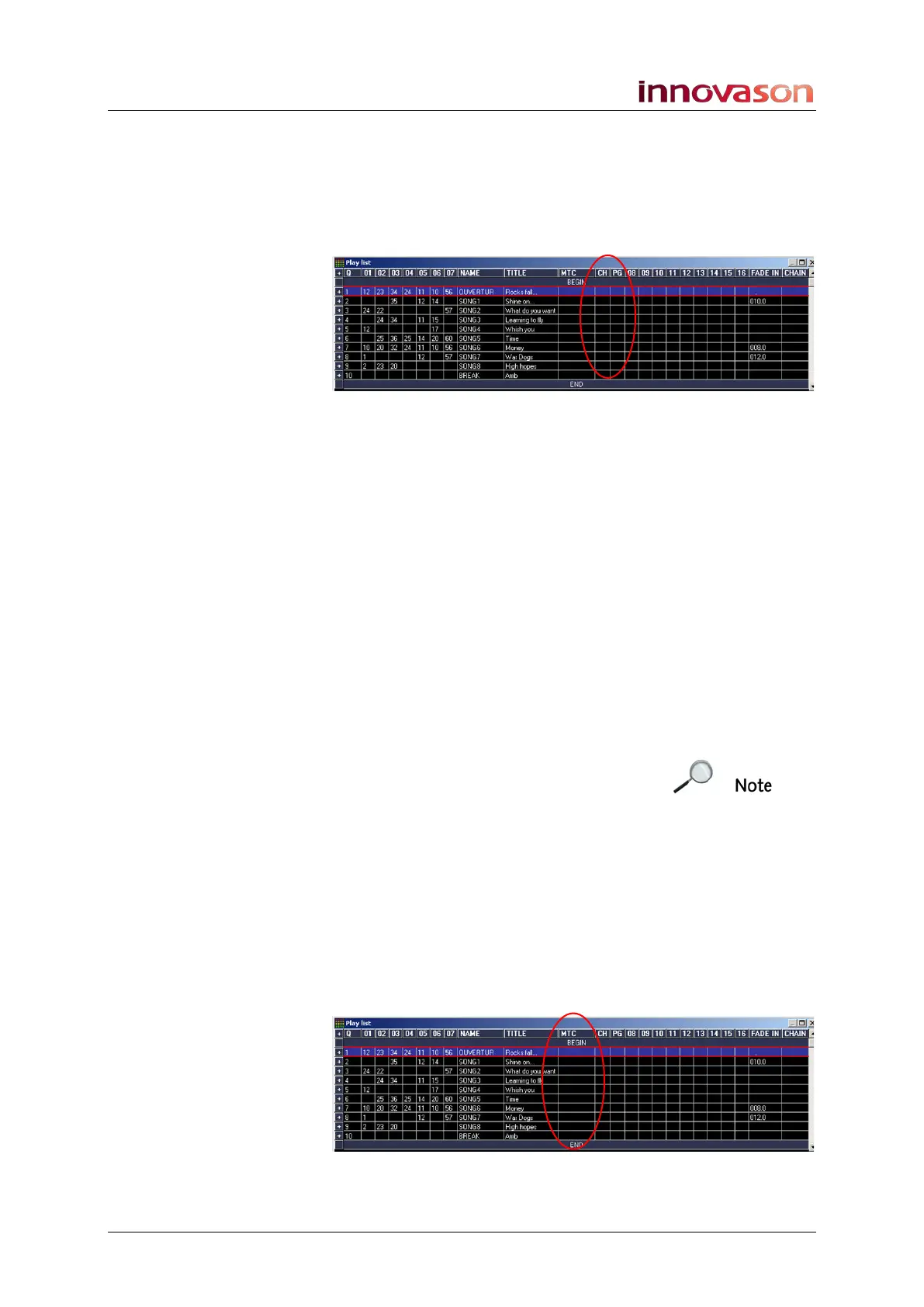
columns headed CH and PG within the Play List define the
MIDI channel and Program change value as follows:
1. Select the Page which will be recalled by the MIDI
program change.
2. In the CH cell, enter the MIDI channel number.
You can enter a value from 1 to 16.
3. [TAB] across to the PG cell and enter the Program
change value which will trigger the Page change.
You can enter any value from 0 to 127.
4. Confirm by pressing [ENTER].
5. When you have finished, remember to turn on MIDI in
on the Main Mix display, see Page 381.
From here on, when an external device sends the Program
change on the specified channel, Eclipse will recall the
configured Page.
Note that if a crossfade is
specified for the Page, then you
can select whether the crossfade
will be applied from the Playlist
Settings window, see Page 380.
Synchronising to MIDI Timecode (MTC)
When a device generating MIDI Time Code (MTC) is connected
to the console, it is possible to synchronise Page changes to
different MTC timecode addresses.
The column headed MTC within the Play List allows entry of
the MIDI timecode value which will trigger each Page change:
First, let’s deal with the MIDI timecode itself.



 To Next Page