Chapter 7: Reset and Automation
The Play List (Automation)
Eclipse User Guide 2.0 377/ 526
• At the end of the crossfade, the console’s motorised
faders update to their new position.
Also note that the start of the crossfade can be actioned by:
• Pressing the Next button.
• Pressing [PAGE DOWN] on the console keyboard.
• Receiving a MIDI program change or MTC timecode
value which recalls the Page. Note that you can enable
or disable crossfades in response to MIDI from the
Playlist Settings window, see Page 380.
Chaining Pages
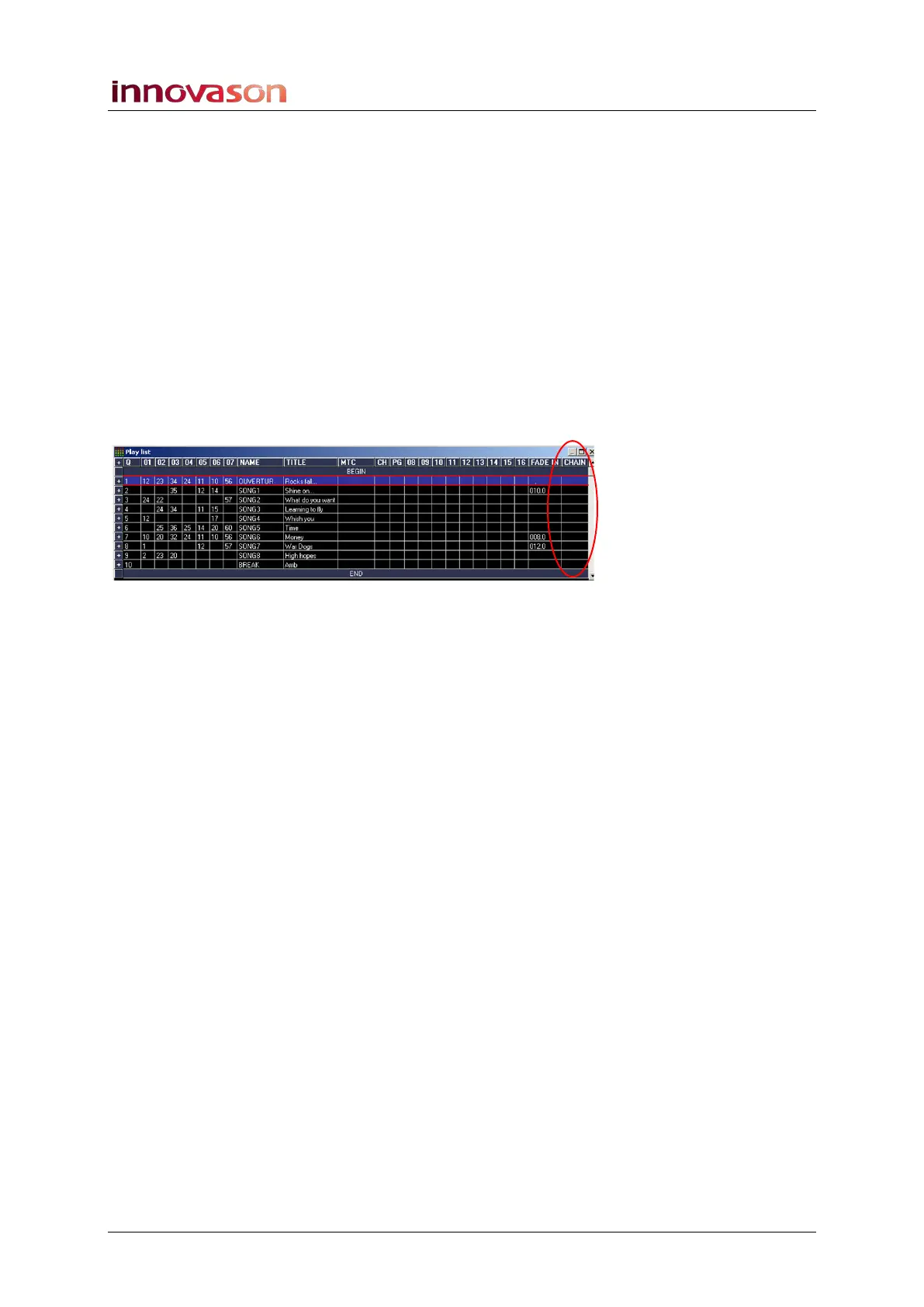
The column headed CHAIN within the Play List allows you to
chain a number of Pages:
By entering CHAIN in this column you set the end action
(following the crossfade) to automatically start the next
transition.
So, for example, to chain three Pages:
1. Select the first Page and enter a FADE IN time.
2. Then double-click in CHAIN column.
The word CHAIN should appear.
3. Select the next Page and enter a FADE IN time and
CHAIN.
4. Select the final Page and enter a FADE IN time. For this
page, make sure the CHAIN column is blank.
A blank CHAIN column means that automation will stop at the
end of the Page transition.
5. Remember to turn on crossfade automation on the
Main Mix display, see Page 381.
In our example, the playout sequence will run as follows:
• The console crossfades to the first Page settings.
• At the end of the fade in time, the next Page change
automatically begins.
• At the end of the second Page crossfade, the final Page
change automatically begins.
• Once the console has crossfaded to the final Page in the
chain, automation stops.



 To Next Page