Chapter 8: Utilities & Preferences
Linking
Eclipse User Guide 2.0 411/ 526
Smart Link Mode
This is the fastest way to configure channel linking when
working at the console.
Note that this method is not available if you are working offline;
use the LINK display, see Page 416.
Creating a Link Group:
1. Select one the channels you wish to link by pressing its
SEL button.
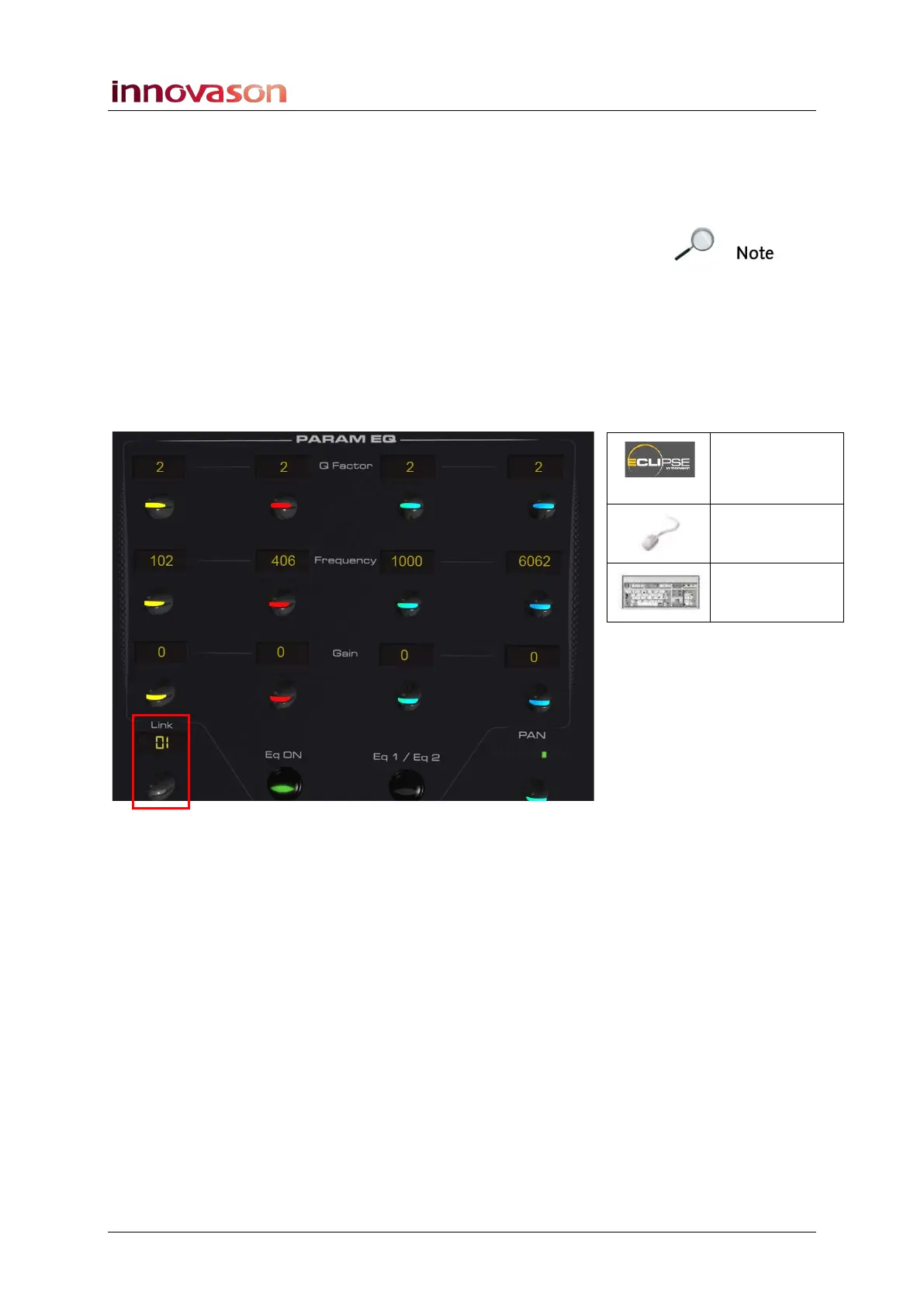
2. Then press down on the LINK rotary control, at the
bottom of the PARAM EQ panel, to open the Smart Link
window:
LINK
(PARAM EQ)
n/a
n/a



 To Next Page