Chapter 8: Utilities & Preferences
Linking
412/ 526 2.0 Eclipse User Guide
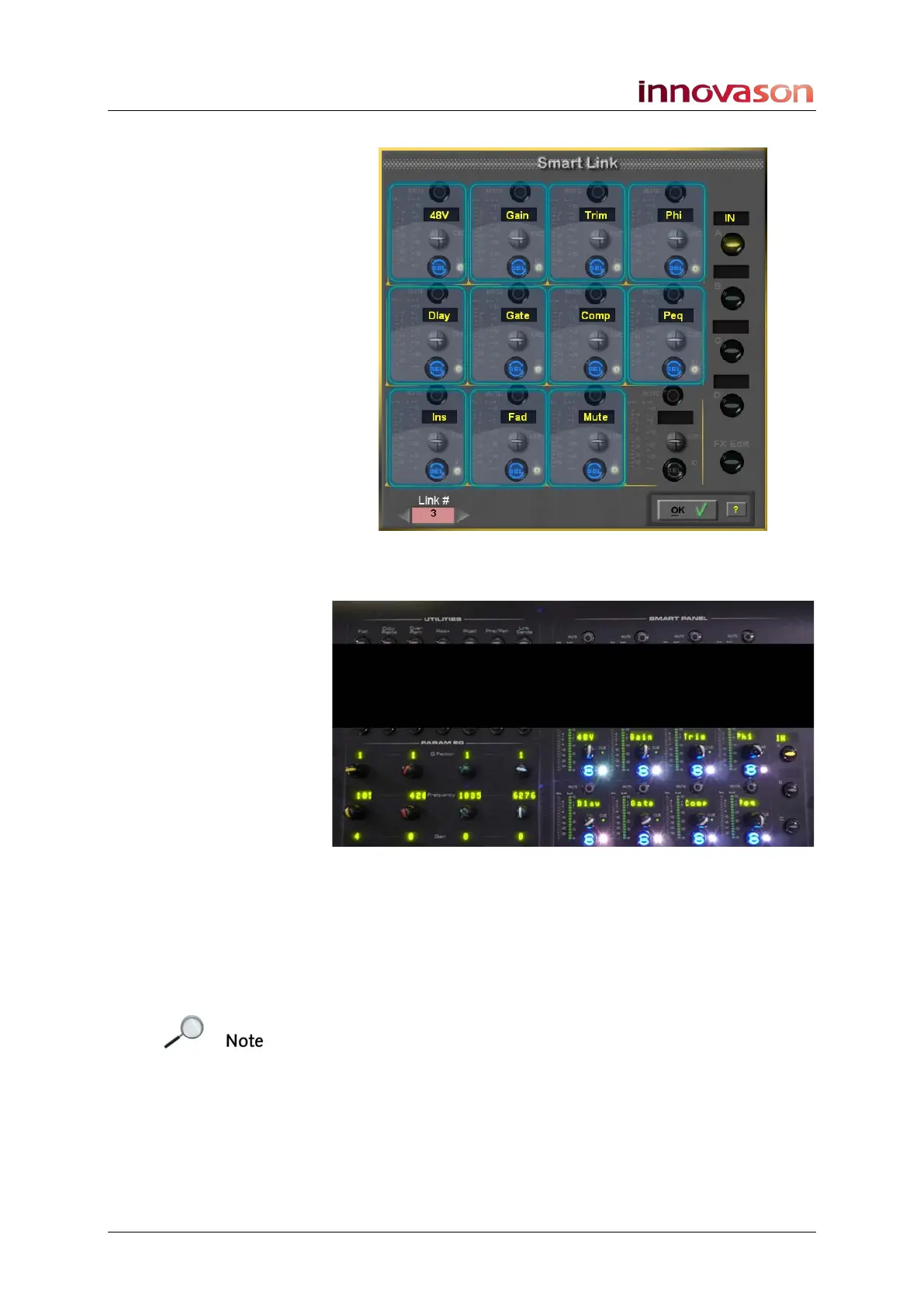
The Smart Link window opens:
And the Smart Panel on the console surface updates to reflect
the on-screen selections:
Note that if link groups have already been created, then the
system automatically offers the next free link group number.
The number is shown in the LINK control label (on the console)
and on the Smart Link display – in our example, link group 3.
3. Press the SEL buttons on the channels you wish to add
to the link group.
Note that you will be warned if a channel already has
parameters linked within another link group. Or if you attempt to
select an invalid channel - for example, you cannot link input
and output channels together.
4. Then use the Smart Panel SEL buttons, or touch-
screen, to select the parameters you wish to link.



 To Next Page