Chapter 8: Utilities & Preferences
Linking
Eclipse User Guide 2.0 413/ 526
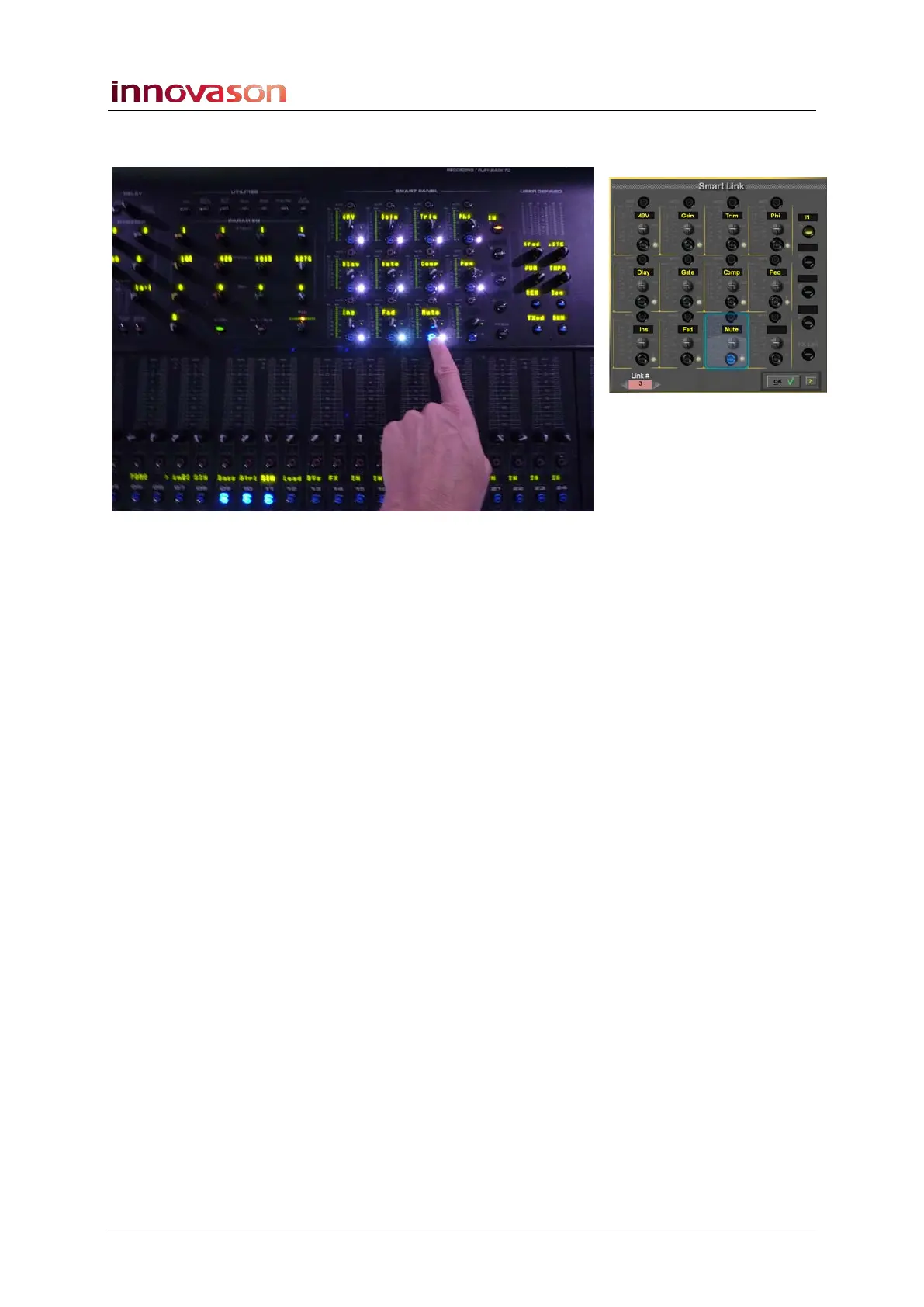
In our example, Link group 3 has Mutes linked for channels 9,
10 and 11:
5. Press OK to complete the operation and exit the Smart
Link window.
The Smart Panel returns to its normal mode of operation.
The linked channels operate as a ganged link. In other words,
adjust any channel in the group to adjust all linked parameters.
Links between channels are relative.
Link groups are saved and recalled from a Page. This means
that you can recall different linking for each Page of the show.



 To Next Page