Chapter 10: M.A.R.S.
Transport Control
Eclipse User Guide 2.0 459/ 526
Editing a Cue Point
You can enter a specific timecode value for a cue memory as
follows:
1. Touch or click on the TC column entry.
The timecode value is highlighted.
2. Type in the timecode value using the console keyboard.
For example, to enter a time of 1 minute, type 00:01:00:00.
3. Press [Enter] to confirm.
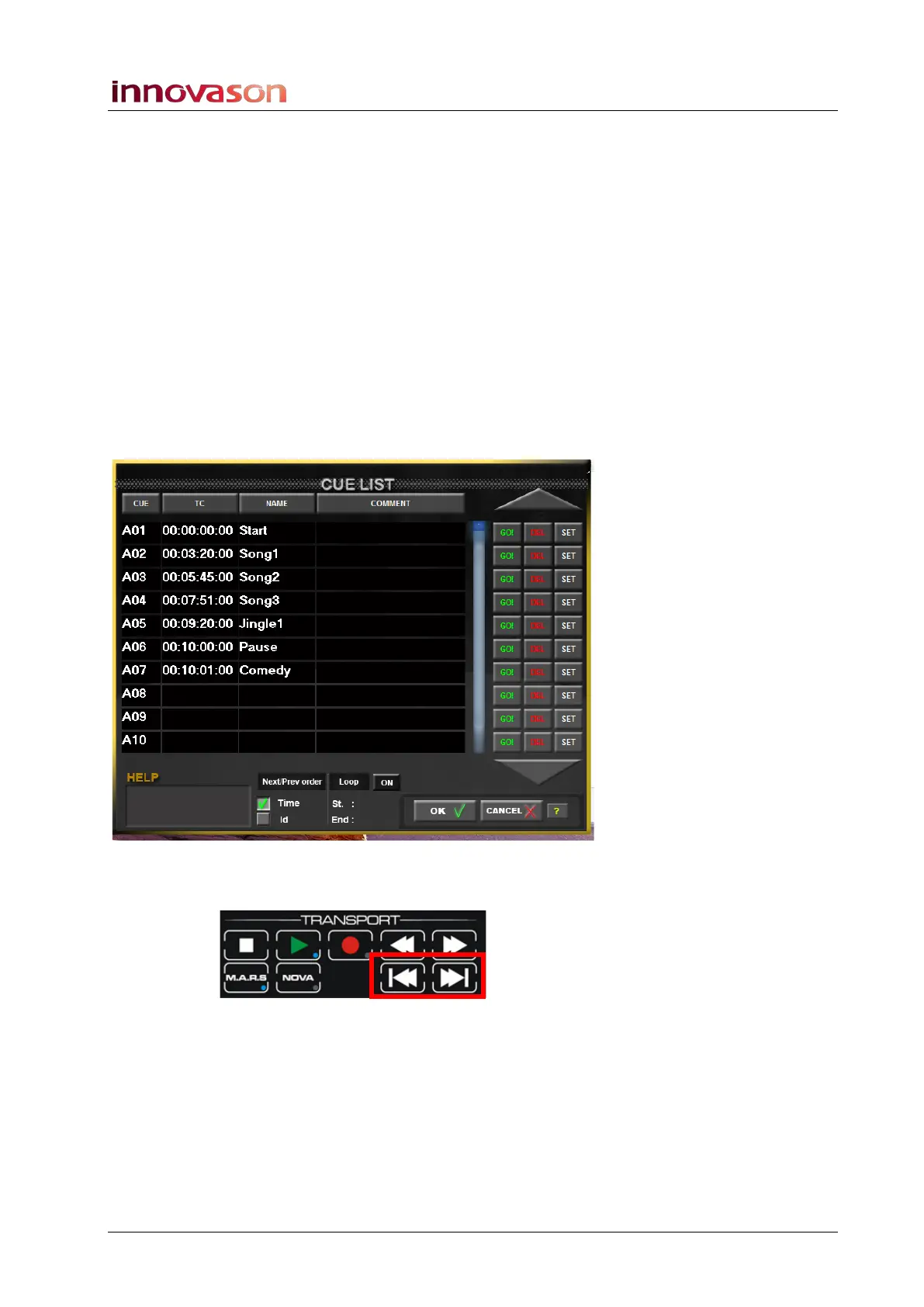
Setting the Next/Previous Cue Order
1. At the bottom of the CUE LIST window, you can set the
Next Prev Mode to either Time or Id:
This determines how the Next and Previous cue buttons on the
TRANSPORT panel operate:
• Time – the Next and Previous buttons step through cue
memories according to their timecode value.
• Id - the Next and Previous buttons step through cues
according to their ID number.



 To Next Page