Chapter 2: Installation
System Connections
Eclipse User Guide 2.0 47/ 526
It is important to connect the IN and OUT Ethersound
connections in the correct order:
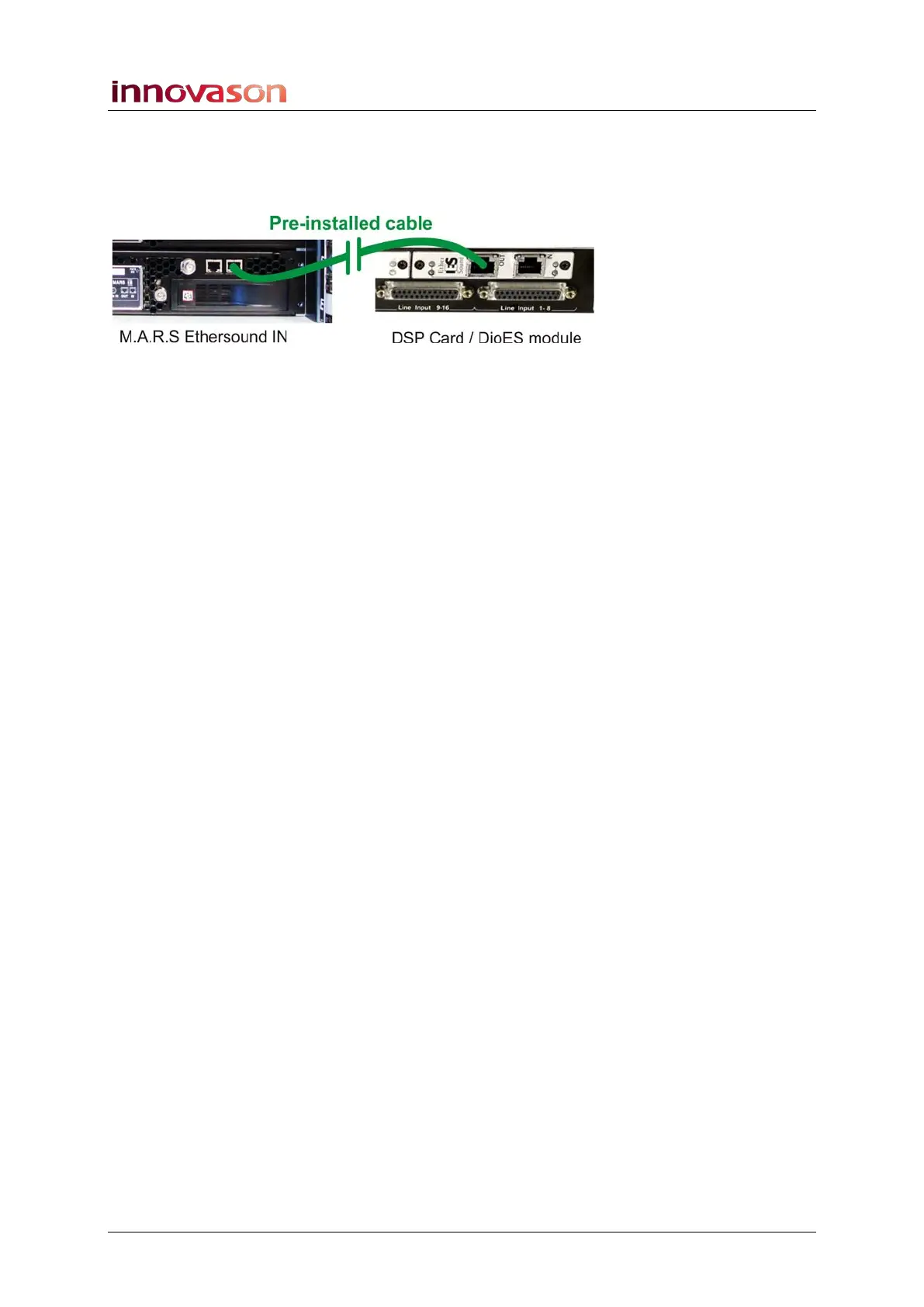
1. Remove the pre-installed Ethersound cable from Eclipse
(the OUT on the DioES module) to the MARS (IN):
2. Connect the Ethersound OUT from Eclipse (the OUT on
the DIOEs module) to the IN of the DioCore.
3. Connect the Ethersound OUT from the DioCore to the
IN of M.A.R.S.
Using a standard CAT5 cable, the length may be up to 100m.
When the Ethersound connection is correctly made, and
receive and transmit devices are powered, then the 2 LEDs
beside the connector flash synchronously.
By leaving the console’s Ethersound IN connection free, the
console becomes the Ethersound Primary Master device; this
enables it to detect DioCores automatically and assign
channels and data flow onto the Ethersound network.
See Page 263 for more details on networks, the Primary Master
and Ethersound streaming.



 To Next Page