Chapter 10: M.A.R.S.
Advanced Functions
478/ 526 2.0 Eclipse User Guide
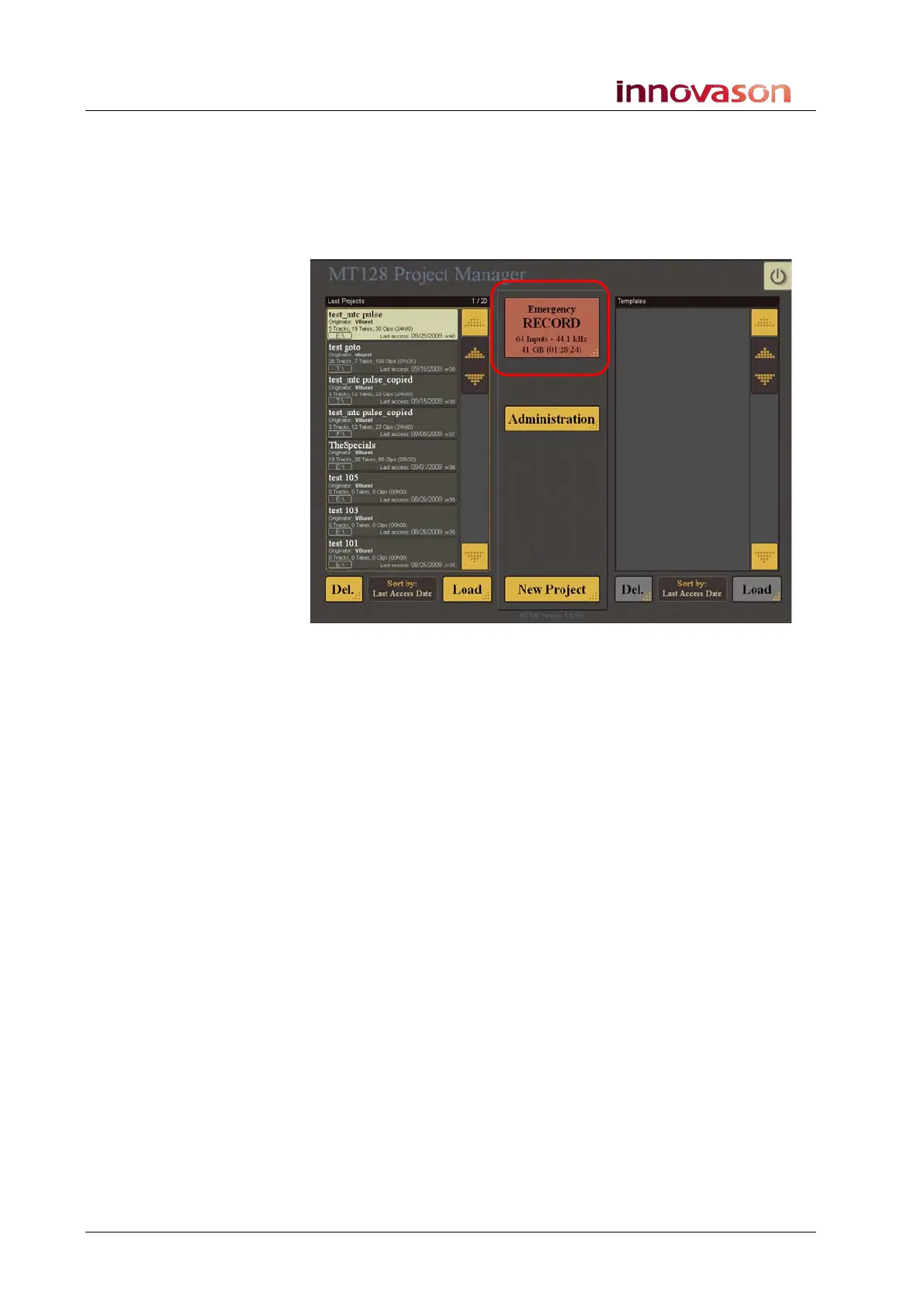
Emergency RECORD
This function is ideal if you do not have time to create and name a
project, and need to start recording immediately. You can access
the function from the MT128 Project Manager window within
M.A.R.S.:
1. Press the Emergency RECORD touch-screen button.
• M.A.R.S. automatically creates a new Project with all 64
tracks record armed, and BWF selected as the audio file
type.
• M.A.R.S. starts recording, referenced to internal timecode,
from a start time of 00:00:00:00.
2. When you are ready, press Stop to finish the recording.
3. If you now return to the Project Manager window, you will
see a new Project called Emergency Rec n.
4. Open the project to play back the recorded audio.



 To Next Page