Chapter 10: M.A.R.S.
Project Management in M.A.R.S.
Eclipse User Guide 2.0 491/ 526
Importing Audio
This function imports audio files into an existing Project. For
example, to make a copy of audio files on the M.A.R.S. hard disk,
or to import audio from an external drive.
Use this function to make a copy of an existing Project, by first
creating a new Project and then importing the audio.
We are going to import audio from an existing Project into a new
one:
1. First follow the steps on Page 466 to create a new Project.
This creates a new Project folder into which you can import your
audio.
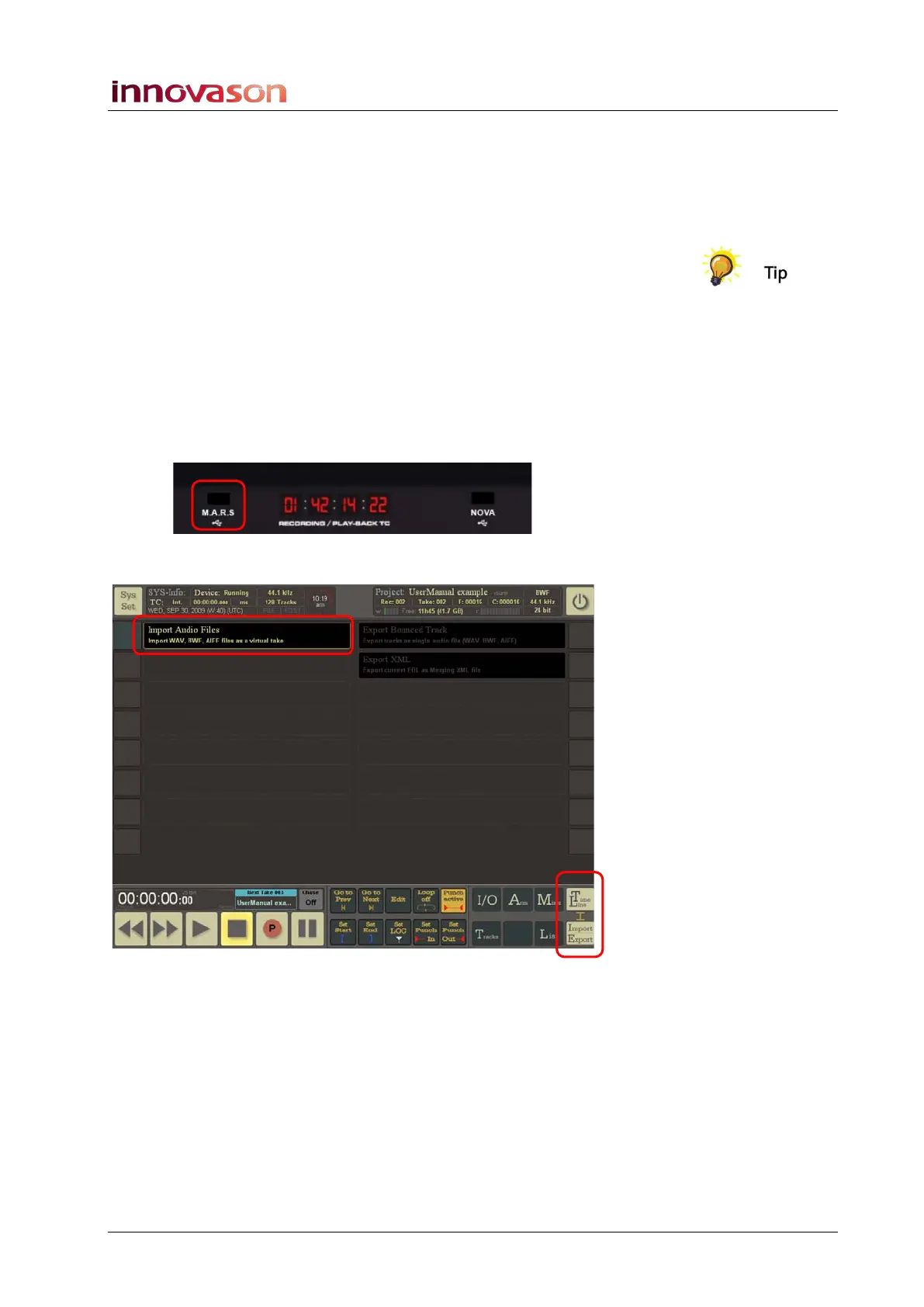
2. If importing from an external drive, connect the drive to the
M.A.R.S. USB port on the Eclipse front panel:
3. Then select TimeLine -> Import/Export:
4. Select the Import Audio Files button.



 To Next Page