Chapter 10: M.A.R.S.
Project Management in M.A.R.S.
492/ 526 2.0 Eclipse User Guide
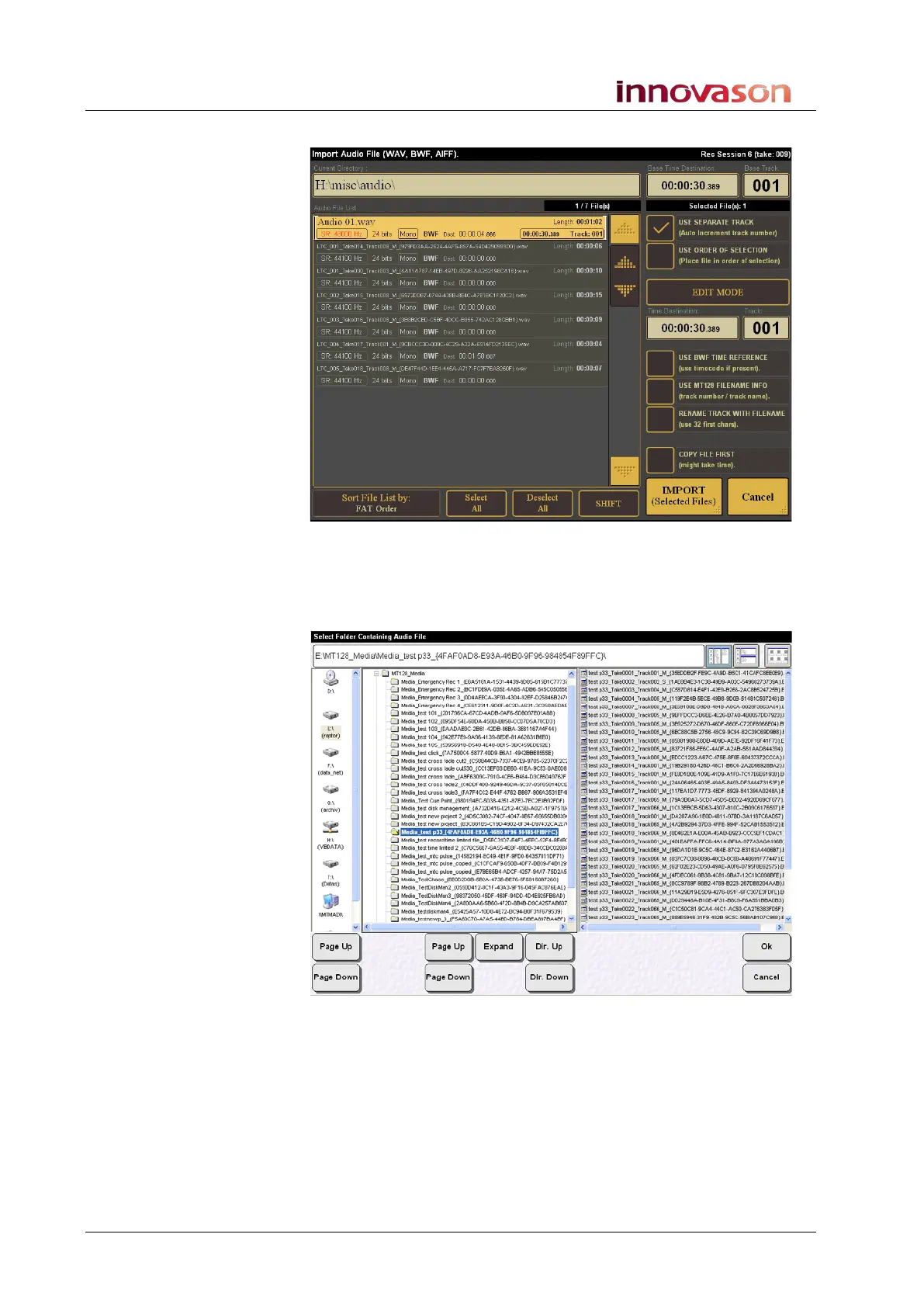
The Import Audio File window opens:
On your system, you should see the contents of drive E.
5. Touch the top bar (E:\) to open the File selector.
The File Selector window opens:
On the left of the display, you will see the drives connected to the
M.A.R.S. computer – drive E plus any external USB drives.



 To Next Page