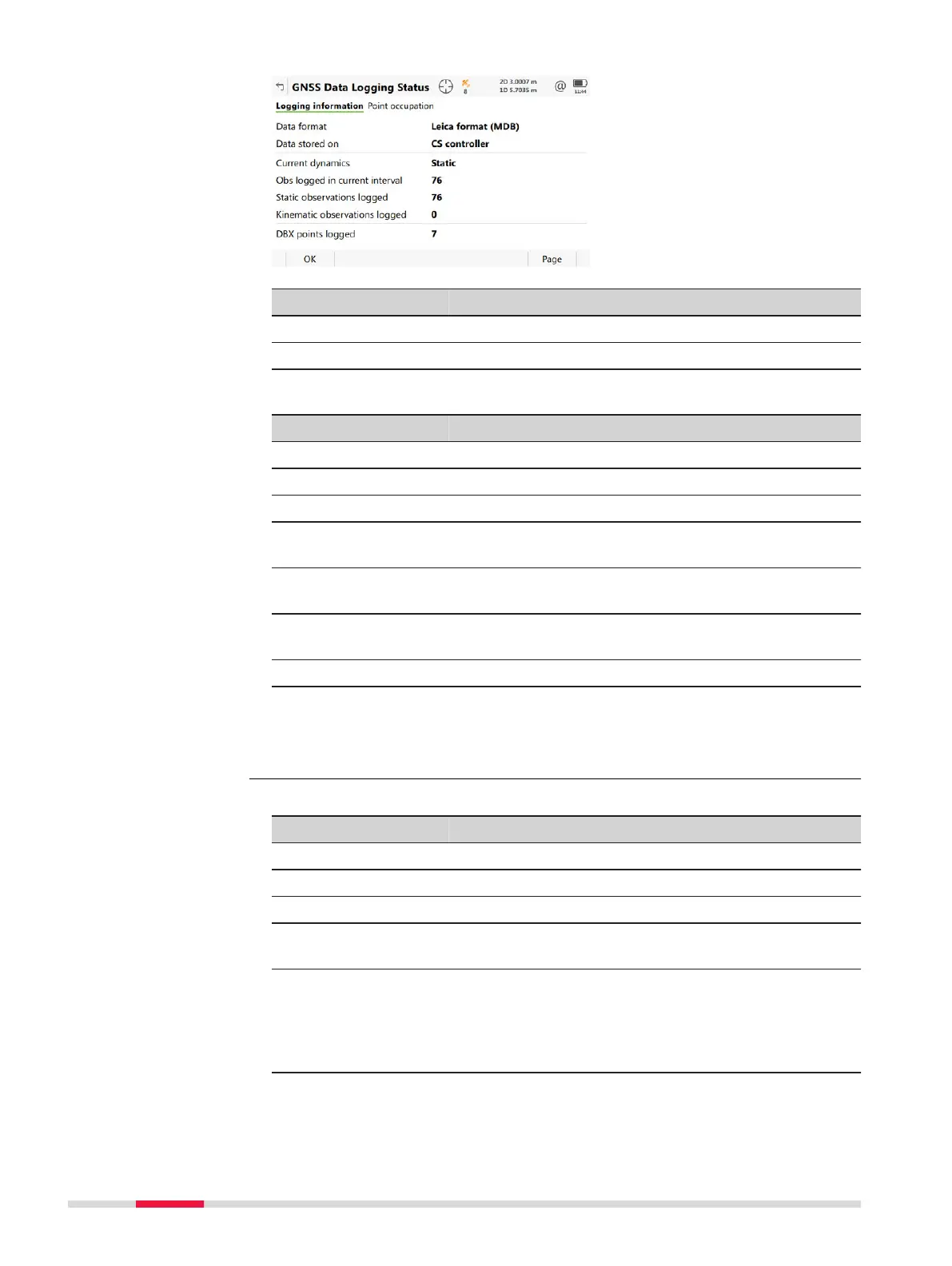
Key Description
OK To return to the Leica Cap
tivate - Home menu.
Page To change to another page on this panel.
Description of fields
Field Description
Data format Shows if raw data is saved and if so in which format.
Data stored on Shows where the data is saved.
Current dynamics Indicates if the instrument is static or moving.
Obs logged in cur-
ren
t interval
The number of observations logged in the current
interval.
Static observations
logged
The number of static epochs recorded in the current
job.
Kinematic observa-
tions logged
The number of moving epochs recorded in the cur-
rent job.
DBX points logged The number of points stored to the database.
Next step
Page
changes to the Point occupation page.
Description of fields
Field Description
Current dynamics Shows if the instrument is moving or not.
GDOP Current GDOP.
Logging rate Rate at which raw observations are being recorded.
Number of moving
obser
va
tions
The number of logged moving raw observations.
Reset as soon a new moving interval starts.
Logging data from
more than 5 sats
since
The time for how long five or more satellites are
tracked on L1 and L2 without interruption. If fewer
than five satellites were tracked, the counter is reset.
The counter is not reset after Measure, Stop or
Store.
GNSS Data Logging
St
atus,
Logging information
page
GNSS Data Logging
St
atus,
Point occupation page
40 Icon Pop-up Bubbles













 To Next Page