On base
Field Option Description
DynDNS
st
atus
Available on base.
Error DynDNS is active but the IP address could
not be updated at the DynDNS service.
Active DynDNS is active and has updated the IP
address.
Off DynDNS is inactive.
Last update Display only Available on base. The time and the date of
when the IP address was last updated at the
DynDNS service by the GS.
Current reg-
istered IP
Display only Available on base. The last IP address that
has been updated for the GS.
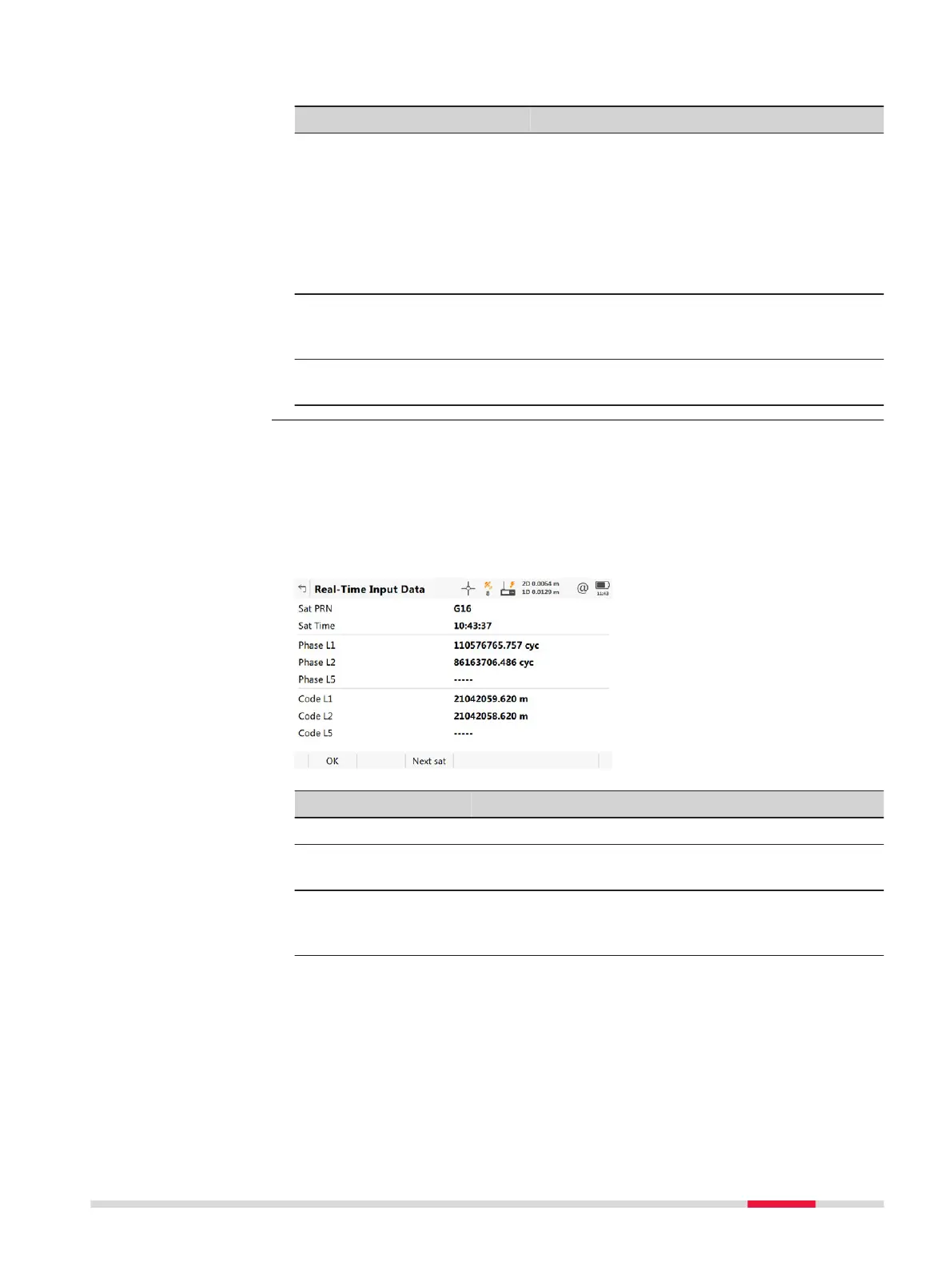
The following provides additional information on the satellite data received
using re
al-time message. Information of those satellites is displayed, which are
used on both base and rover.
Access
Dat
a on RTK Data Link Status, General page.
Key Description
OK To return to RTK Da
ta Link Status.
Next sat To display information on the satellite with the next
higher number.
Prev sat To display information on the satellite with the next
lower number. Available when Next sat was pressed
before.
Description of fields
The da
ta being received from the satellites and the layout of the panel depend
on the active real-time data format.
Real-Time Input Data
Icon Pop-up Bubbles 47













 To Next Page