Field Option Description
The rail job is a read-only source of informa-
tion and canno
t be selected as a job.
The selected Rail design is visible in 3D
viewer.
Use a tun-
nel design
Check box When this box is checked, a tunnel job can
be selected.
Tunnel
design
Selectable list Contains all the information about the tunnel
design including the geometry of the centre-
line and the tunnel profile. The files are
stored in the \DBX folder or a subfolder of
\DBX.
The tunnel job is a read-only source of infor-
mation.
The selected Tunnel design is visible in 3D
viewer.
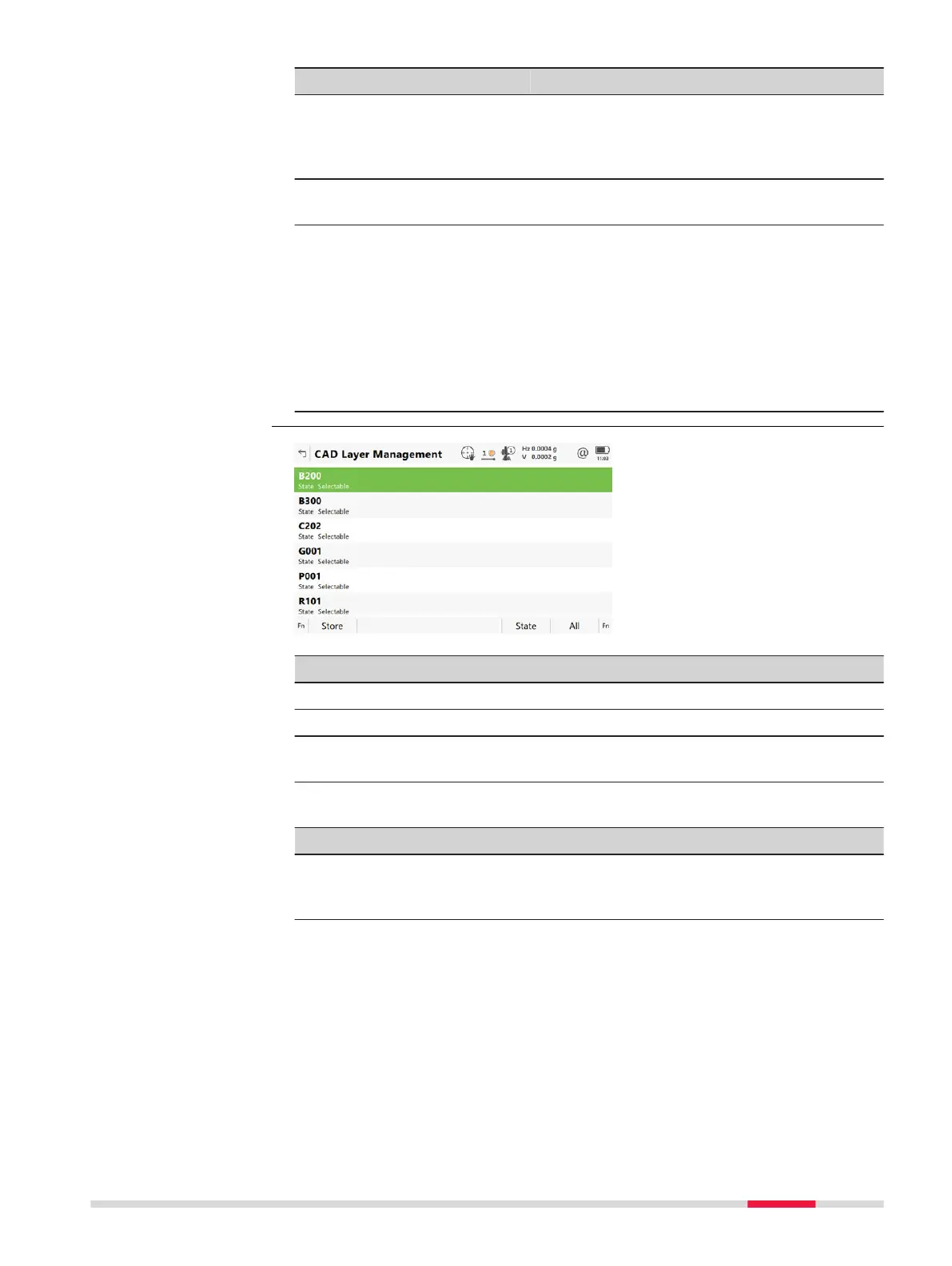
Key Description
Store To store the settings.
State To change between the options in the metadata for St
ate.
All To make all layers have the same state as the currently high-
lighted layer.
Description of metadata
Metadata Description
- The name of the layer.
Fo
r dxf files, all layers are listed, no matter if the layer is fil-
led or empty.
CAD Layer Manage-
men
t
Job Menu - Jobs 71













 To Next Page