Field Option Description
Ignore the
exten
ts in
the dxf file
Check box When this box is checked then the values for
the extents defined in the dxf file will be
ignored. This may be necessary if these val-
ues are very large meaning that the data will
not be displayed in the 3D viewer after
importing or attaching the file.
When this box is not checked then the val-
ues in the dx
f file for the extents are used.
All jobs on the available data storage devices are listed.
Select the jobs you want to link.
Check a b
ox if you want to link the control job to the job.
Key Description
OK To return to N
ew Job
, Linked jobs page.
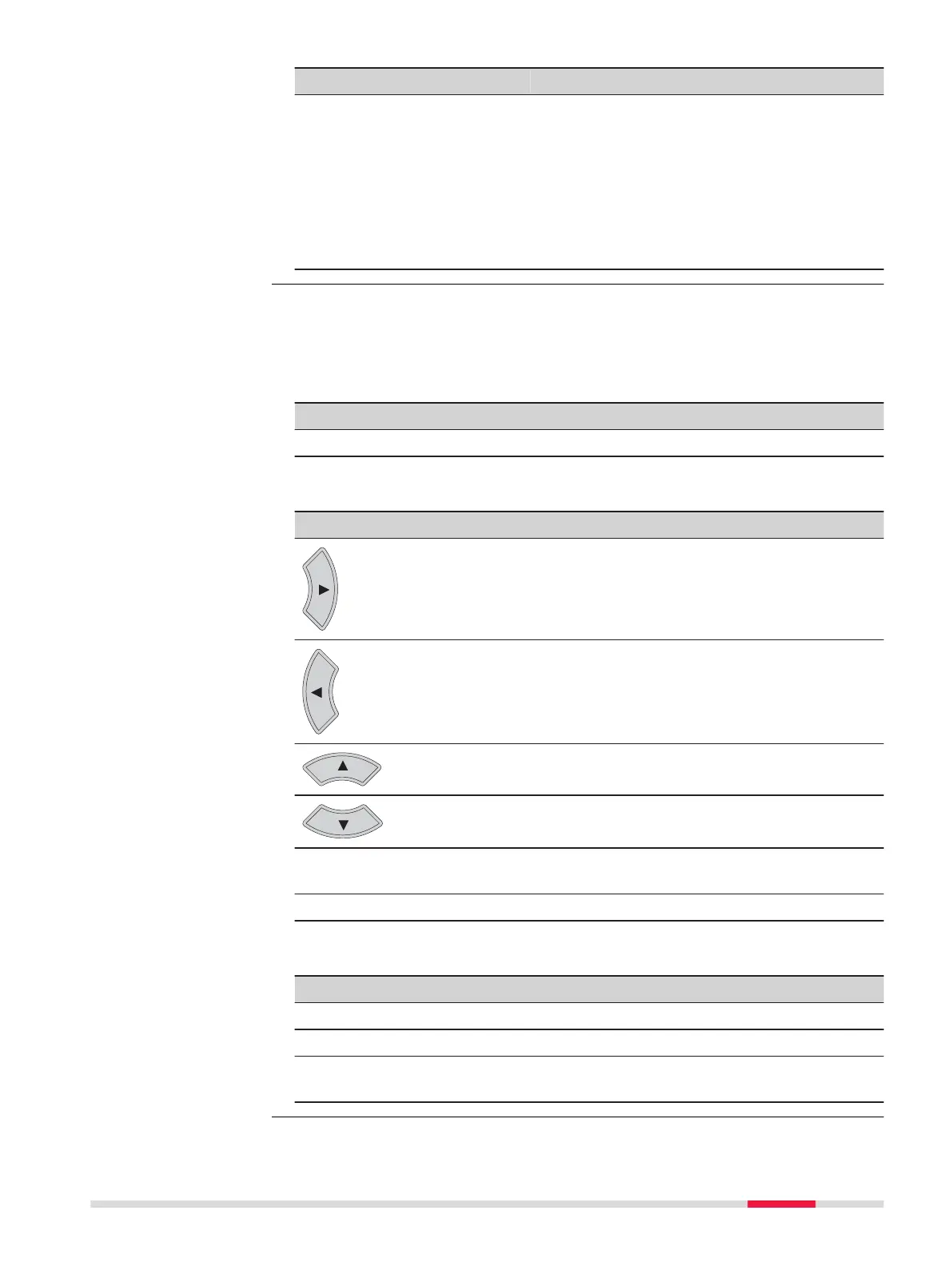
Check box behaviour
Description
Checks or unchecks the check box of the highlighted job. The
behaviour dep
ends on the current status of the check box.
Checks or unchecks the check box of the highlighted job. The
behaviour dep
ends on the current status of the check box.
Move the focus on the screen upwards.
Move the focus on the screen downwards.
Tapping the
check box
C
hecks or unchecks the check box depending on the current
status of the check box. Highlights the line.
Space bar Starts the job search.
Description of metadata
Metadata Description
- The name of the job.
Source The data storage device where the job is stored.
Date cre-
ated
T
he date of when the job was created.
Choose Linked Jobs
Job Menu - Jobs 73













 To Next Page