IPECS Release 5
Feature Description & Operation 5.0
5-31
5.28 SERIAL DSS
Description
LIP-8000 keyset supports Serial DSS to be connected through serial cable.
There are 3 types of serial DSS ; 12 button Serial DSS(LIP-8012DSS), 12 button Serial DSS with
LCD(LIP-8012LSS), 48 button Serial DSS(LIP-8048DSS).
Operation
Connecting Serial DSS to LIP-8000 keyset
1. Check the station have the authority to use serial DSS in Admin.
2. Check the serial DSS power is off (only for LIP-8048DSS).
3. Power off the LIP-8000 keyset.
4. Connect serial DSS to keyset through serial cable.
5. Power on the DSS (only for LIP-8048DSS).
6. Power on the keyset.
7. Program DSS button on station program by pressing [PGM] + Flex button.
Or, program DSS button from web ‘Flexible button PGM’ menu.
Editing LSS Labe
1. After connecting serial LSS, enter ADM 129 and enter serial dss order and desired button
number.
2. Edit Label string according to flex button feature.
3. If Label is saved and Flex button is programmed, the label string is displayed in the flex
button field.
Conditions
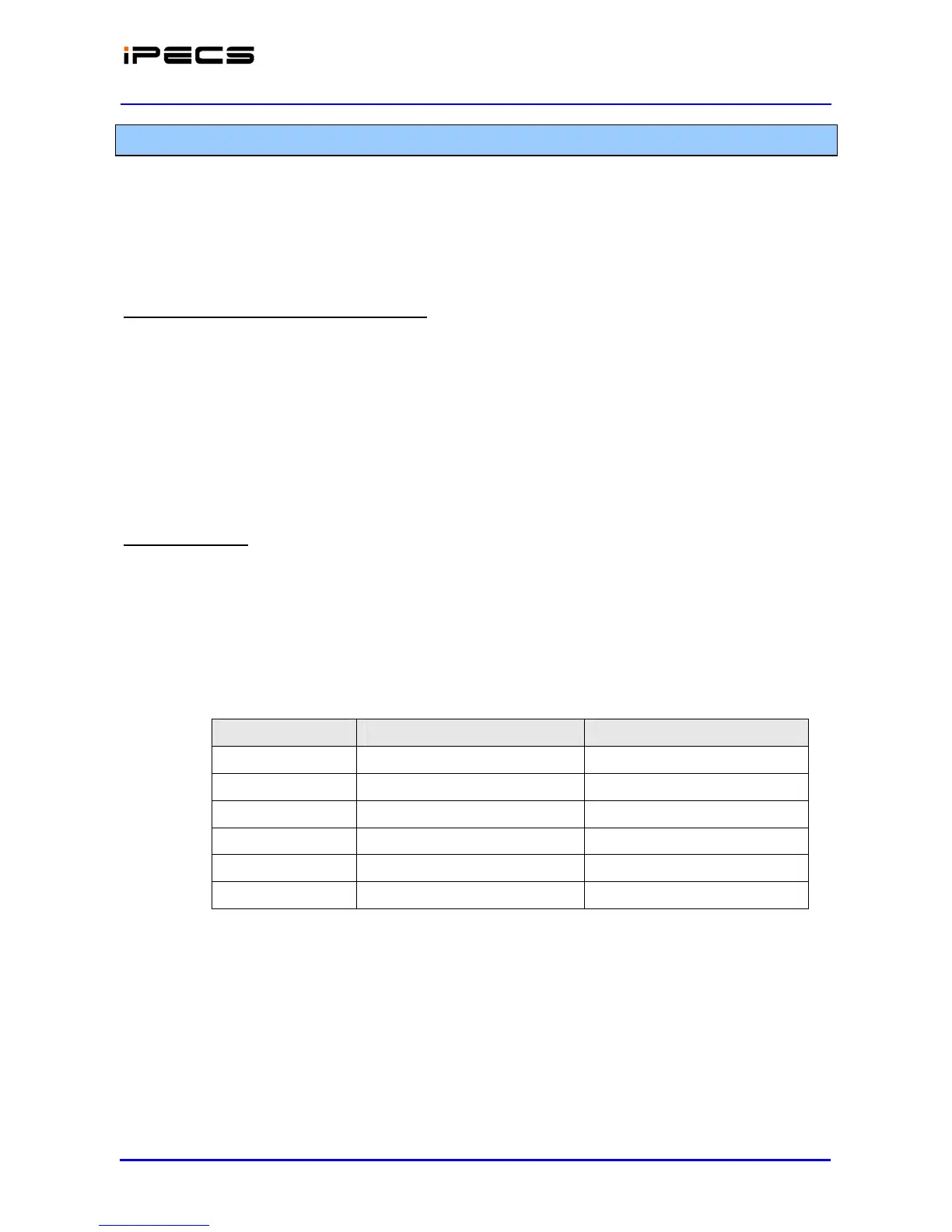
1. Total number of Serial DSS per a system is limited. Refer the table below.
System Max. number of Serial DSS Max. number of LSS
iPECS-Micro 50 20
iPECS-50 50 20
iPECS-100 50 20
iPECS-300 100 30
iPECS-600 200 40
iPECS-1200 200 40
Above limitation includes Hot-desk Agent stations.
2. LIP-8004D doesn’t support serial DSS.
3. Maximum 4 serial DSS boxes can be connected to one keyset.
4. LIP-8048DSS is powered by external adaptor, but others cannot use external adaptor. They
should be powered from keyset or LIP-8048 DSS.
5. LIP-8000 keyset can supply power to maximum two DSS. For this, the keyset should use
external adaptor. And LIP-8048 DSS also can supply power to maximum two DSS.
6. Linked pair Slave station cannot use the serial DSS.



 To Next Page