Certificates
Certificates
Start | Settings | System | Certificates
Manage digital certificates used for secure communication.
View – displays details of the certificate. Personal certificates may be extended from the view screen.
Delete – removes the certificate from the device. Delete is not available if the certificate was installed by a device
administrator.
Certificates are divided into three types: Personal, Intermediate and Root.
See Certificates in the Wireless Network Configuration section for detailed instruction on generating certificates.
Personal
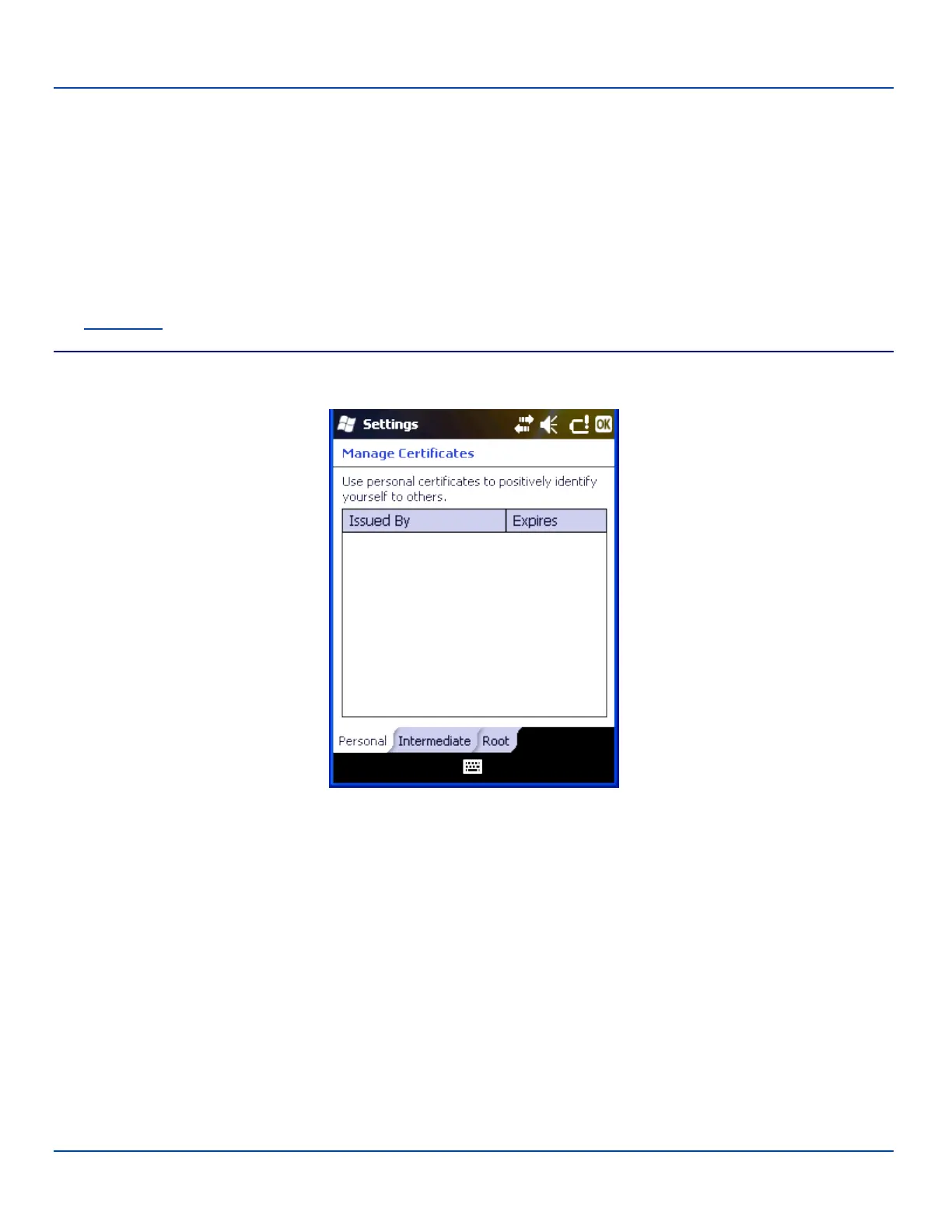
Certificate Settings – Personal Panel
This panel lists any installed Personal certificates. Personal certificates are used to identify the user of the device.
To install a User certificate:
1. Copy the .pfx or .p12 file to a folder on the MX7 Tecton.
2. Use File Explorer to browse to the location of the file and open the file by tapping the file name.
3. Type in the password to unlock the certificate and tap Done.
The new certificate is copied to the Personal certificate store on the MX7 Tecton.
E-EQ-MX7WMRG-A [ 89 ] MX7 Tecton™ for Windows Mobile Reference Guide



 To Next Page