Device ID
Device ID
Factory Default Settings
Device Name [device_specific]001
Device Description LXE_MX7 Tecton
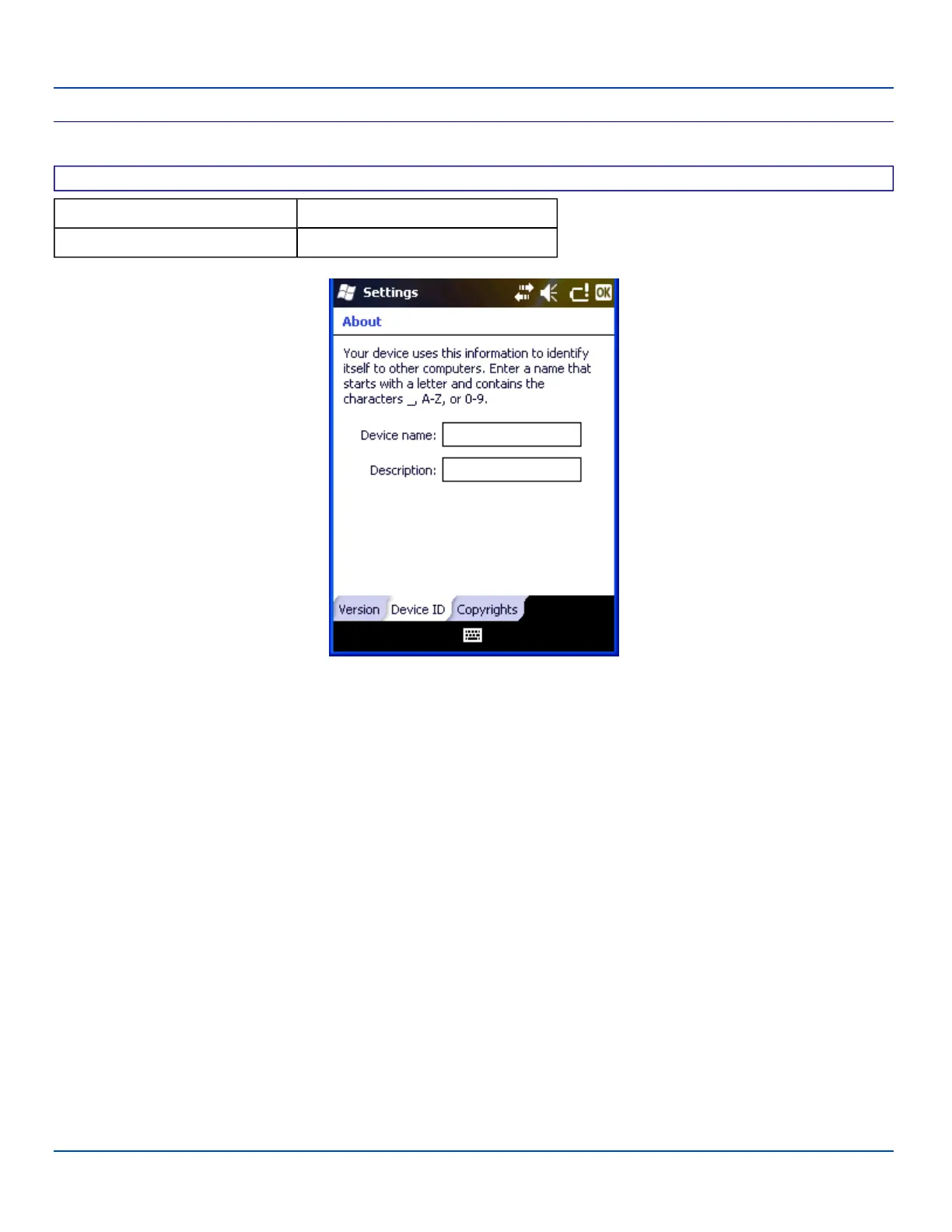
About Settings – Device ID Panel
The device name and description can be changed. Enter the name and description using either the keypad or the Input Panel
and tap ok to save the changes. The changes take effect immediately.
Note: The Device Name listed in Start | Settings | System | About | Device ID is not used during Bluetooth operation.
E-EQ-MX7WMRG-A [ 66 ] MX7 Tecton™ for Windows Mobile Reference Guide



 To Next Page