Text Size
Text Size
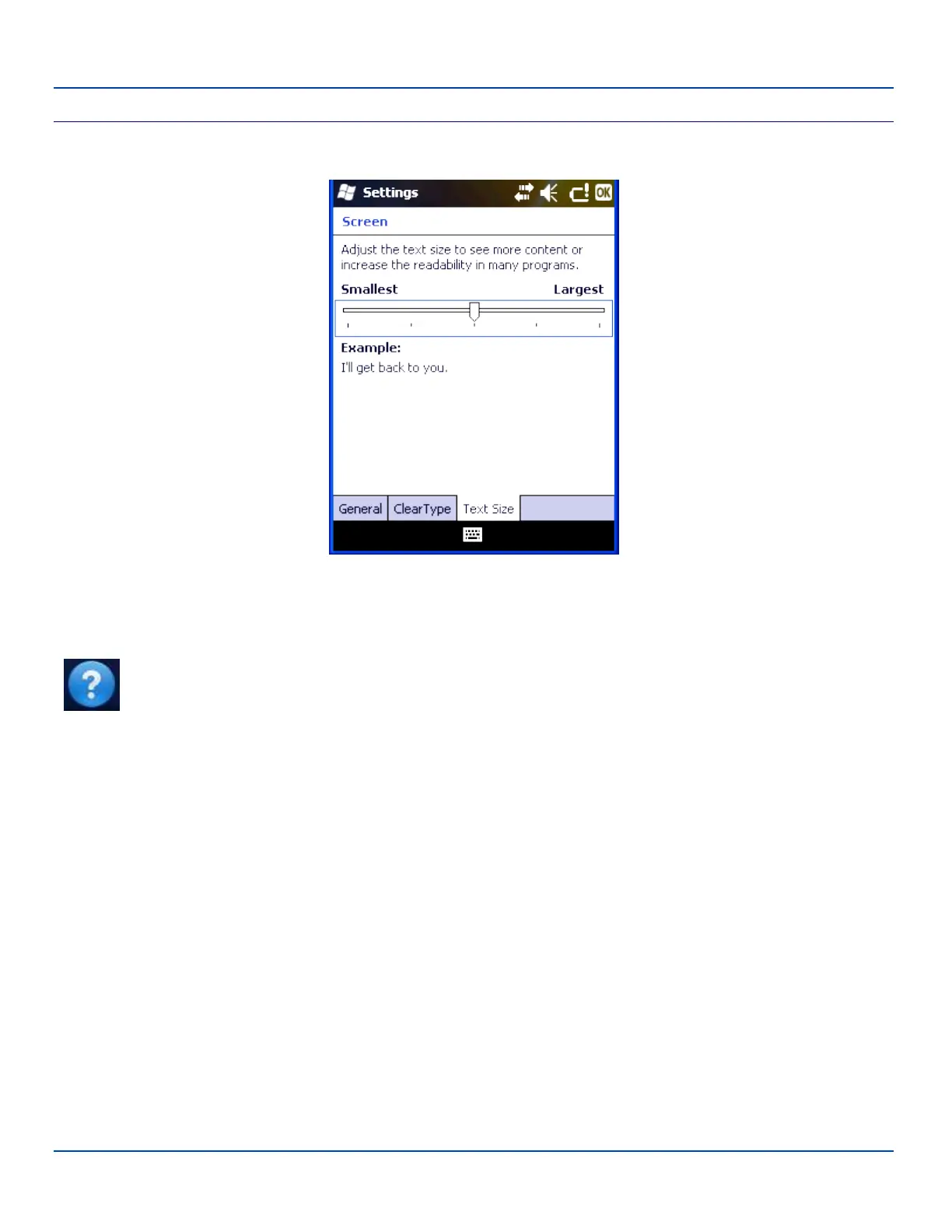
Screen Settings – Text Size Panel
Tap the marker and slide it across the bar. As the marker moves, the example text increases or decreases. Tap ok and the
change is saved. The new text size is in effect immediately.
Note: Tap Start | Help for context sensitive Windows Mobile Help when changing or viewing options. Tap the
X icon in the top right corner to close Windows Mobile Help.
E-EQ-MX7WMRG-A [ 152 ] MX7 Tecton™ for Windows Mobile Reference Guide



 To Next Page