Backlight
Backlight
Start | Settings | System | Backlight
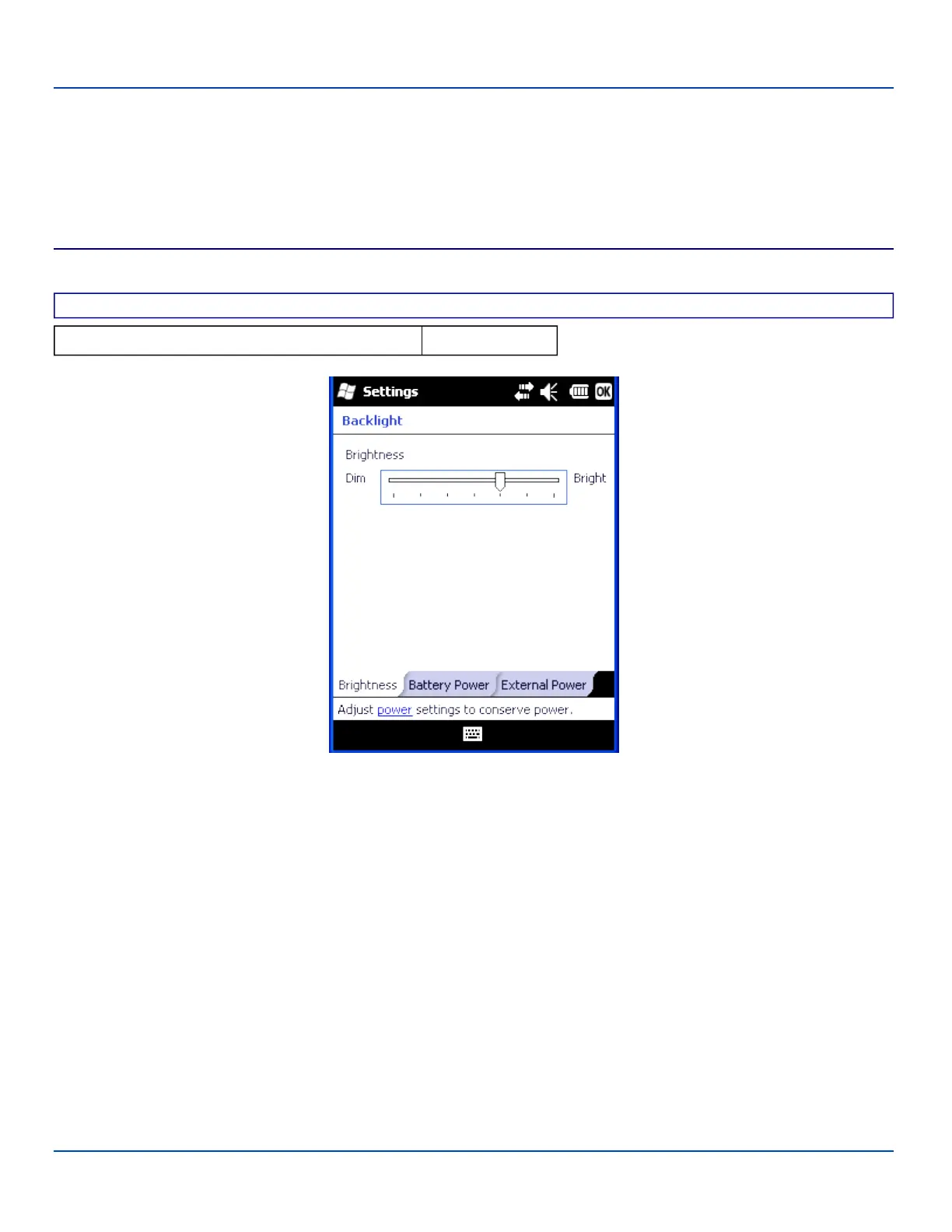
Set the power management timers for the display and keypad backlights. Set the display brightness for battery and external
power.
Backlight
Factory Default Settings
Default setting 70%
Slide the marker left and right to select the desired keypad and display brightness level. Adjust the settings and tap ok to save
the changes. The changes take effect immediately
IMPORTANT – When the backlight timer expires, the display backlight and the display are OFF, as is the keypad backlight.
This is the System Idle state, there is no separate User Idle state.
E-EQ-MX7WMRG-A [ 68 ] MX7 Tecton™ for Windows Mobile Reference Guide



 To Next Page