Display
Display
Window Display Options
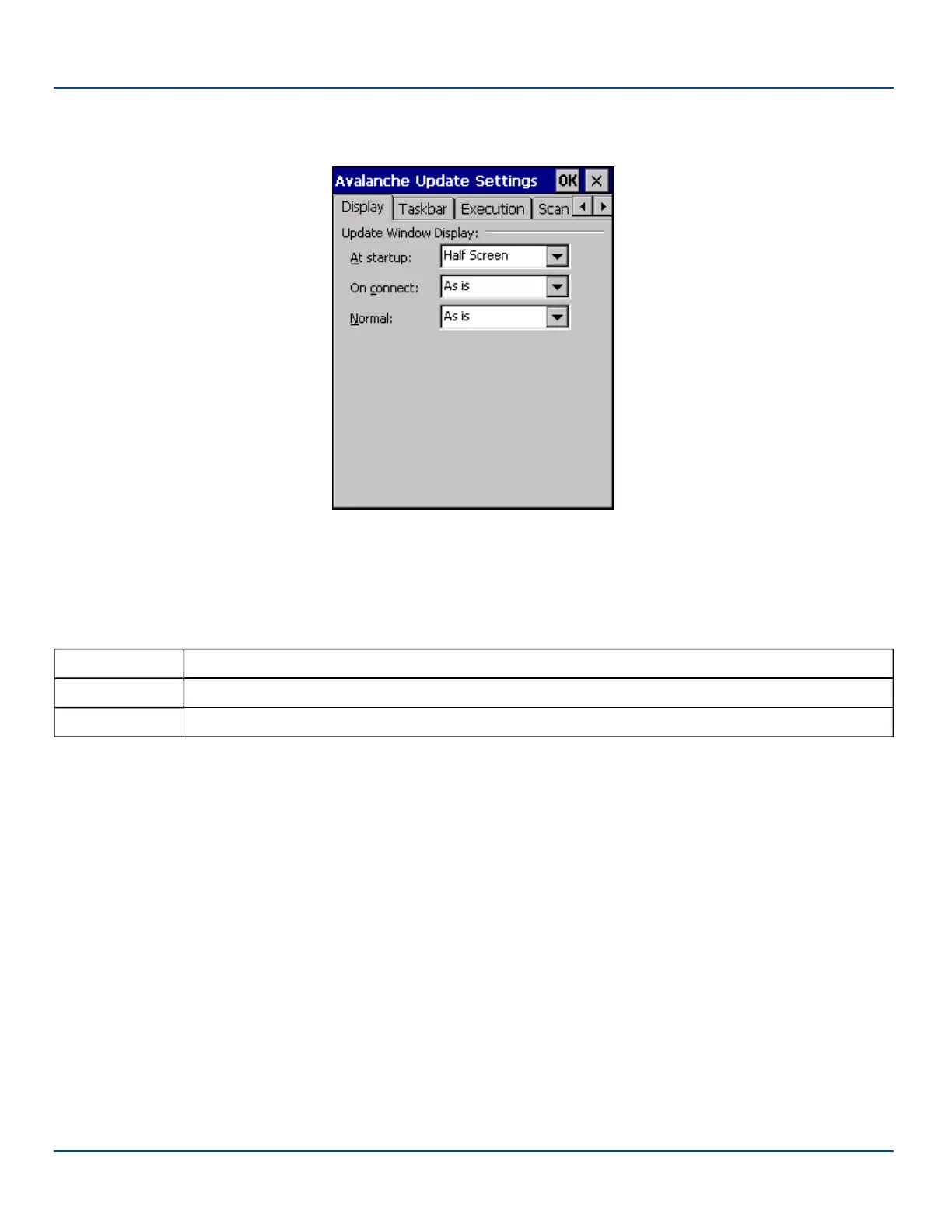
Update Window Display
The user interface for the Enabler can be configured to dynamically change based on the status of the MX7 Tecton connection
with the Mobile Device Server.
At startup Default is Half Screen. Options are Half screen, Hidden or Full screen.
On connect Default is As Is. Options are As is, Half screen, or Full screen.
Normal Default is As Is. Options are Half screen, Hidden or As Is.
E-EQ-MX7WMRG-A [ 236 ] MX7 Tecton™ for Windows Mobile Reference Guide



 To Next Page