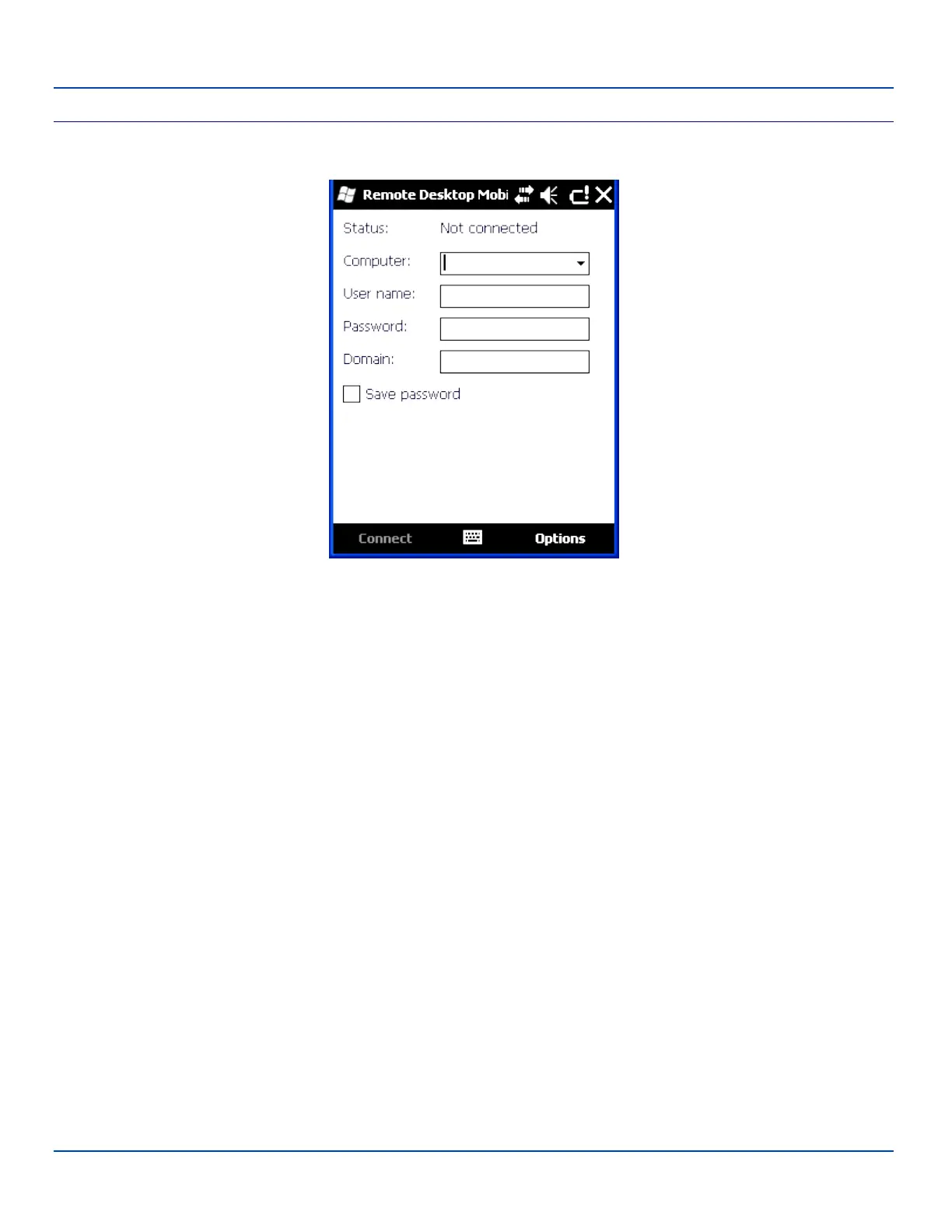
Connect to a Remote Server
Connect to a Remote Server
1. Enter the name of the computer to which you want to connect. If needed, enter the port number at the end of the com-
puter name (remotecomputername:portnumber).
2. Enter the user name, password and domain.
3. Tap the Save password checkbox if it is blank.
4. Tap Connect.
E-EQ-MX7WMRG-A [ 176 ] MX7 Tecton™ for Windows Mobile Reference Guide



 To Next Page