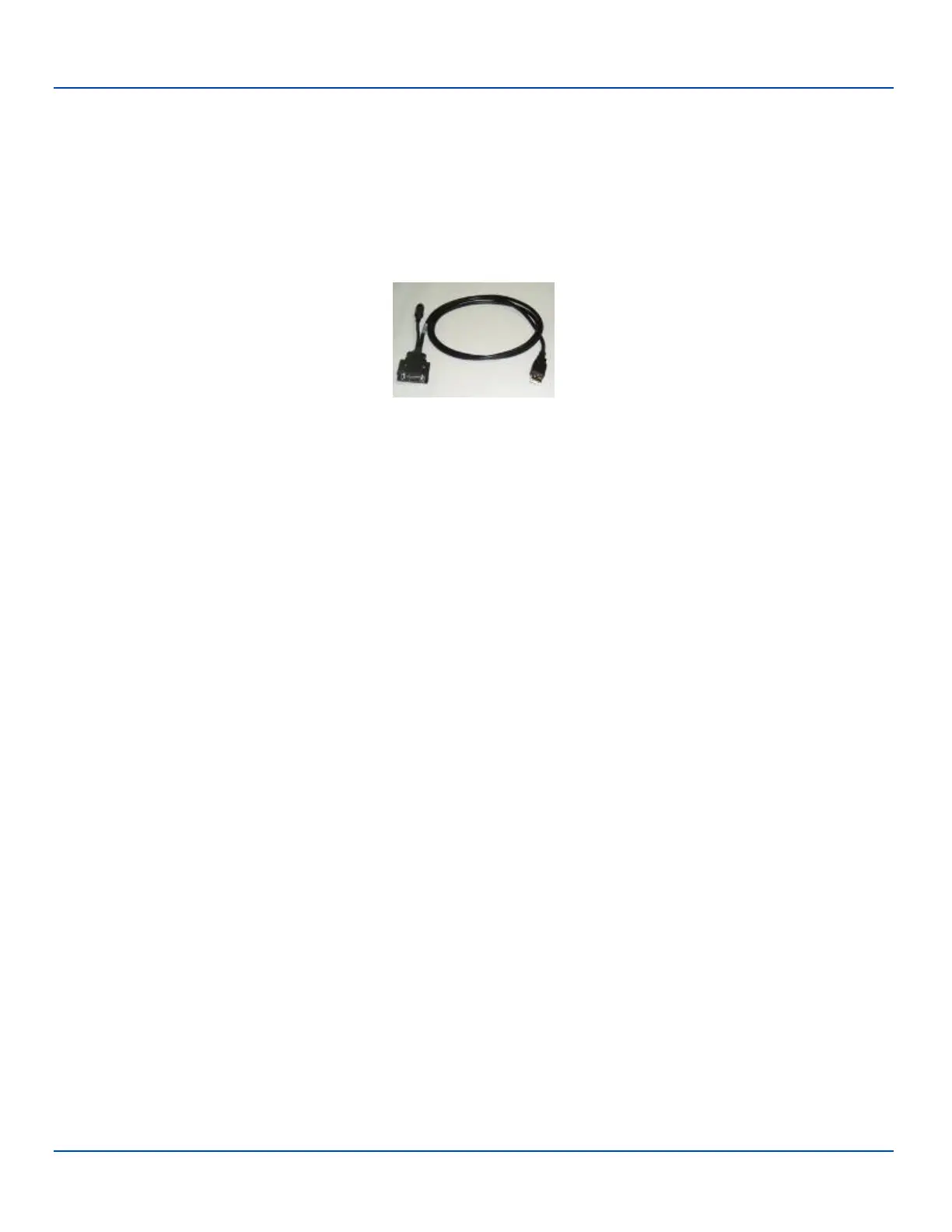
Cable for USB ActiveSync Connection:
Cable for USB ActiveSync Connection:
MX7052CABLE - MX7 Tecton Charge/Comm Interface Cable with USB Client port for ActiveSync. USB end of cable
connects to PC/Laptop USB port.
l Connect the MX7 Tecton end of the cable to the I/O port on the bottom of the MX7 Tecton
l The USB type A connector on the cable connects to a USB port on a PC or laptop.
l It is not necessary to connect the power connector on the cable in order to use ActiveSync.
E-EQ-MX7WMRG-A [ 196 ] MX7 Tecton™ for Windows Mobile Reference Guide



 To Next Page