Notifications
Notifications
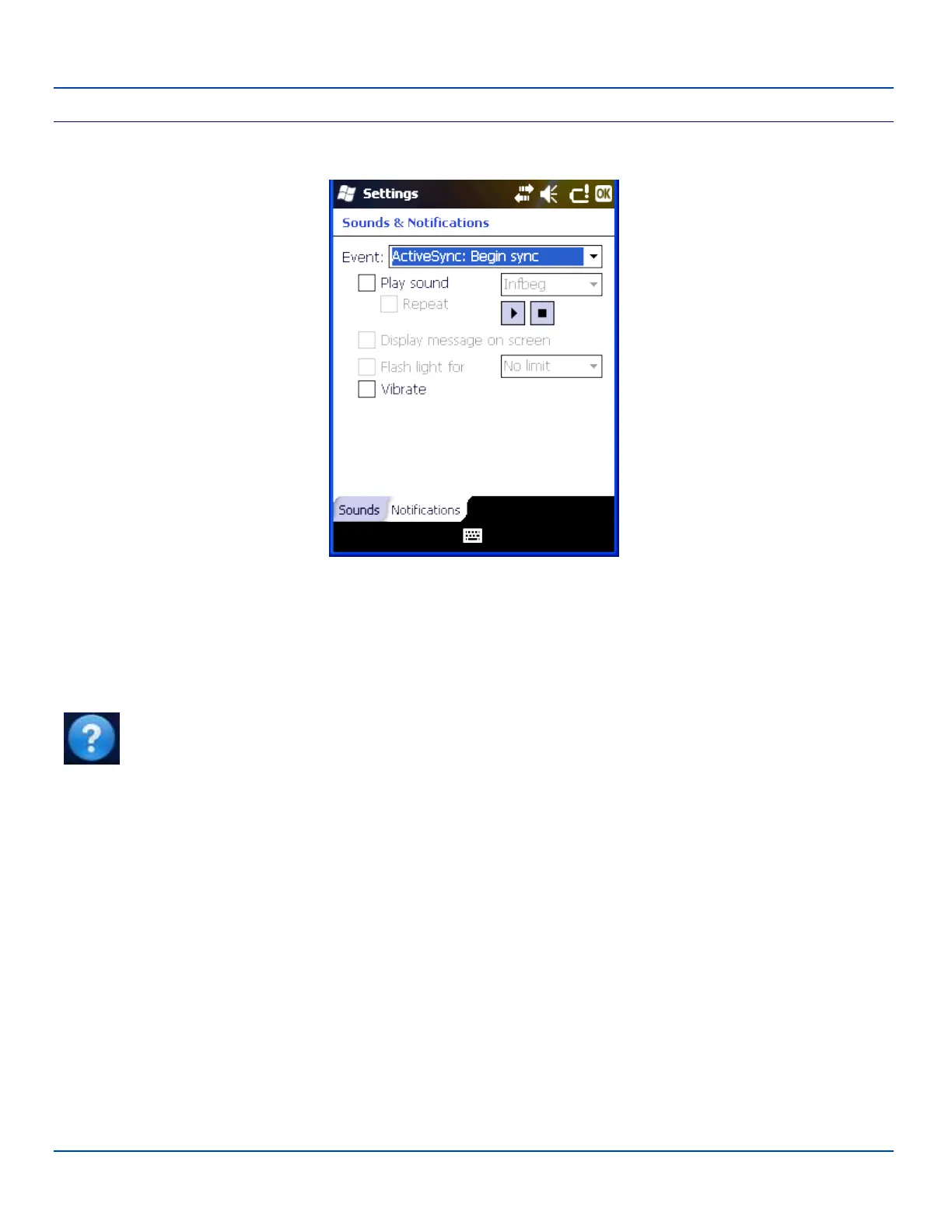
Sounds & Notifications Settings – Notifications
The Event box lists several events that can have an associated notification. The notification, depending on the event selected,
may consist of playing a sound, displaying a screen message, flashing a light or triggering the vibration motor.
When the flash light option is selected, the MX7 Tecton flashes the Alpha LED.
When finished, tap ok to save the changes.
Note: Tap Start | Help for context sensitive Windows Mobile Help when changing or viewing options. Tap the
X icon in the top right corner to close Windows Mobile Help.
E-EQ-MX7WMRG-A [ 54 ] MX7 Tecton™ for Windows Mobile Reference Guide



 To Next Page