Introduction
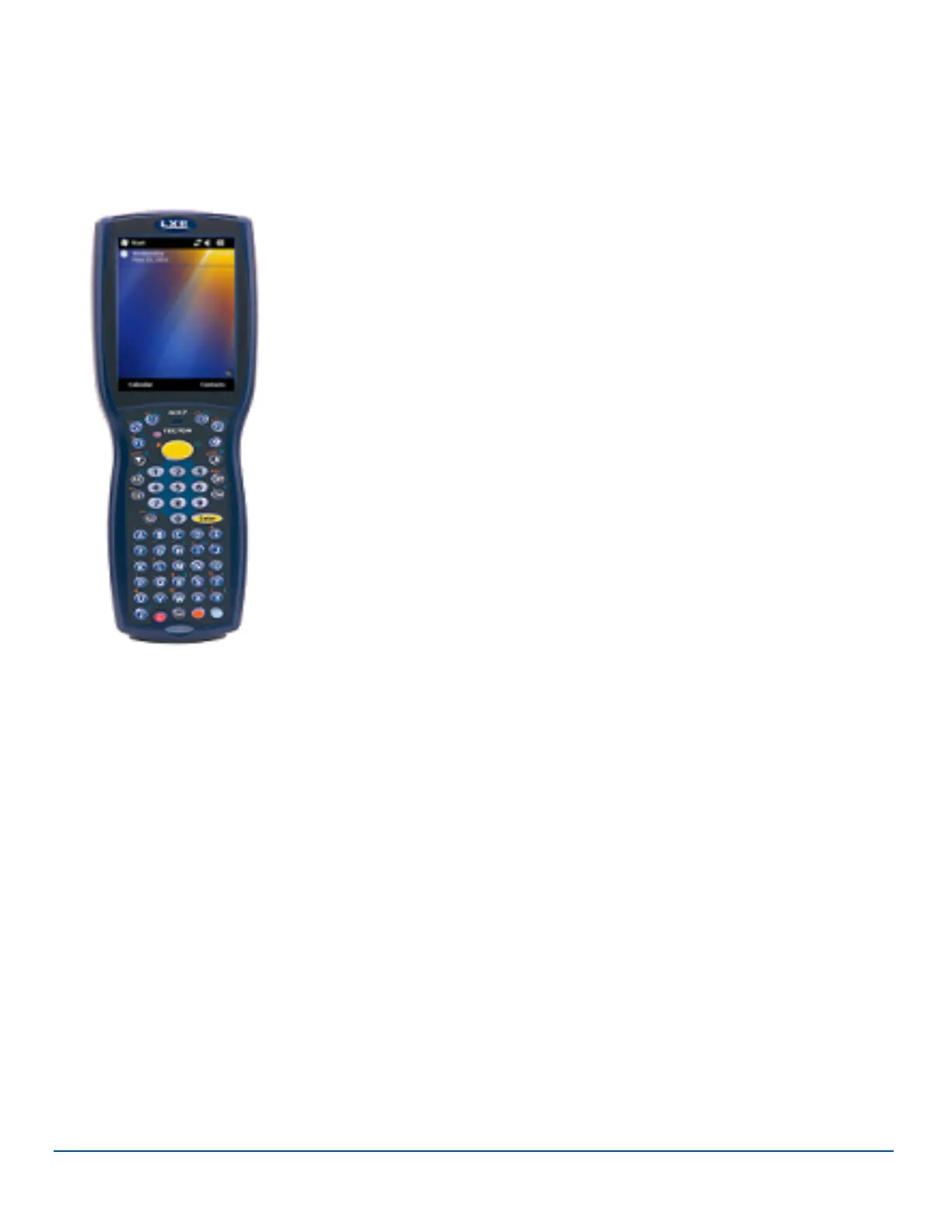
The LXE® MX7 Tecton handheld computer is a rugged, portable personal computer
equipped with a Microsoft® Windows® operating system.
This MX7 Tecton™ for Windows Mobile Reference Guide has been developed for a MX7
Tecton with a Microsoft® Windows® Mobile® 6.5 operating system.
This device can transmit information using an 802.11 network card and it can store
information for later transmission through an RS-232 or USB port. The MX7CS (Cold
Storage) device functions normally in various temperature ranges.
The MX7 Tecton is vertically oriented and features backlighting for the display. Keypads
are available in 55-key alphanumeric and 32-key numeric-alpha versions.
This device can be scaled from a limited function batch computer to an integrated wireless
scanning computer. A trigger handle is available as an accessory.
The stylus attached to the handstrap is used to assist in entering data and configuration.
Protective film for the touch screen is available as an accessory.
The MX7 Tecton is powered by a 2200 mAh Lithium-Ion main battery pack and an internal
Super-capacity (Super-cap) battery.
Note: There is no Warm Boot/Warm Start/Warm Reset (as used in other versions of Microsoft operating systems)
function available for Windows Mobile devices. Suspend/resume performs the equivalent function.
E-EQ-MX7WMRG-A [ 1 ] MX7 Tecton™ for Windows Mobile Reference Guide



 To Next Page