Bluetooth Devices
Bluetooth Devices
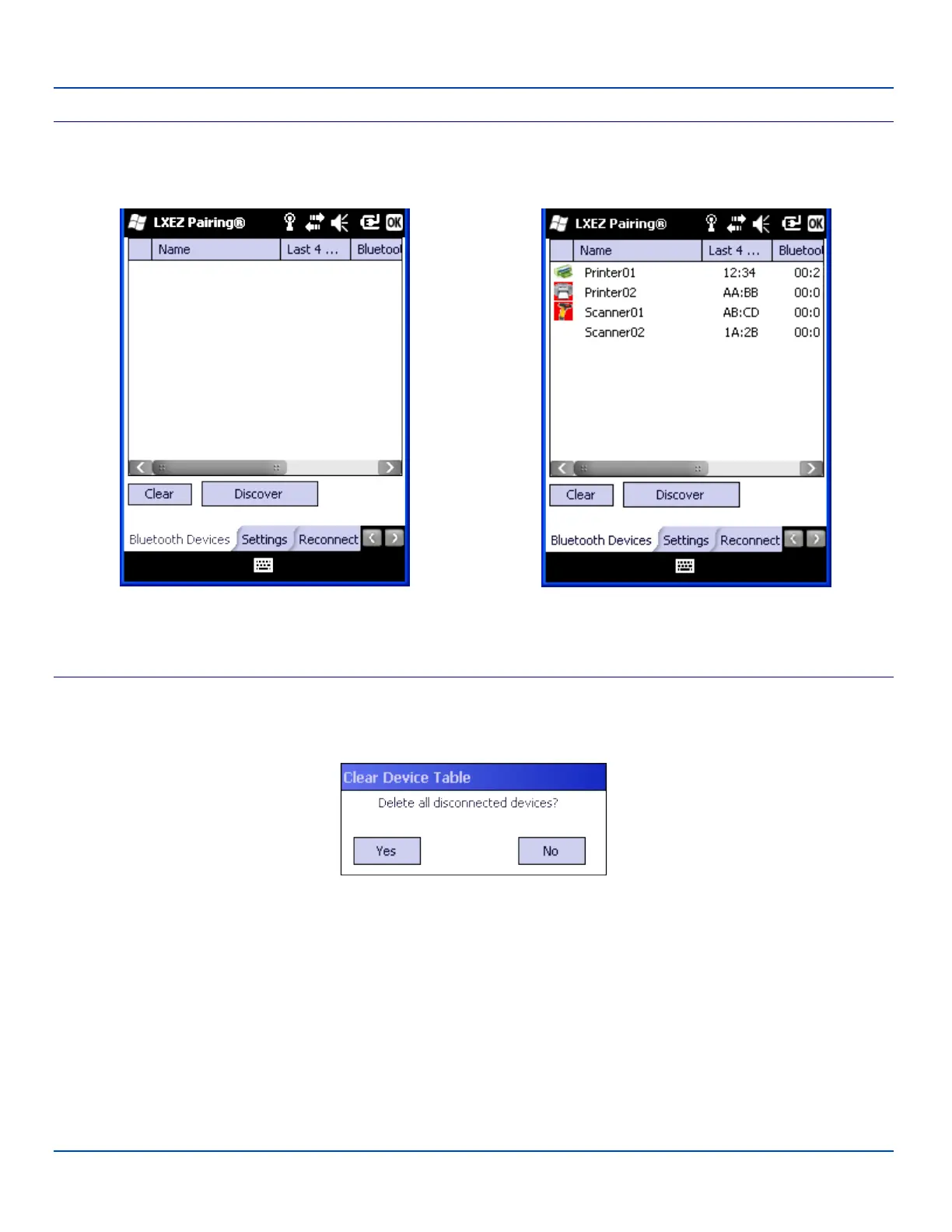
The Bluetooth Devices tab displays any device previously discovered and paired with the MX7 Tecton.
Before Discover (or initial setup) After Discover
Bluetooth Devices Panel
Clear Button
Deletes all devices from the Device table that are not currently paired. A dialog box is presented.
Tap the Yes button to remove disconnected or deleted devices from the device table. The devices are removed from the
Device table after any reboot sequence. Tap the No button to make no changes.
See "Clear Pairing Table on Boot" on page 82
E-EQ-MX7WMRG-A [ 74 ] MX7 Tecton™ for Windows Mobile Reference Guide



 To Next Page