Ctrl Char Mapping
Ctrl Char Mapping
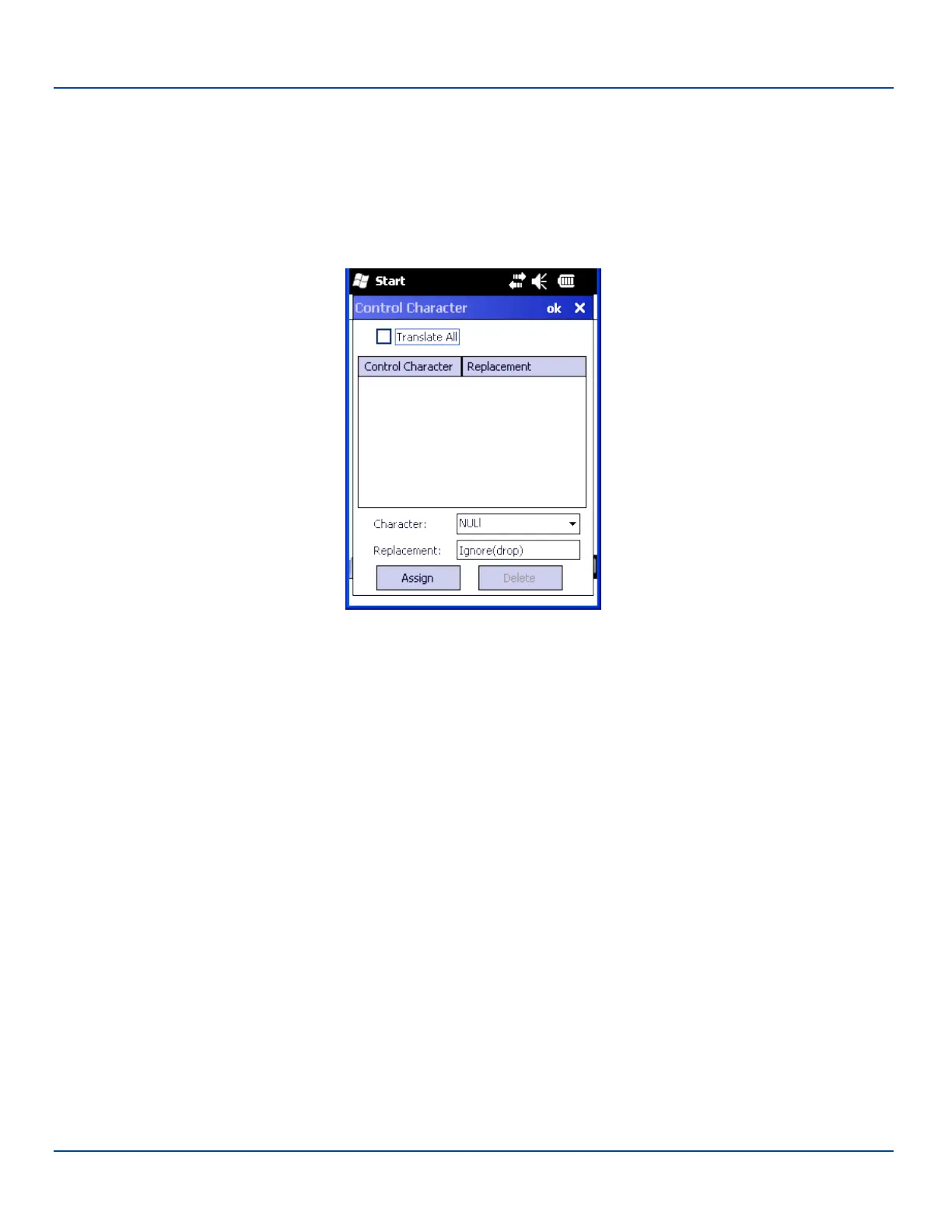
The Ctrl Char Mapping button activates a dialog to define the operations the Data Collection Wedge performs on control
characters (values less than 0x20) embedded in barcodes. Control characters can be replaced with user-defined text which
can include hat encoded or hex encoded values. In key message mode, control characters can also be translated to their
control code equivalent key sequences.
Ctrl Char Mapping
E-EQ-MX7WMRG-A [ 121 ] MX7 Tecton™ for Windows Mobile Reference Guide



 To Next Page